FCLK, UCLK, IO Die, Fabric… What Do These Terms Mean in Ryzen 9000? Check Out Our Guide!
 by Giancarlo C. Dalmedico "NoMS" June 8, 2025 · CPUs / CPUs / Reviews / Reviews
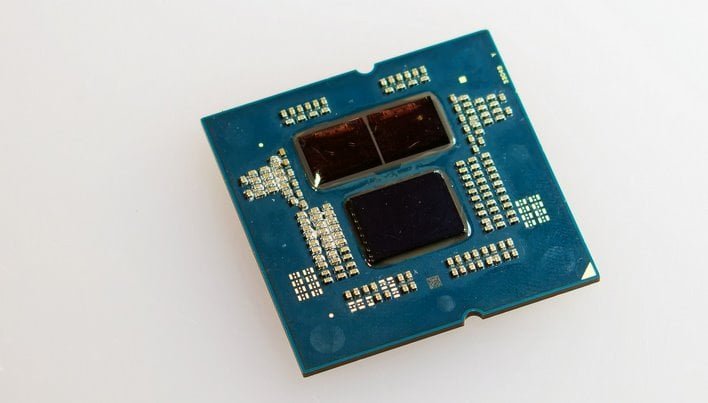
Despite the new Zen 5 architecture, the Ryzen 9000 CPUs are quite similar to their predecessors, retaining the same IO die and general topology. This means that the limits for memory overclocking and fabric performance should be the same… But they aren’t. In this article, we’ll break down what’s what inside the CPU all to help you reach the limit!
Let’s kick off our introduction with the alphabet soup of acronyms and abbreviations that probably haunt the nightmares of anyone not familiar with this stuff! 😀
Below, we have a block diagram showing the SoC layout of the Ryzen 7000 and 9000 CPUs. It illustrates how the dies are composed of CCDs, where the CPU cores are located, and the IO Die (cIOD), which houses the memory controllers, integrated graphics, PCIe lanes, and other IO features. These components are all interconnected within the SoC.

To connect these dies we have the Infinity Fabric (IF), which handles the interconnection of components through the package. Its operating frequency is known as fclk. However, for this communication to happen, there are circuits inside both the CCD and the cIOD called PHYs. These circuits enable the external connection between different dies via the package. Keep this term in mind, it will be important later on.
It’s worth noting that the IF acts as a kind of intermediary between the CPU cores and the memory. If this bus has less bandwidth than the memory can provide, the performance gains from using high-speed RAM tend to be limited. This is something we often observe with Ryzen 7000 and 9000 CPUs.
Virtually all modern computing architectures use synchronous logic in their design. This means that functional blocks change state in sync with a common clock signal. However, not all circuits operate at the same frequency. As a result, they are initially unable to communicate with each other, requiring a synchronization block to bridge them. This is the role of the SyncFIFO shown in the SoC diagram.
Naturally, this comes with a latency cost. That is why maintaining an exact ratio between FCLK, the Infinity Fabric clock, and MEMCLK, the memory clock, such as FCLK 2200 with DDR5-6600, which gives a 1:3 ratio, results in lower latency compared to FCLK 2200 with DDR5-6400.
Within the cIOD, we also find the memory controller, or UMC. This block is responsible for handling timing aspects, such as memory timings, and managing access requests from the CPU. It operates at a frequency called UCLK, which can either match MEMCLK (UCLK = MEMCLK) or run at half its frequency (UCLK = MEMCLK / 2).
It is important to note that with UCLK equal to MEMCLK, the maximum stable memory frequency is generally limited to 6400 MT/s, with only a few samples reaching 6600 MT/s. With UCLK at half MEMCLK, in theory, it is possible to achieve 8000 MT/s or more. However, in this mode, it becomes important to push memory frequency as high as possible to compensate for the slower controller.
PHYs are not only used in communication between the CCD and the cIOD. These circuits are also necessary for connecting the memory chips to the UMC. They handle the electrical communication between parts, and this is where impedance and termination adjustments make a difference. These factors affect signal integrity and system stability, especially when using higher memory frequencies.
It is also worth remembering that some time ago, AMD released an AGESA update introducing what they called Nitro Mode. This allowed Ryzen 7000 CPUs to reach 8000 MT/s with memory. Although AMD did not provide a clear explanation of what each Nitro setting does, these parameters allow fine-tuning of certain internal timings. These timings help maintain data integrity between the UMC and its PHYs, making it possible to reach higher memory frequencies, even if with a slight latency penalty in some cases.

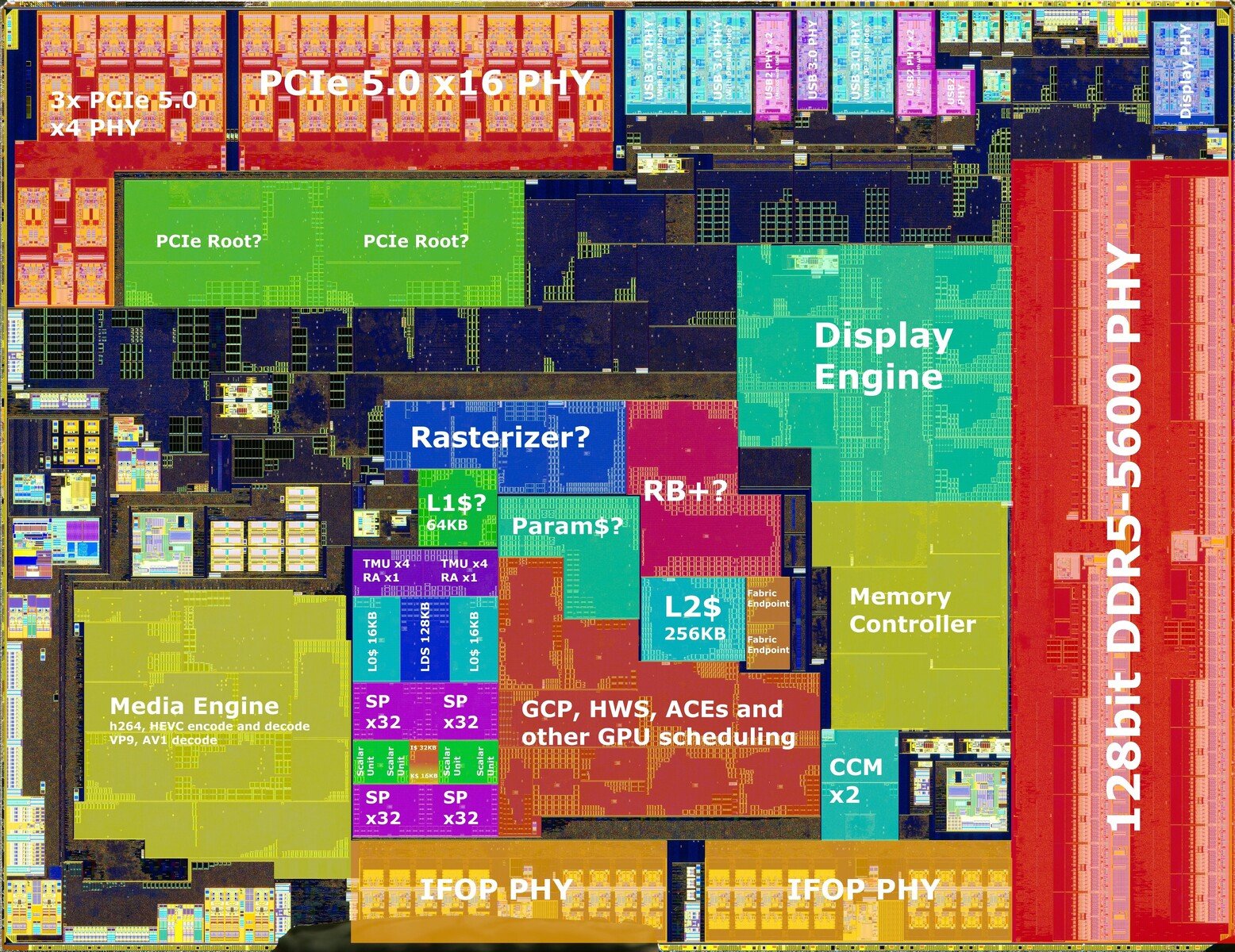
But the “alphabet soup” doesn’t stop there. In the motherboard BIOS, there are several settings, especially related to voltage, that can be quite confusing. They don’t always give a clear indication of what exactly is being changed or how it will affect the CPU. So let’s take a look at how these settings influence each of these blocks.


CPU Core Voltage:
As the name suggests, this is the voltage that powers the CPU cores. It directly affects the CPU frequency and power consumption. Normally, it does not impact the memory or other frequency domains of the SoC.
CPU SOC Voltage:
This is the supply voltage for the cIOD, but it’s important to remember that just as there are different frequency domains, the same applies to voltages. Not all blocks use the VDDSOC voltage directly.
When overclocking, VDDSOC directly affects the UCLK. This helps explain why it is usually possible to run with a lower voltage here while using UCLK = MEMCLK / 2 mode, even with memory running at 8000 MT/s or higher. As counterintuitive as it may seem, this setting has little impact on the maximum memory frequency or even the FCLK.
CPU VDDIO:
This parameter is somewhat important for memory overclocking, as it usually needs to be increased when raising the MEMCLK. However, there is significant variation between different CPU samples, with some showing errors in stability tests if this voltage is set too high. As a general rule, it is possible to reach up to 6400 MT/s with 1.35V or less, and 8000 MT/s with something between 1.4V and 1.45V.
VDDP or CLDO_VDDP:
This is the voltage for the memory PHYs, which can be crucial for those aiming to push the MEMCLK very high. Like VDDIO, this parameter varies significantly between samples. On average, and even in extreme cases, it usually does not exceed 1.175V for memory frequencies above DDR5-8000.
VDDG CCD and IOD:
This pair of parameters refers to the voltages of the Infinity Fabric PHYs, which connect the cIOD to the CCDs. As expected, VDDG CCD is on the CPU side, while VDDG IOD is on the cIOD side. If you are using a CPU with two CCDs, it is possible to adjust the PHY voltages for each CCD separately.
These parameters can be tweaked when overclocking the FCLK and may help with occasional instability. However, very rarely do they allow pushing beyond the CPU’s limit. For example, a chip that won’t POST above 2166 MHz on the FCLK will most likely keep that limitation even after adjusting the VDDGs.
What now?
Knowing the CPU’s functional blocks and how each part responds to the different available voltage adjustments makes it easier to succeed when overclocking. What used to be done by guesswork when things went wrong can now be done more consciously, knowing exactly what you are adjusting.
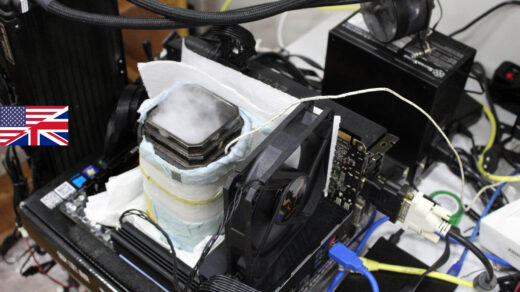
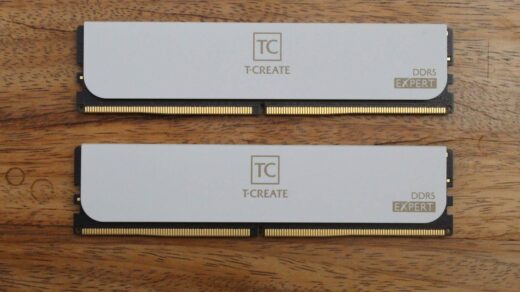
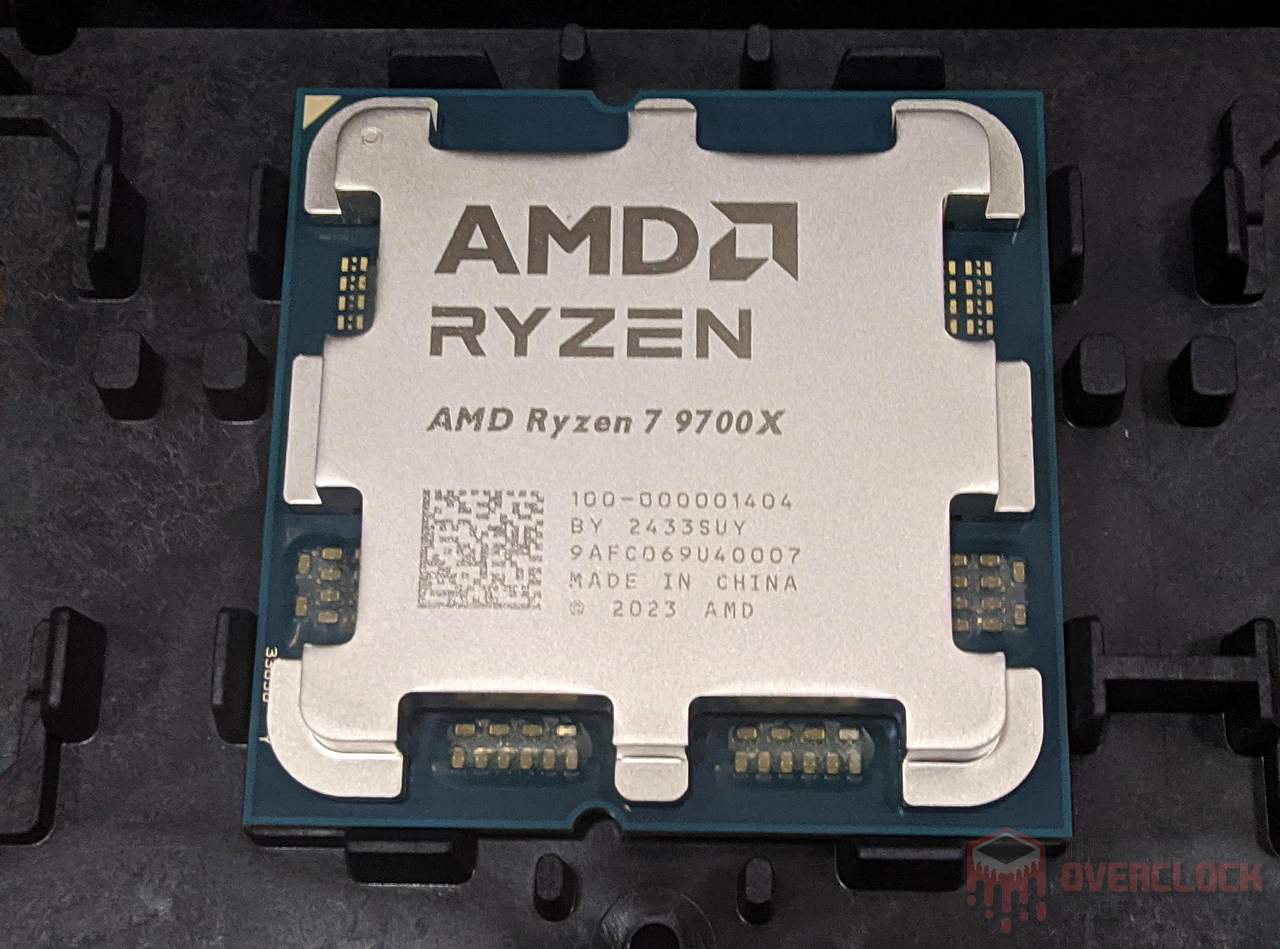
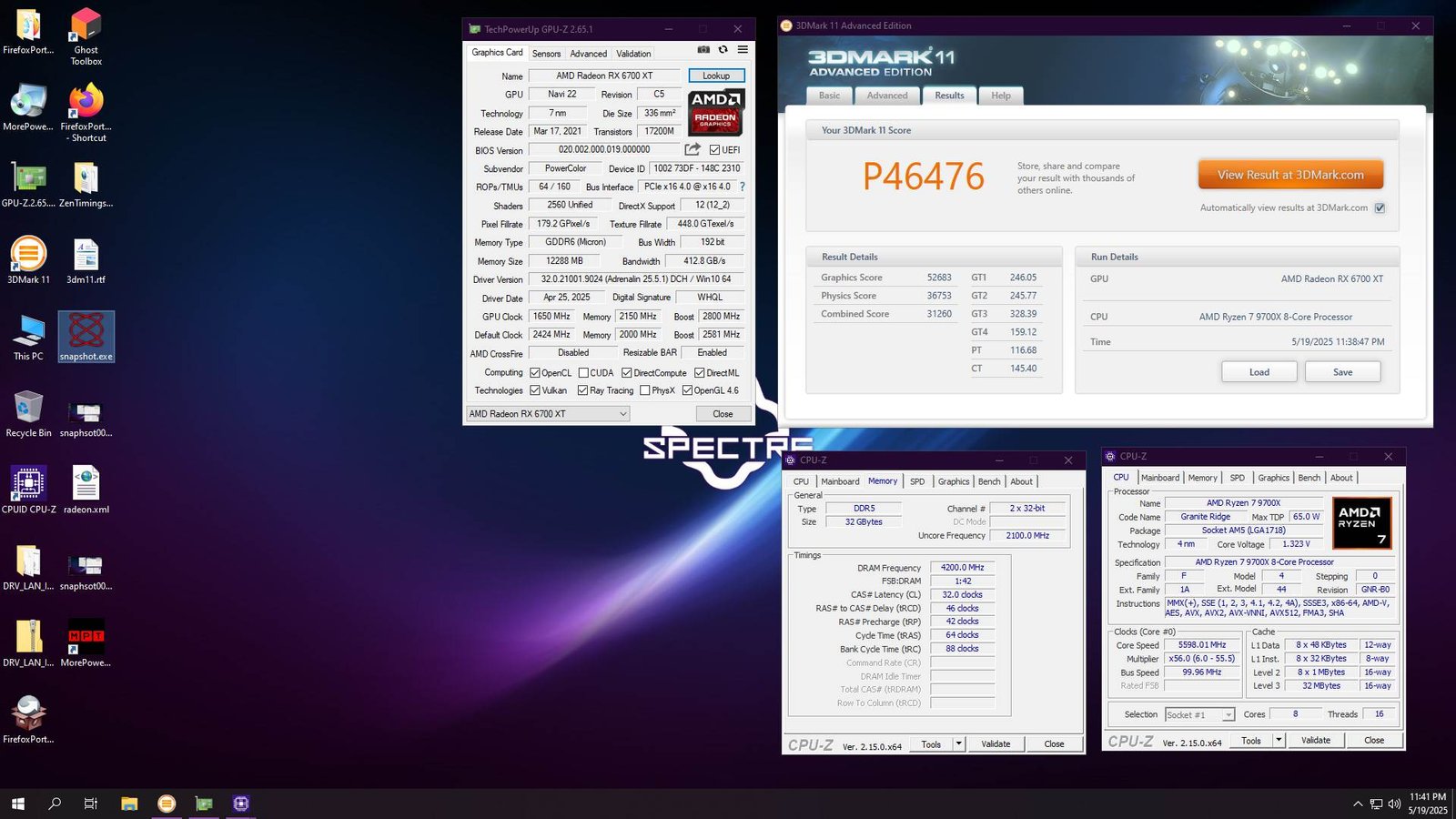
Just as an example of what’s possible, the screenshots below show the Ryzen 7 9700X completing several tests from the 3DMark suite with memory running at DDR5-8400 CL32. This is the limit for this sample at room temperature, but higher speeds could be reached using a chiller or even more aggressive cooling solutions.

Of course, no matter how well tuned the settings are, there are other limiting factors that may be beyond the user’s direct control, such as the quality of the CPU sample, the motherboard, and the ambient temperature. So, as always, overclocking depends on luck and the good old silicon lottery.