EPOMAKER Glyph Review: The Ultimate Retro Typing Experience
 by Giancarlo C. Dalmedico "NoMS" September 13, 2026 · Periféricos / Reviews
In this article, I’m going to review the EPOMAKER Glyph. It is a “75%” mechanical keyboard, which means it doesn’t have a numpad but keeps the function keys and arrow keys. It features an ANSI layout without the “Ç” key, a plastic build, and RGB lighting. Its main standout feature is the retro look, which is unlike anything else we’ve featured on this site before. But is it actually a good keyboard? Let’s find out.
I also want to thank EPOMAKER for sending over the sample for this review.
- Unboxing:
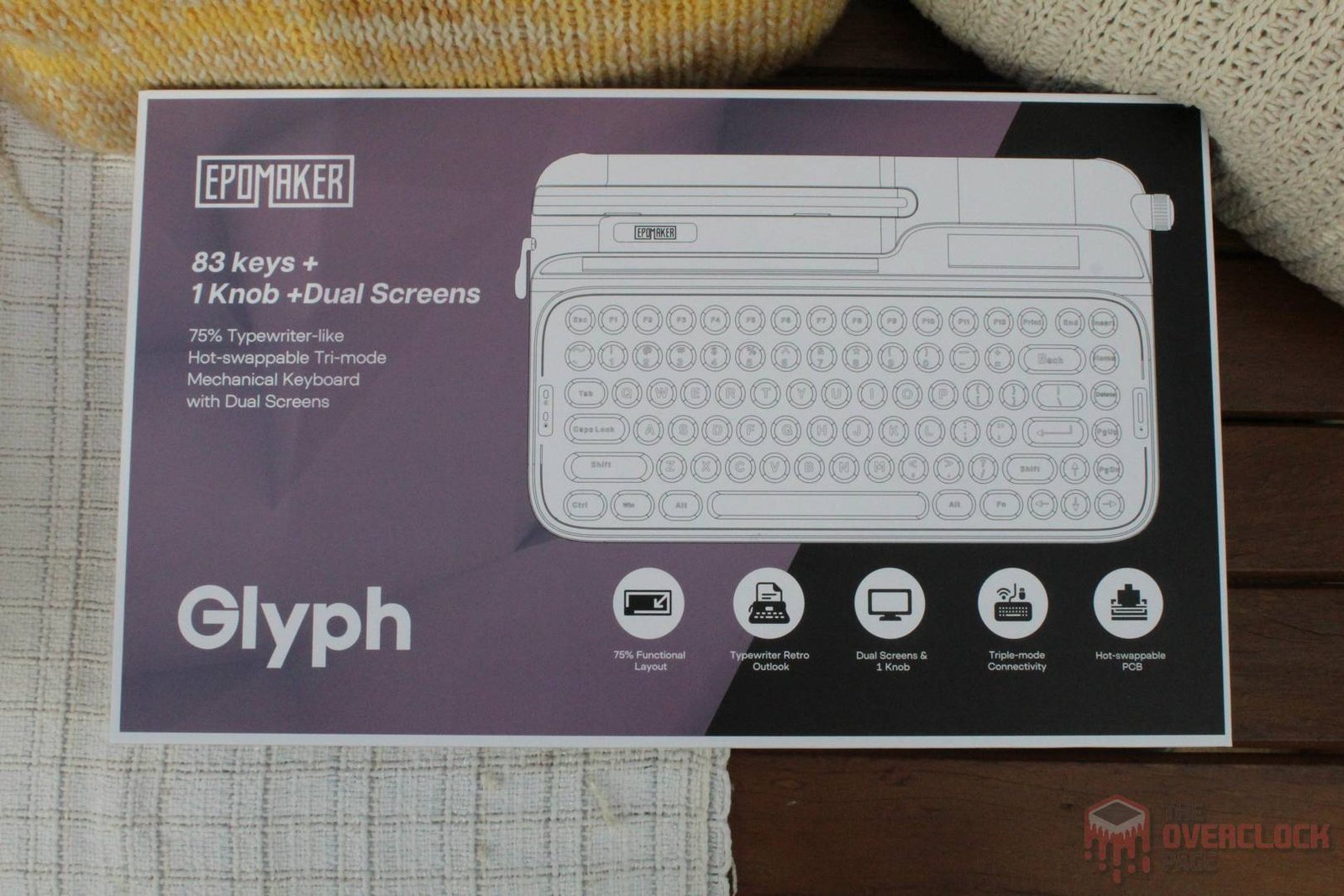
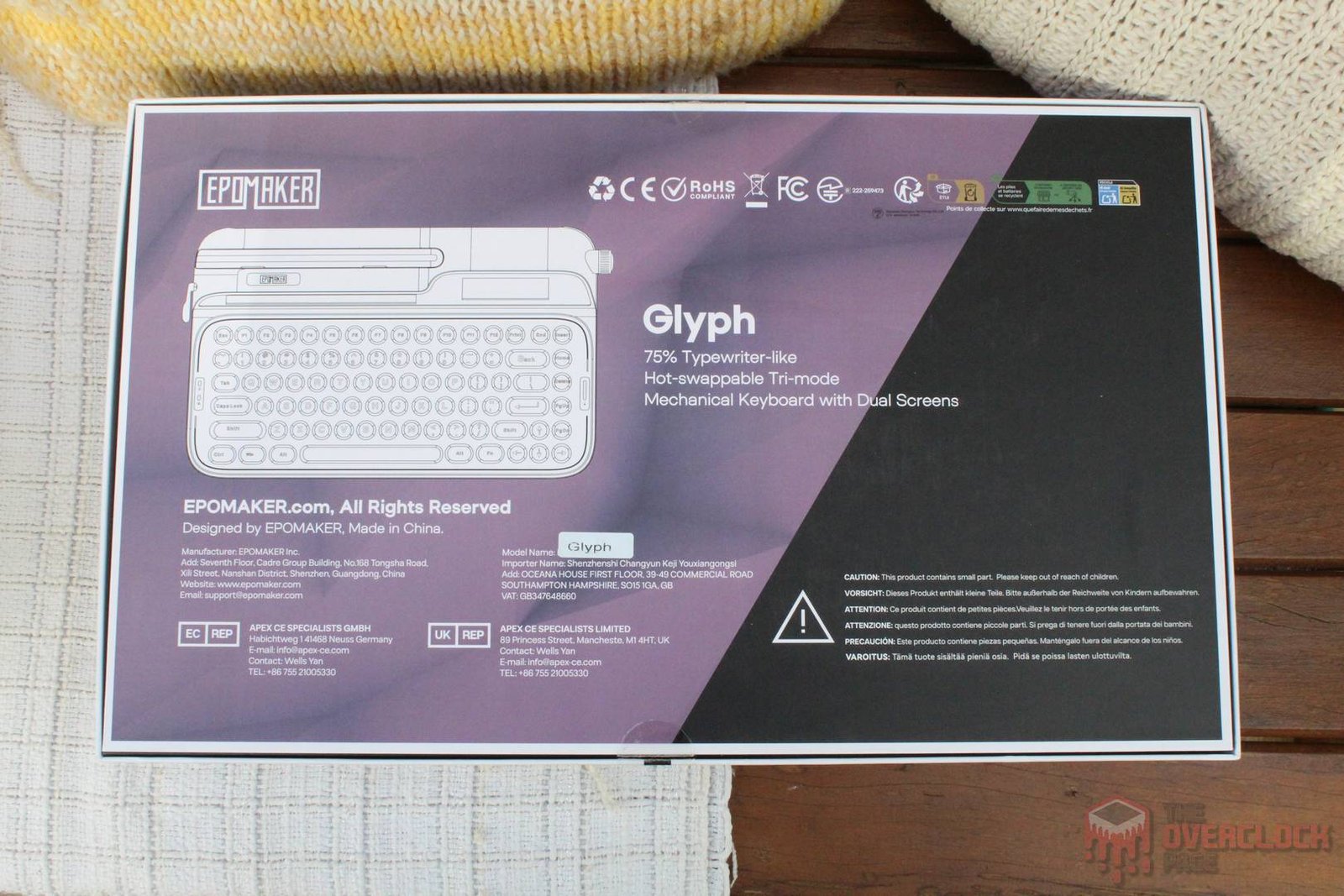
The packaging is quite large and features an illustration of the product on the front. It shows the brand and model, along with several features like its 83 keys, two integrated screens, and hotswap switches. On the back, there is the same keyboard illustration and the model name.
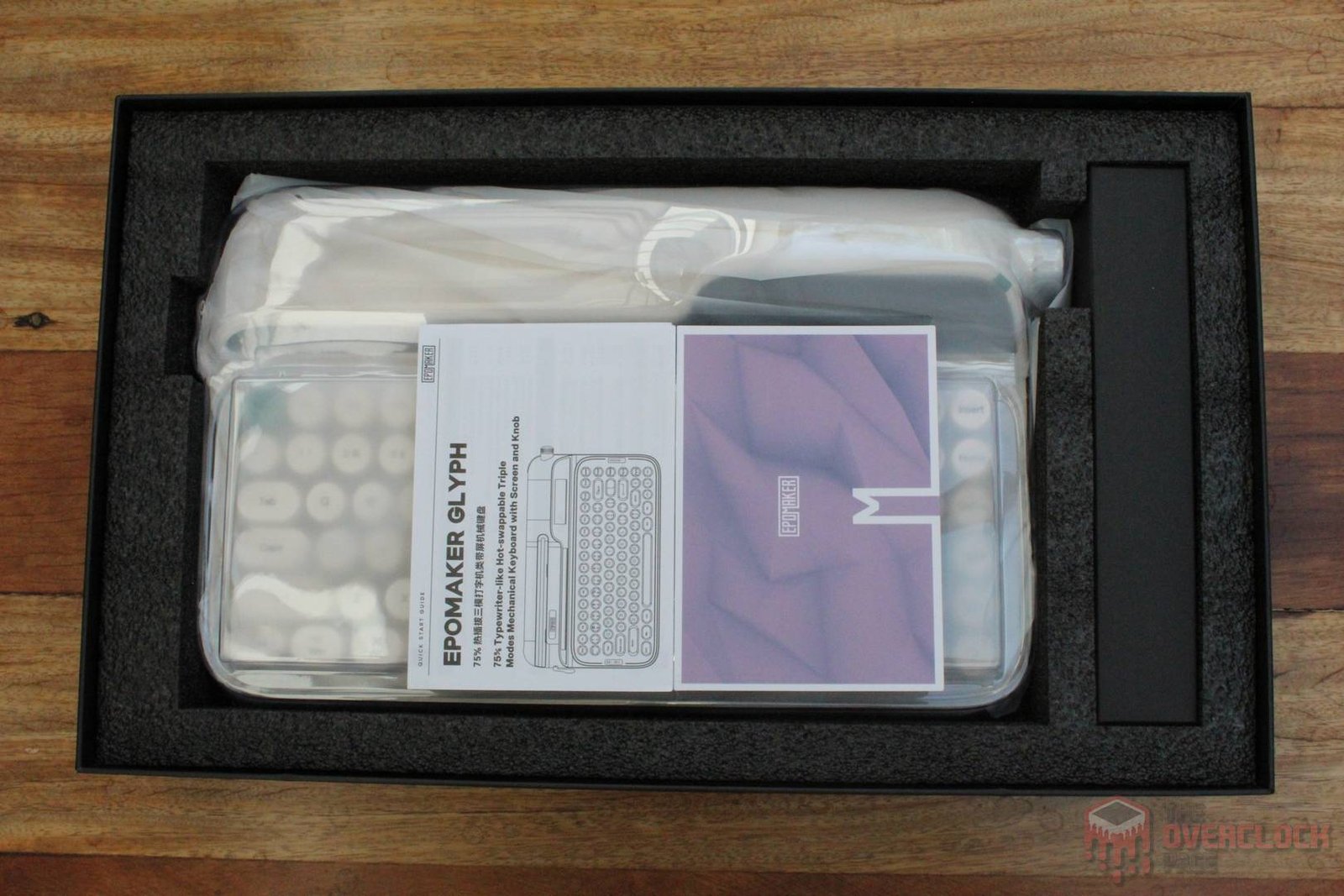
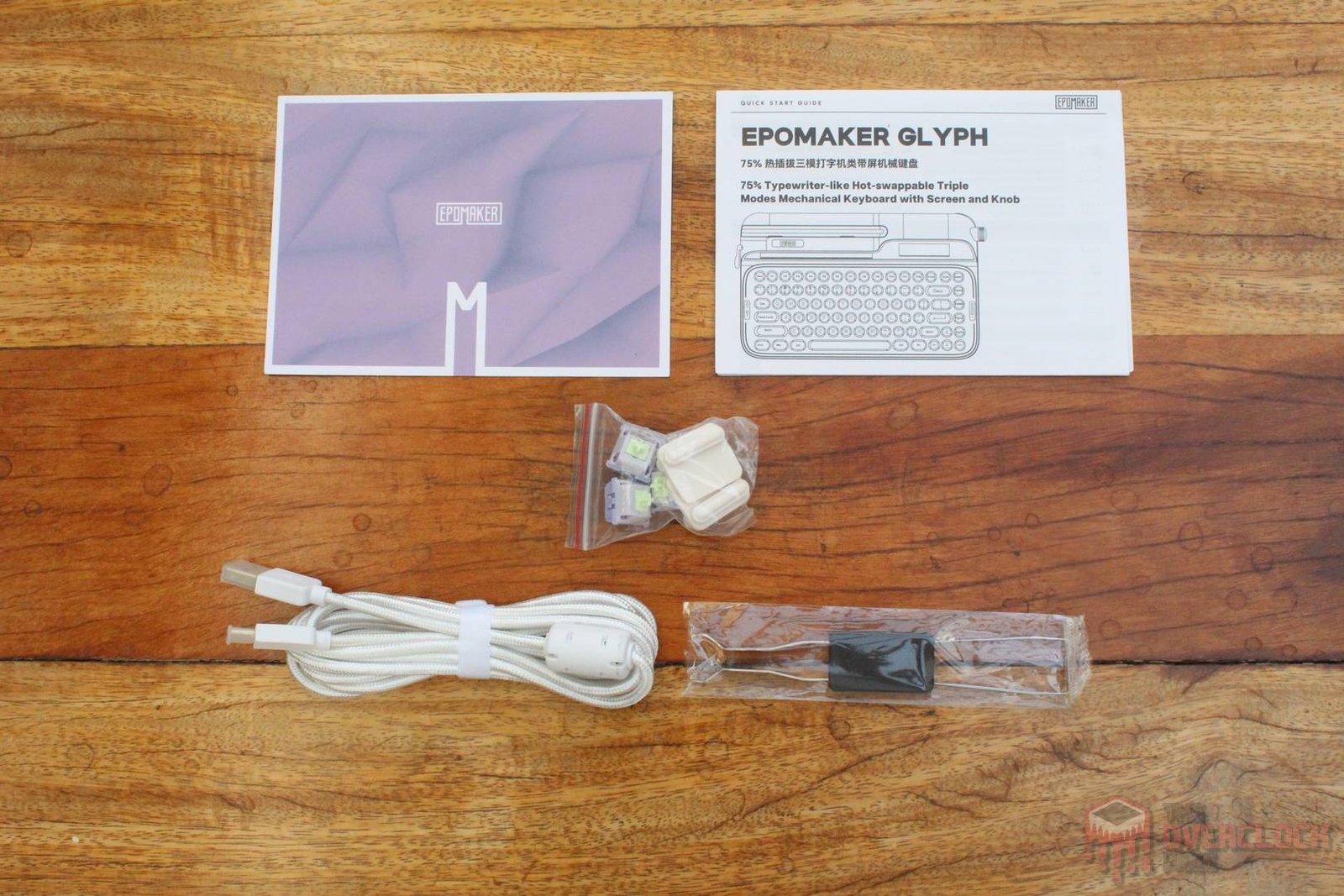
Opening the package, you find the keyboard wrapped in a protective bag, a printed manual, and a box with accessories. These include a USB-C cable, a keycap/switch removal tool, spare switches, and feet for a steeper tilt angle.
- Hardware:
As mentioned before, the EPOMAKER Glyph uses a 75% layout, where this percentage indicates its size compared to a “full-size” keyboard, which is the one with a numpad. Even though it’s relatively compact on paper, we shouldn’t overlook the fact that the Glyph is a very unconventional model. With its retro design inspired by a typewriter, it definitely scores many points for its looks, serving not just as a keyboard, but also as a decorative piece! In this regard, it’s one of the coolest things that have ever passed through here! 😀
Its plastic structure is common for most mass-produced models, however, the finish is of great quality. The keyboard is surprisingly heavy and has zero flex, leaving a very positive impression in this regard.
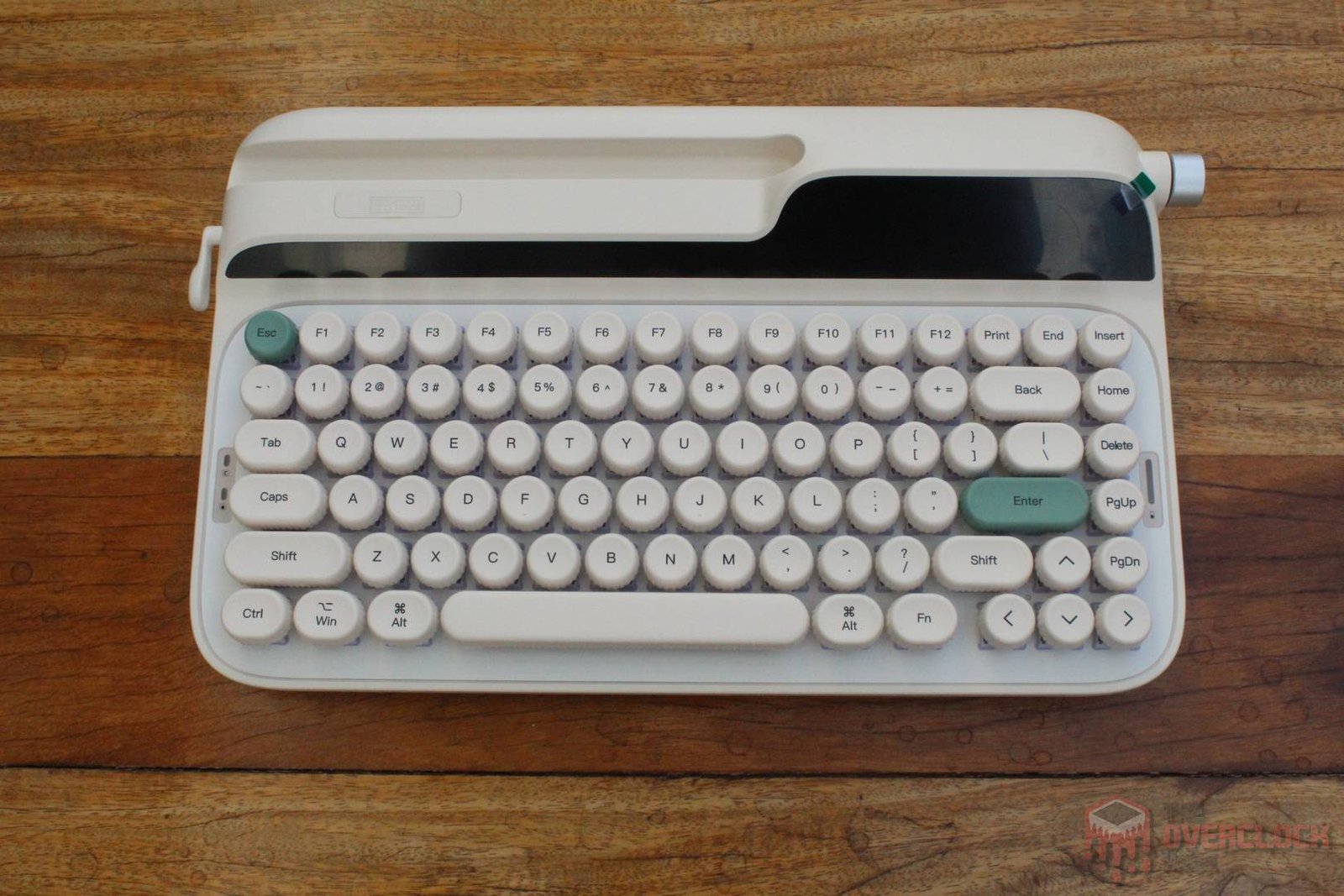
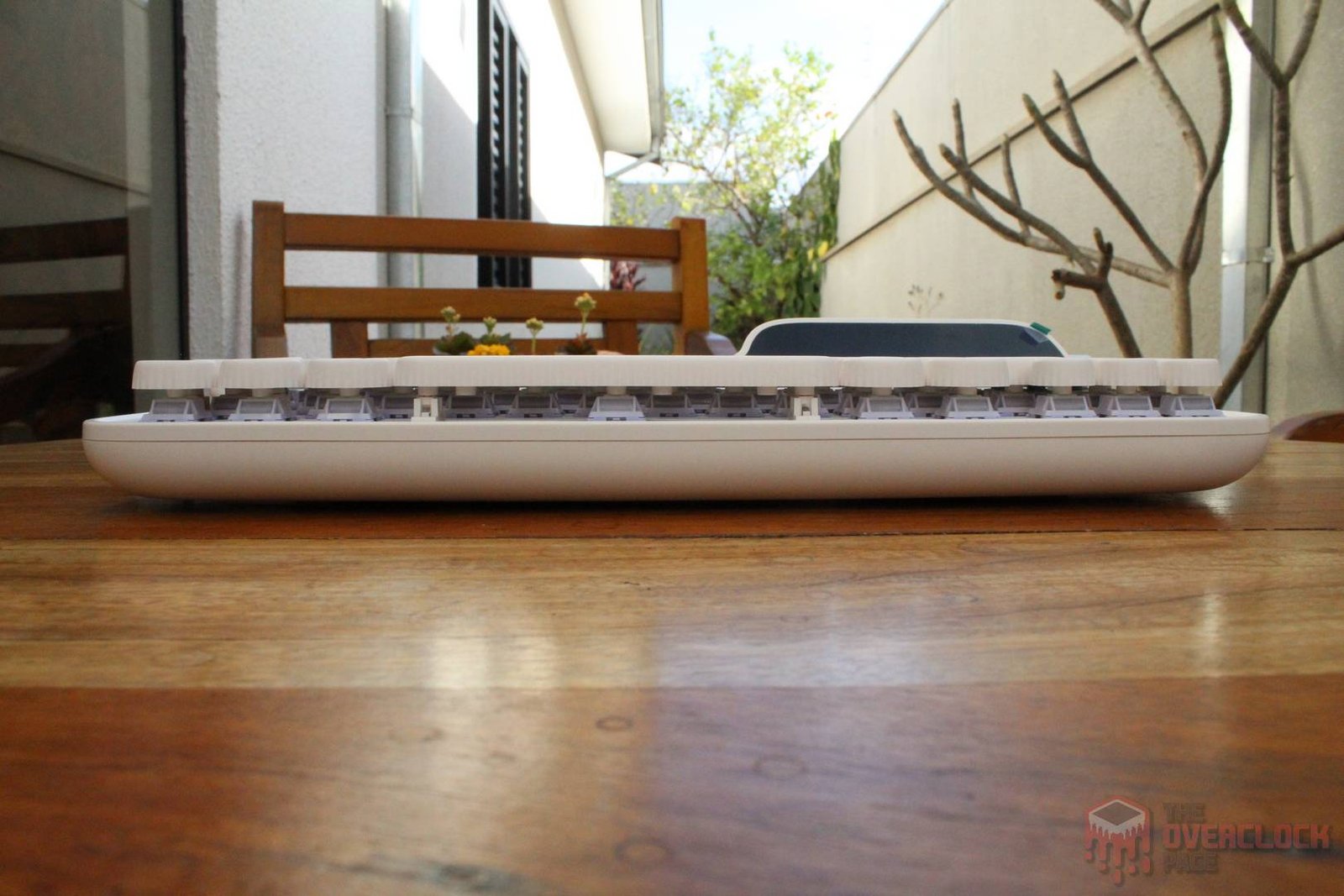
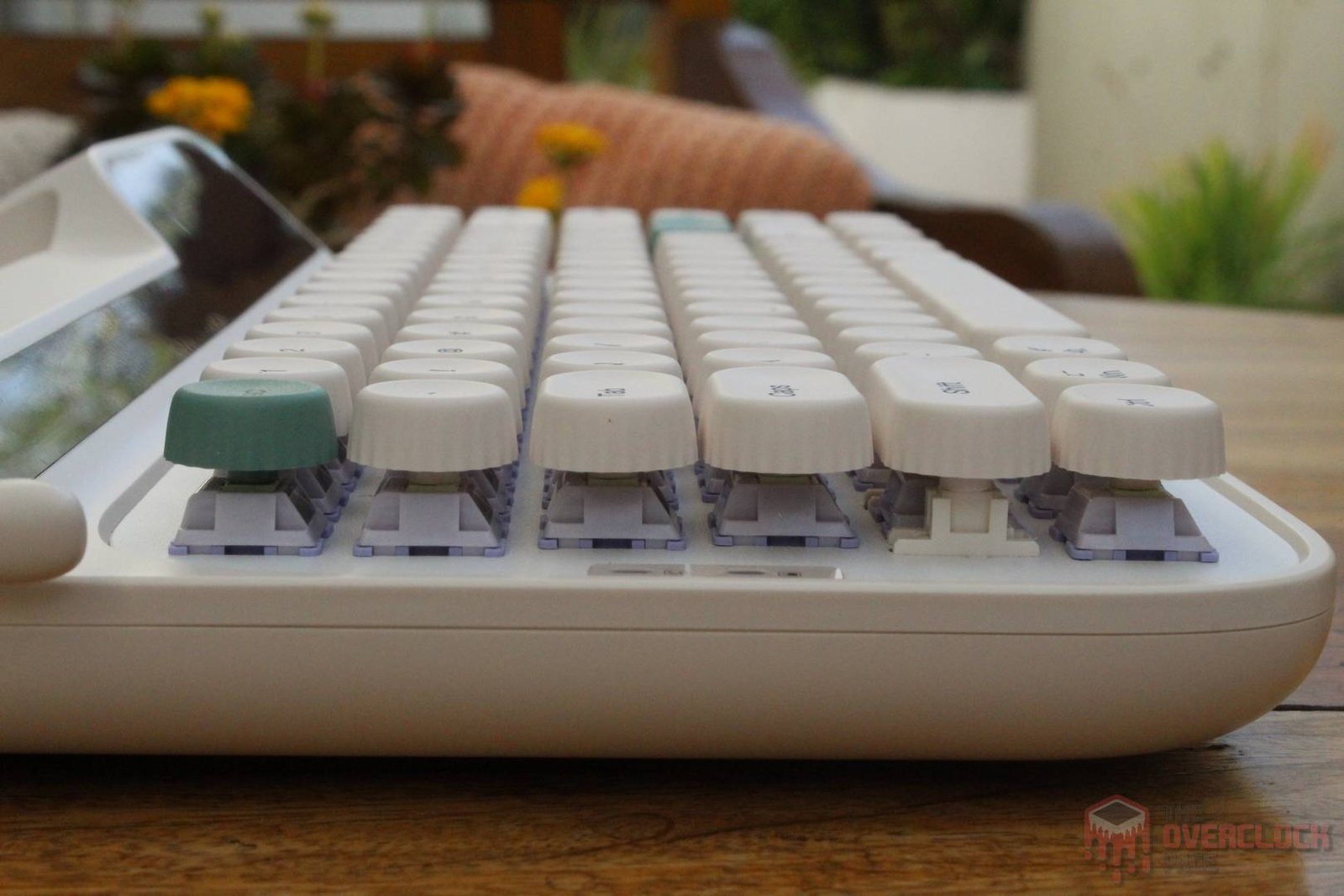
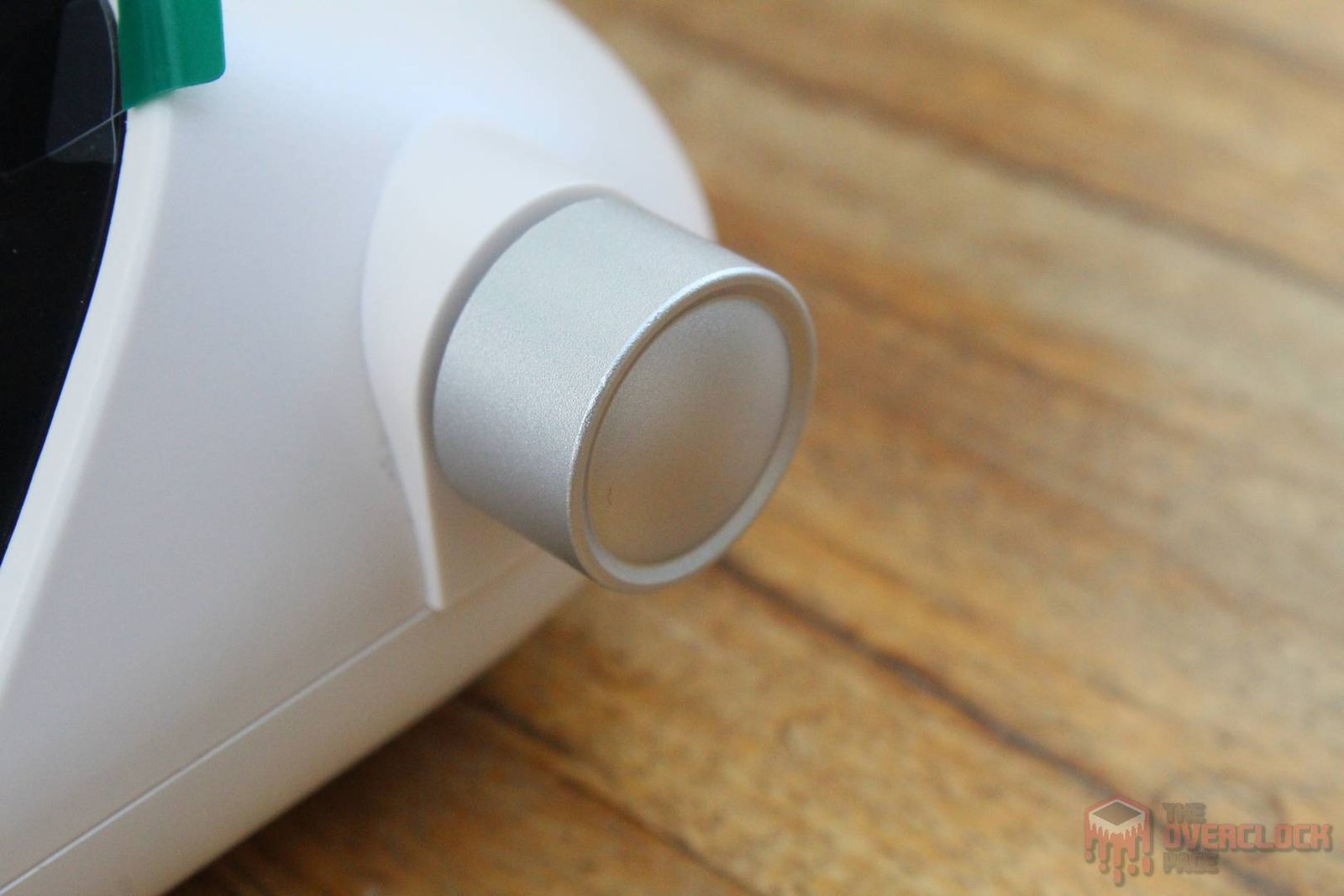
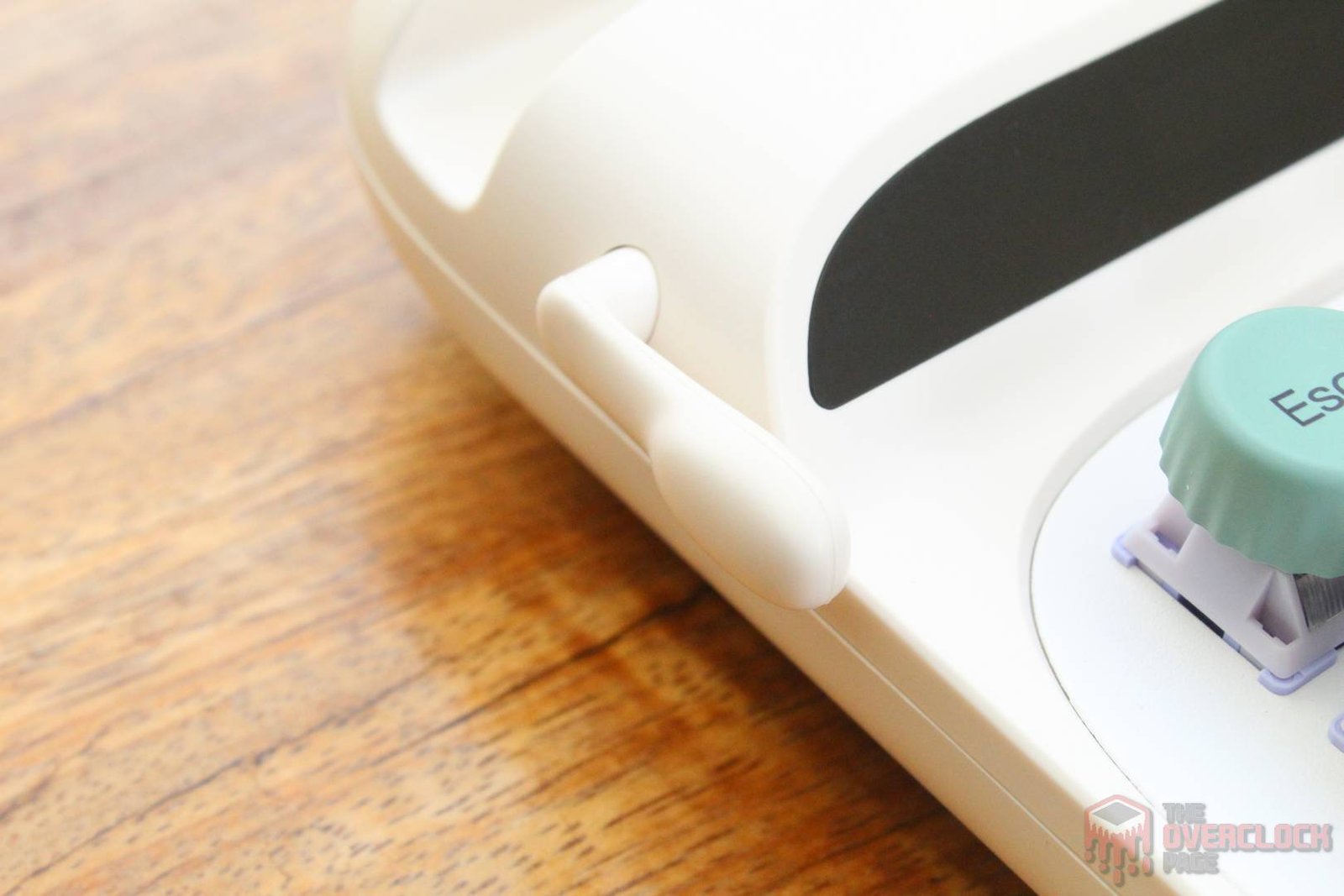
There are plenty of details here. For example, there are round keycaps, a side volume knob that also works as a button, battery and caps lock indicators, the screens themselves, a groove on top to hold a tablet or phone, and even a small functional lever on the side where up is “ENTER” and down is “DELETE.”
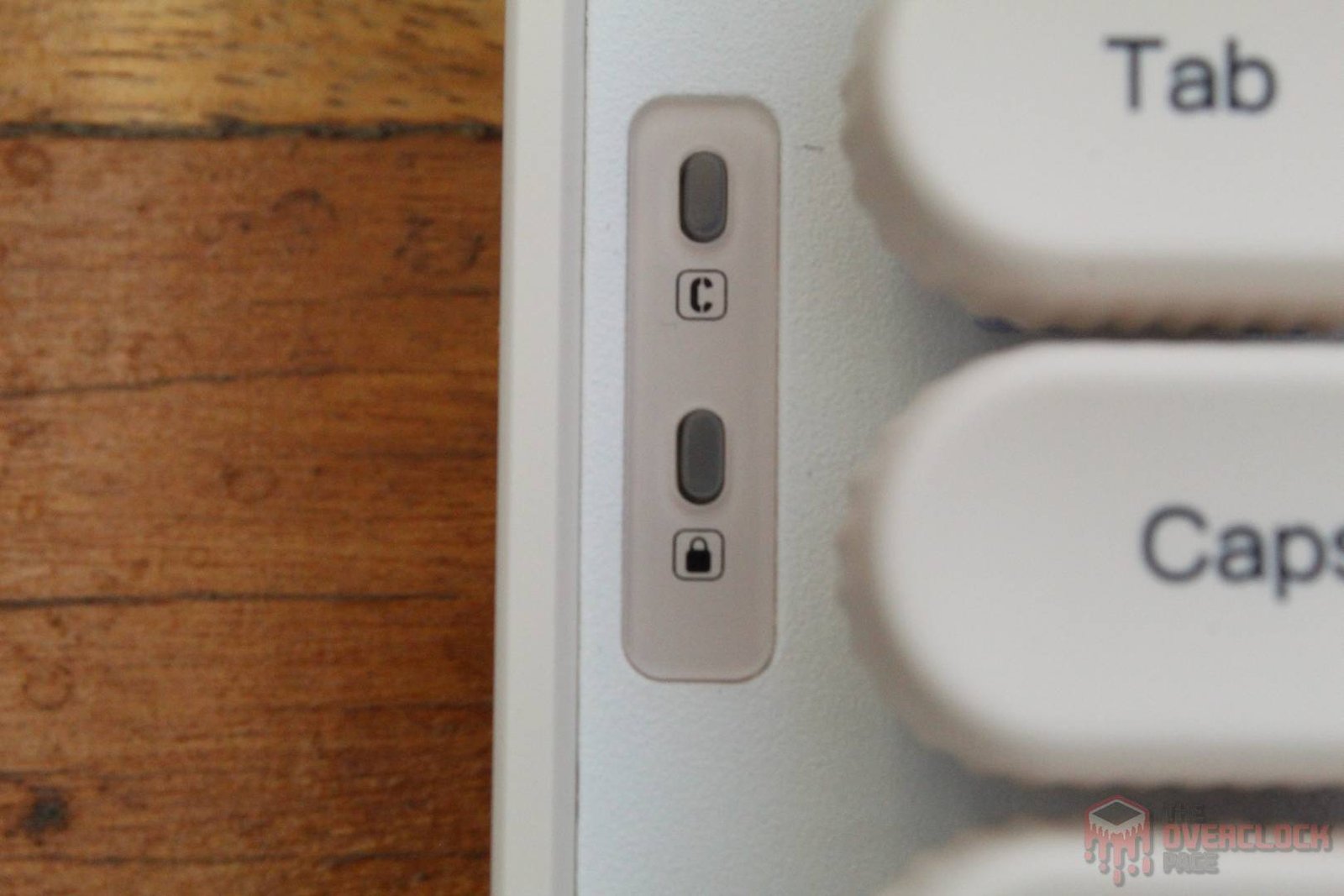
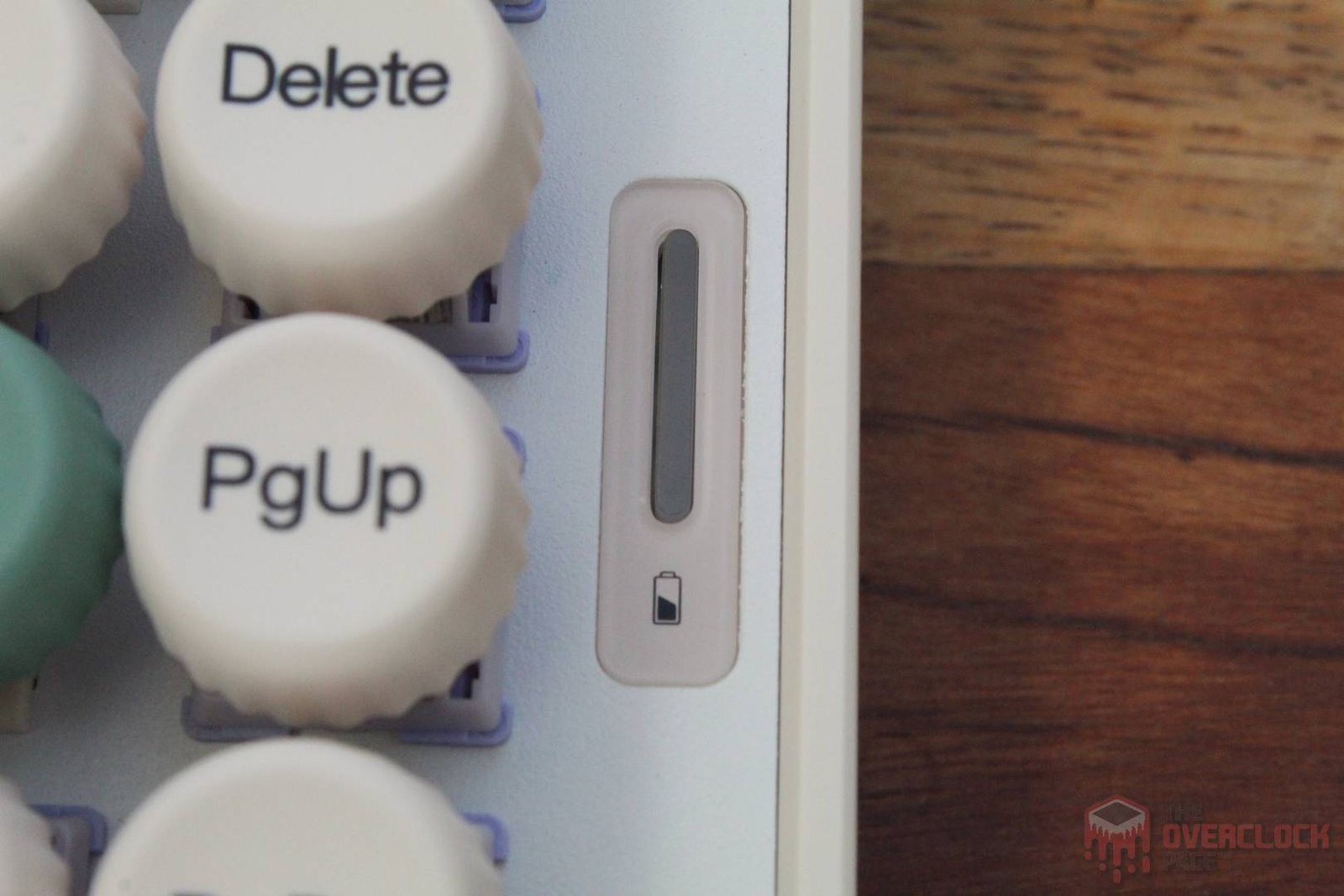
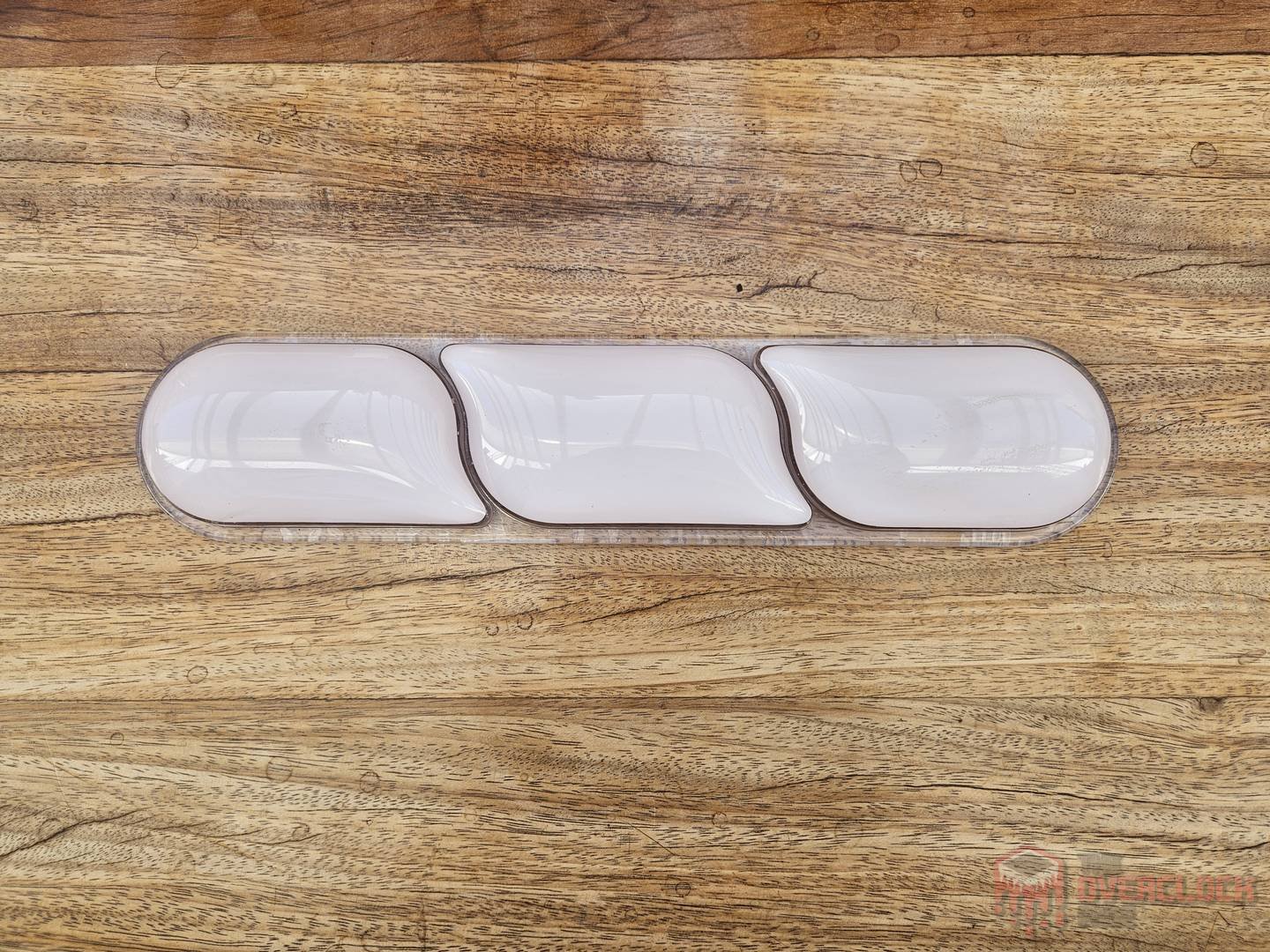
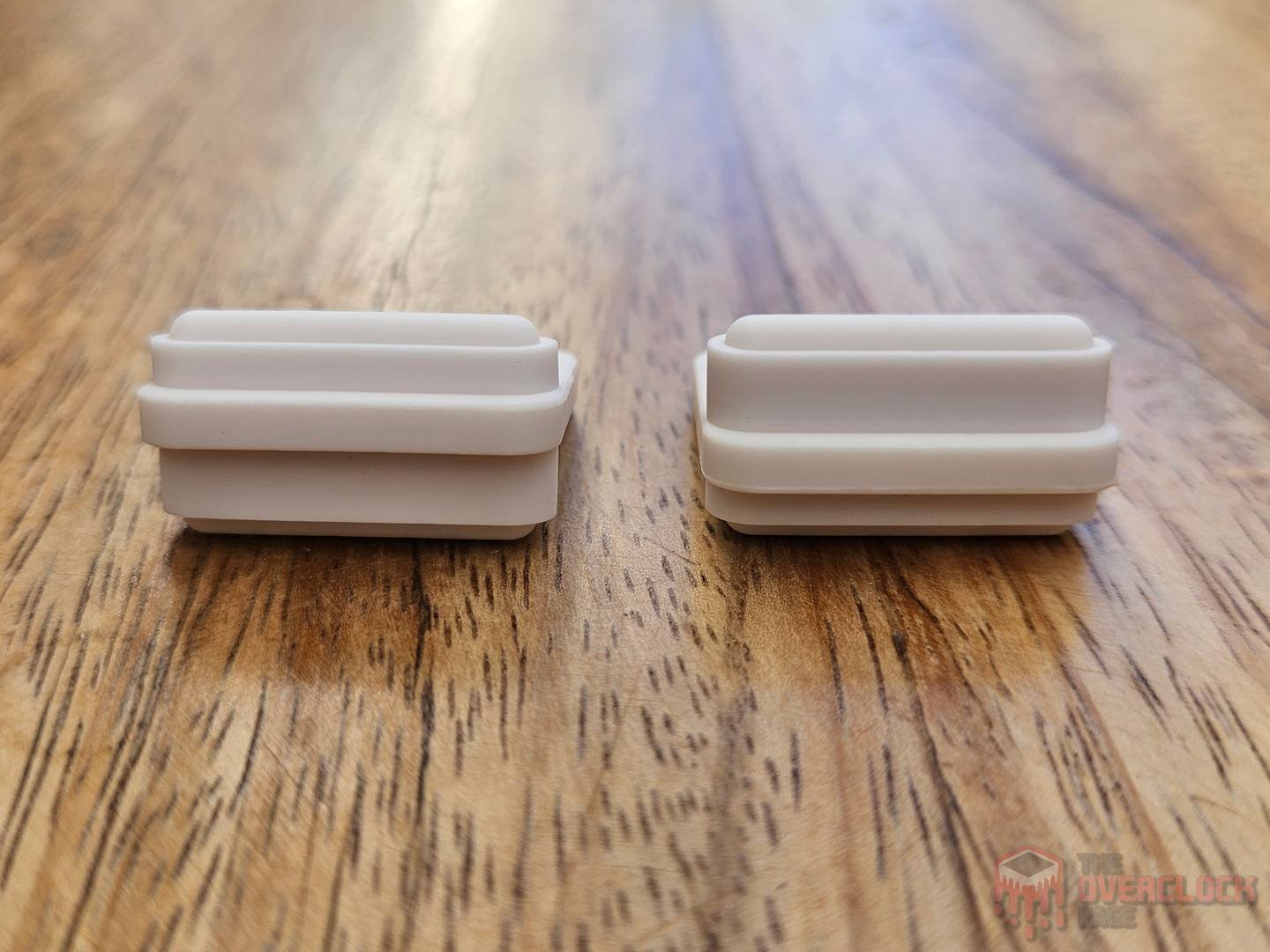
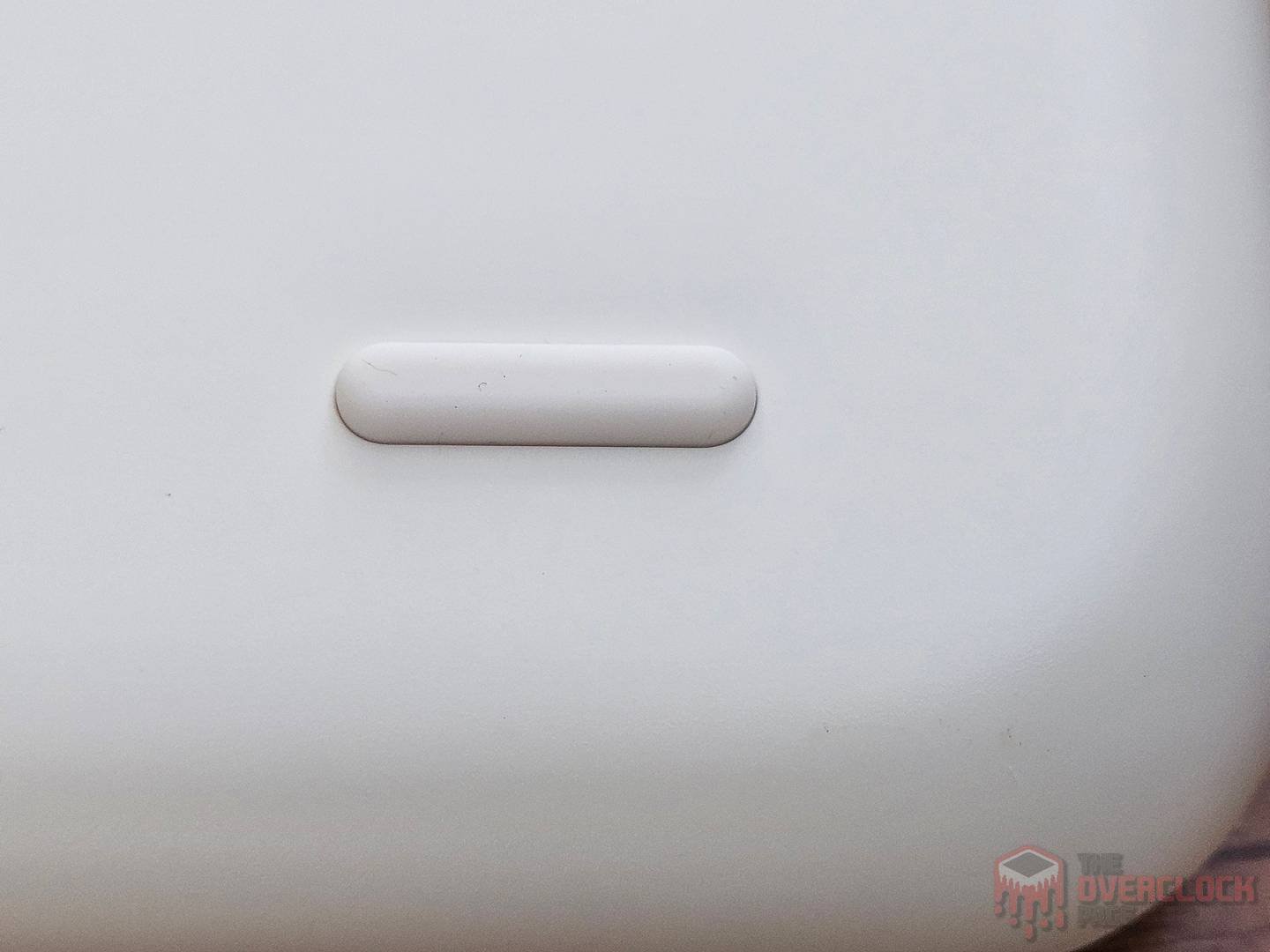
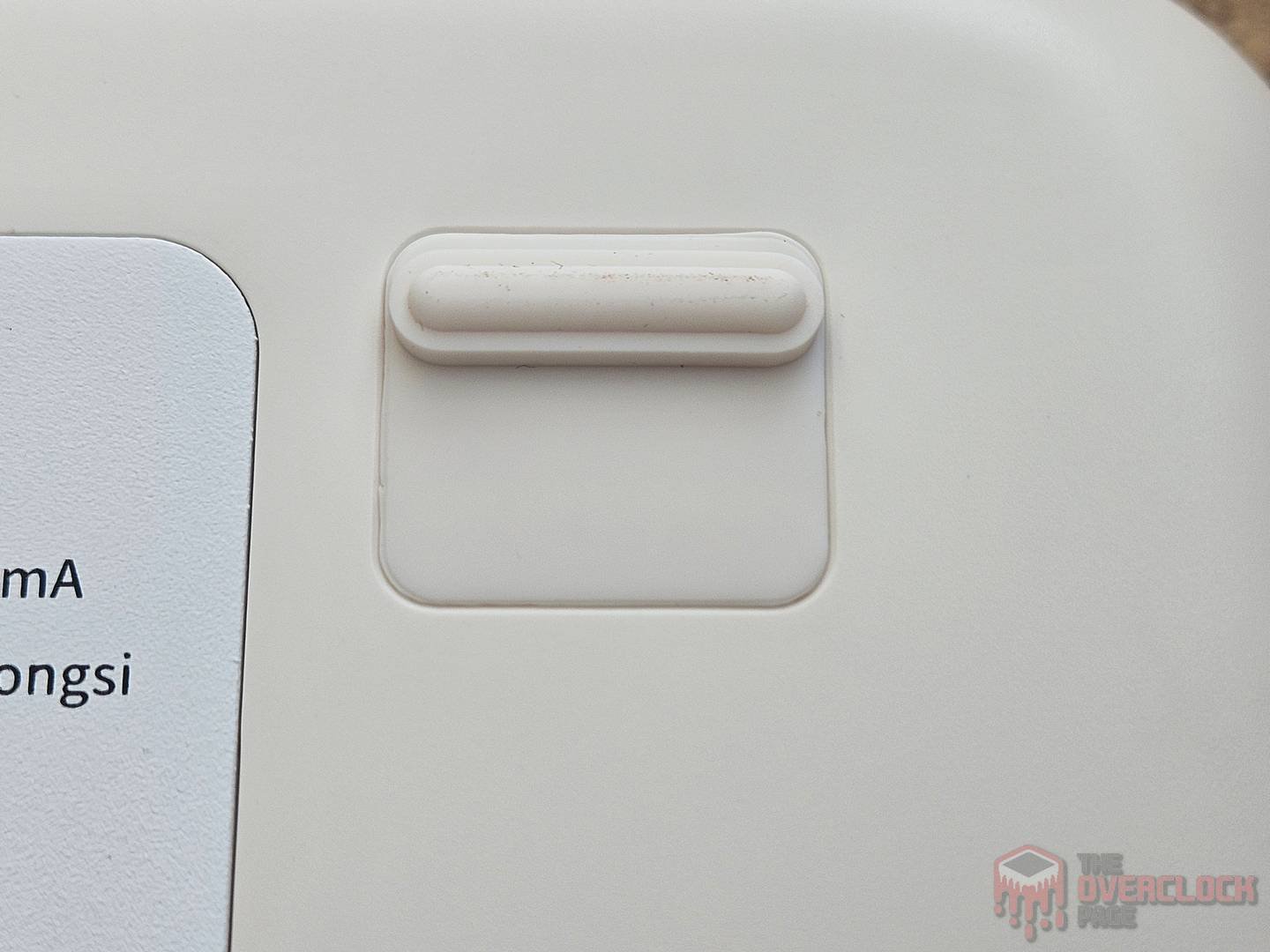
An important detail is the ergonomics. Unlike most conventional keyboards and typewriters, the Glyph has a flat structure without the tilt you usually find on standard models. To address this, EPOMAKER included removable rubber feet with different heights so you can choose your preferred angle. However, it’s worth noting that the difference in tilt between sides is very small, at most 2 degrees, and they also included a wrist rest in the package.
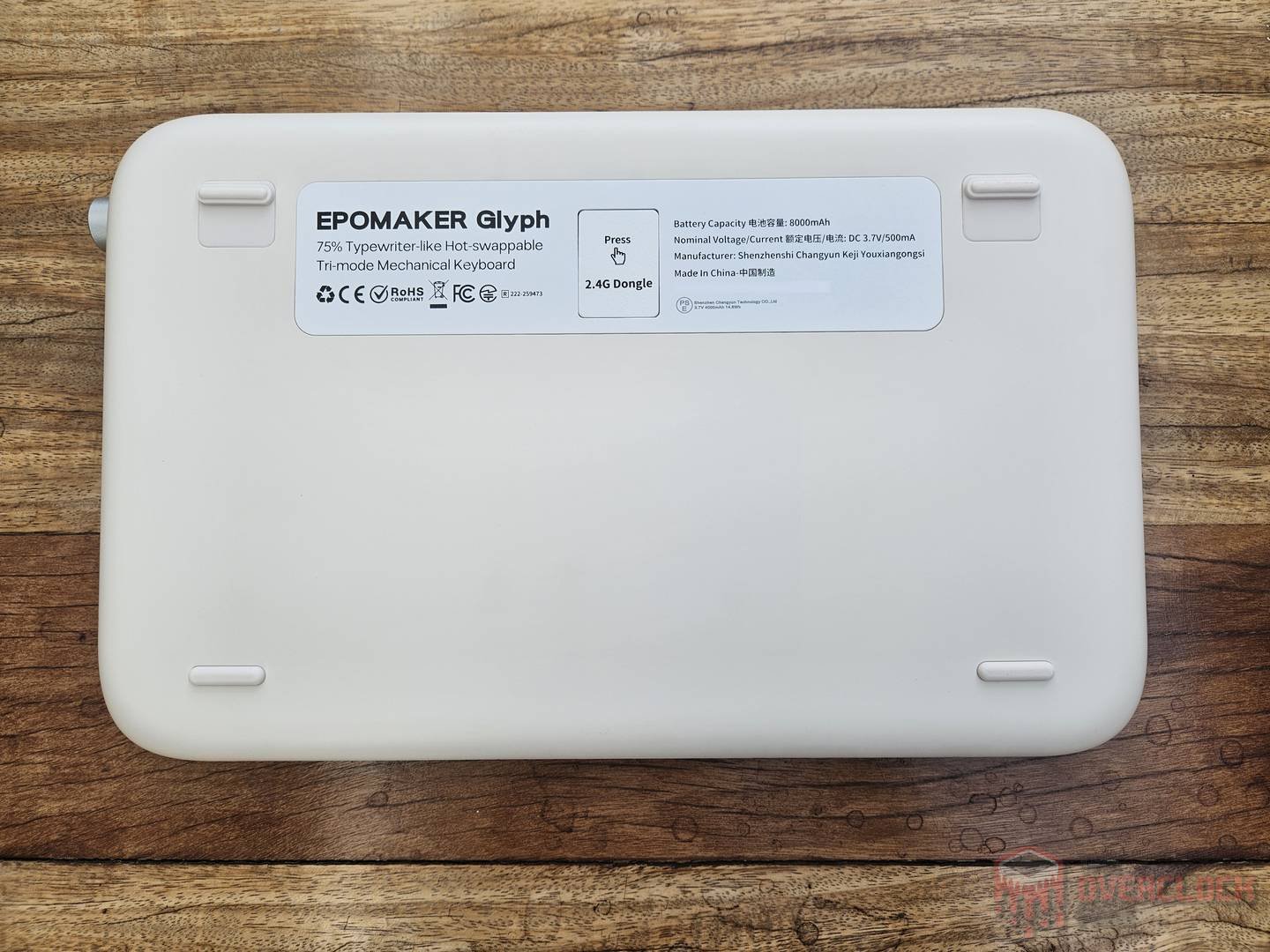
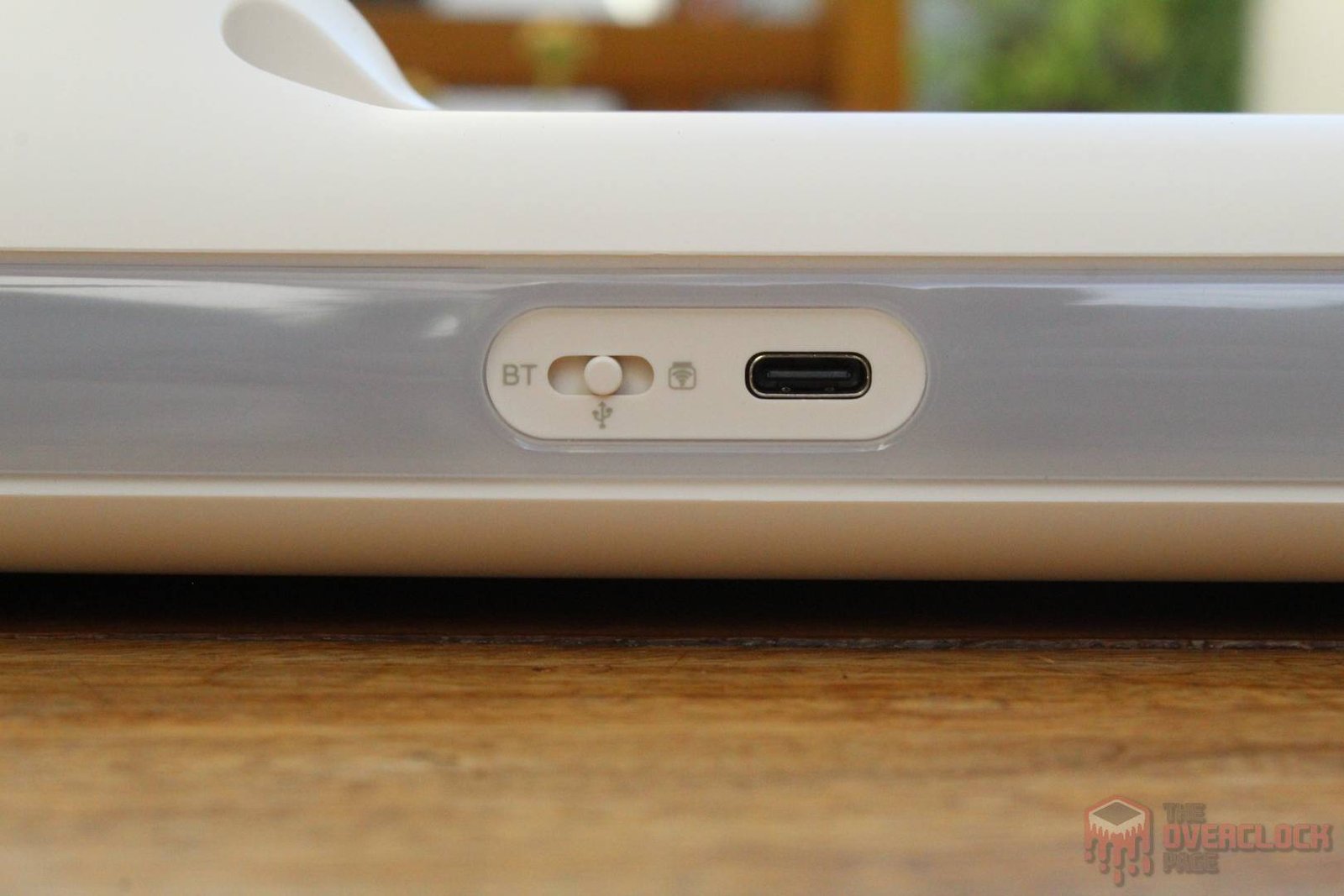
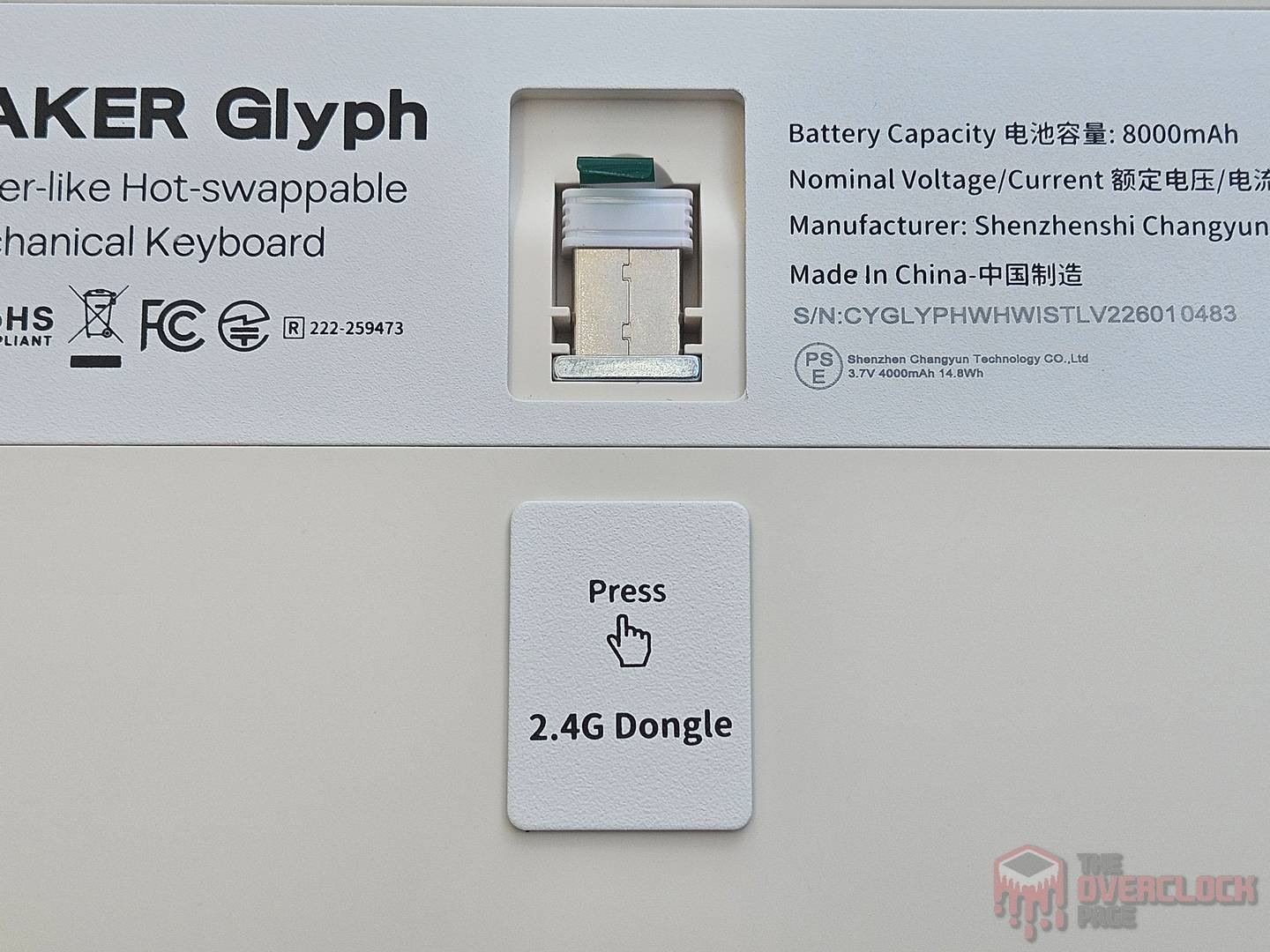
Regarding connectivity, the keyboard uses a USB-C port with a removable cable, which is great since it’s a modern and widely used standard. You can also use Bluetooth or a wireless receiver that comes with the keyboard and stays hidden behind a magnetic metal plate.
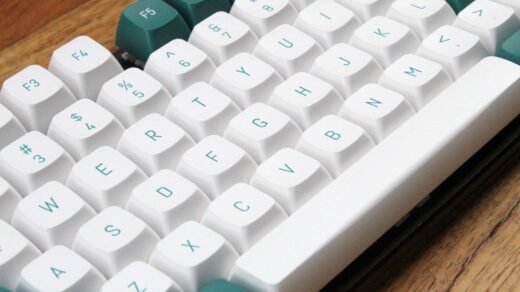
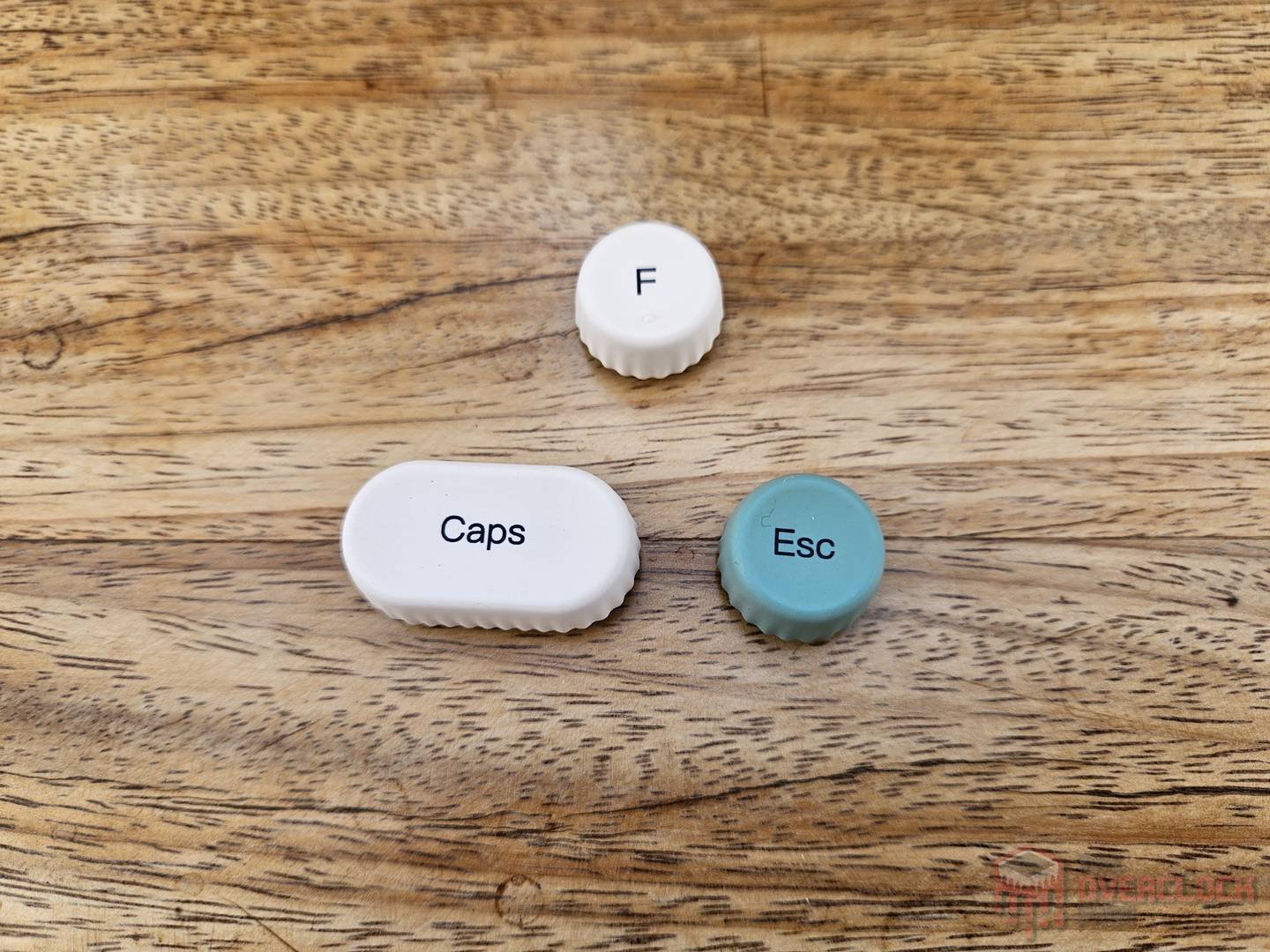
The keycaps are made of PBT plastic with Dye Sublimation printing, which is a process where ink is heated and turned into a gas that is then fused into the plastic material to make them more resistant to wear. The only downside is that the backlight doesn’t shine through the keycaps.
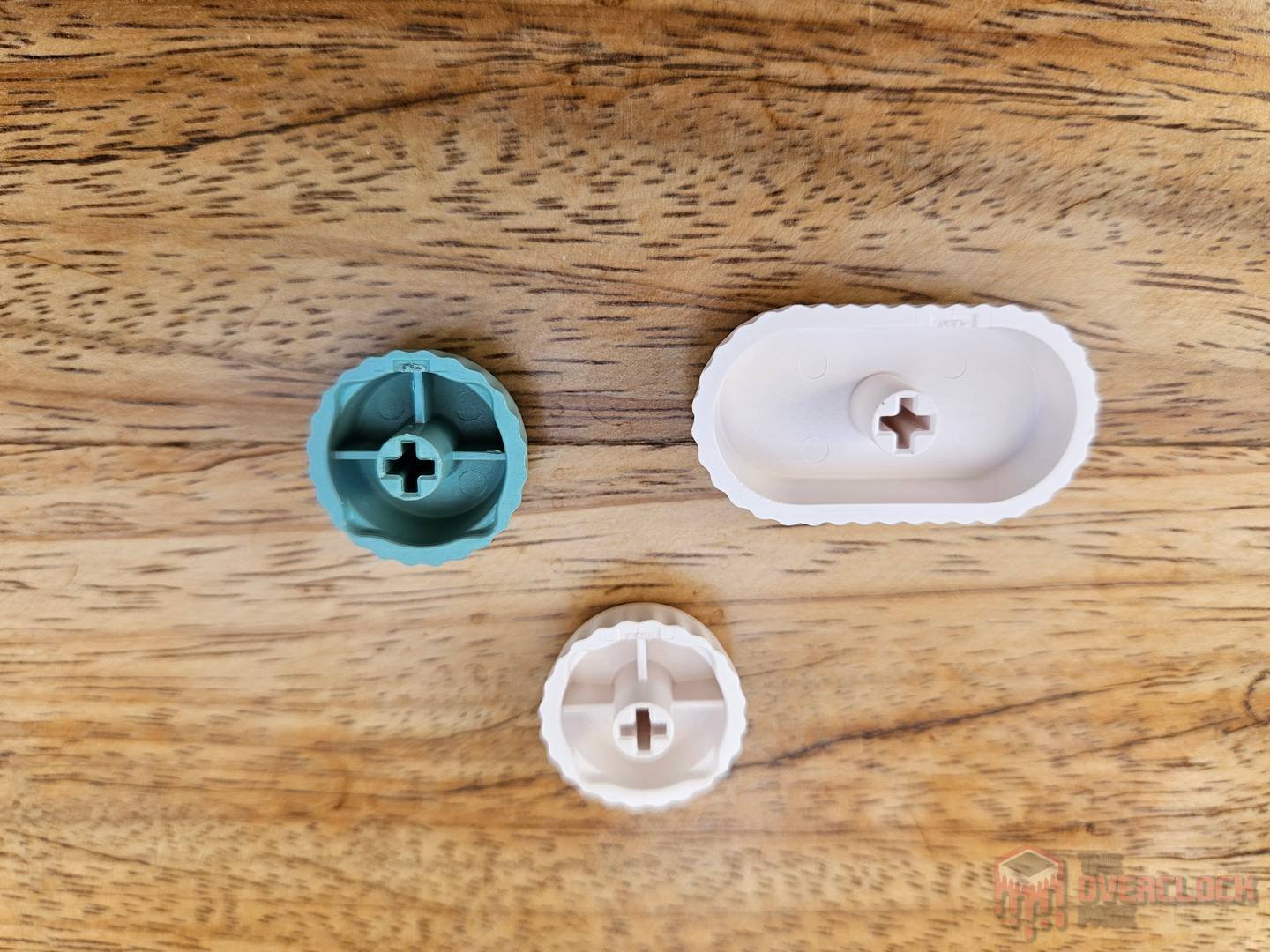
As mentioned before, the switches used are branded by EPOMAKER and called Wisteria Switch V2. They follow the Cherry standard with the cross for keycap installation. After doing some research, the most likely OEM (don’t take this as 100% certain) is BSUN, a Chinese manufacturer that has been around since 1993.
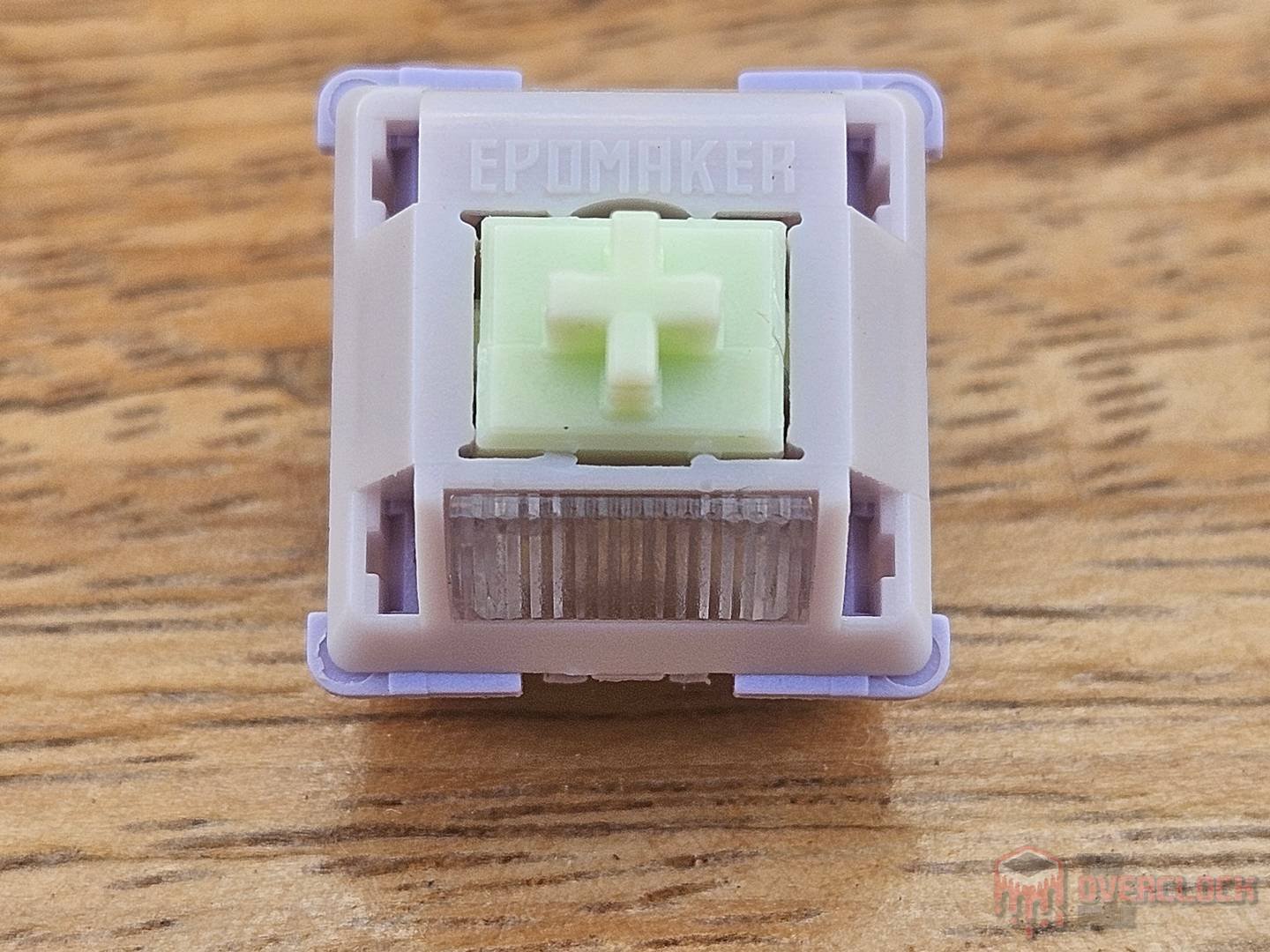
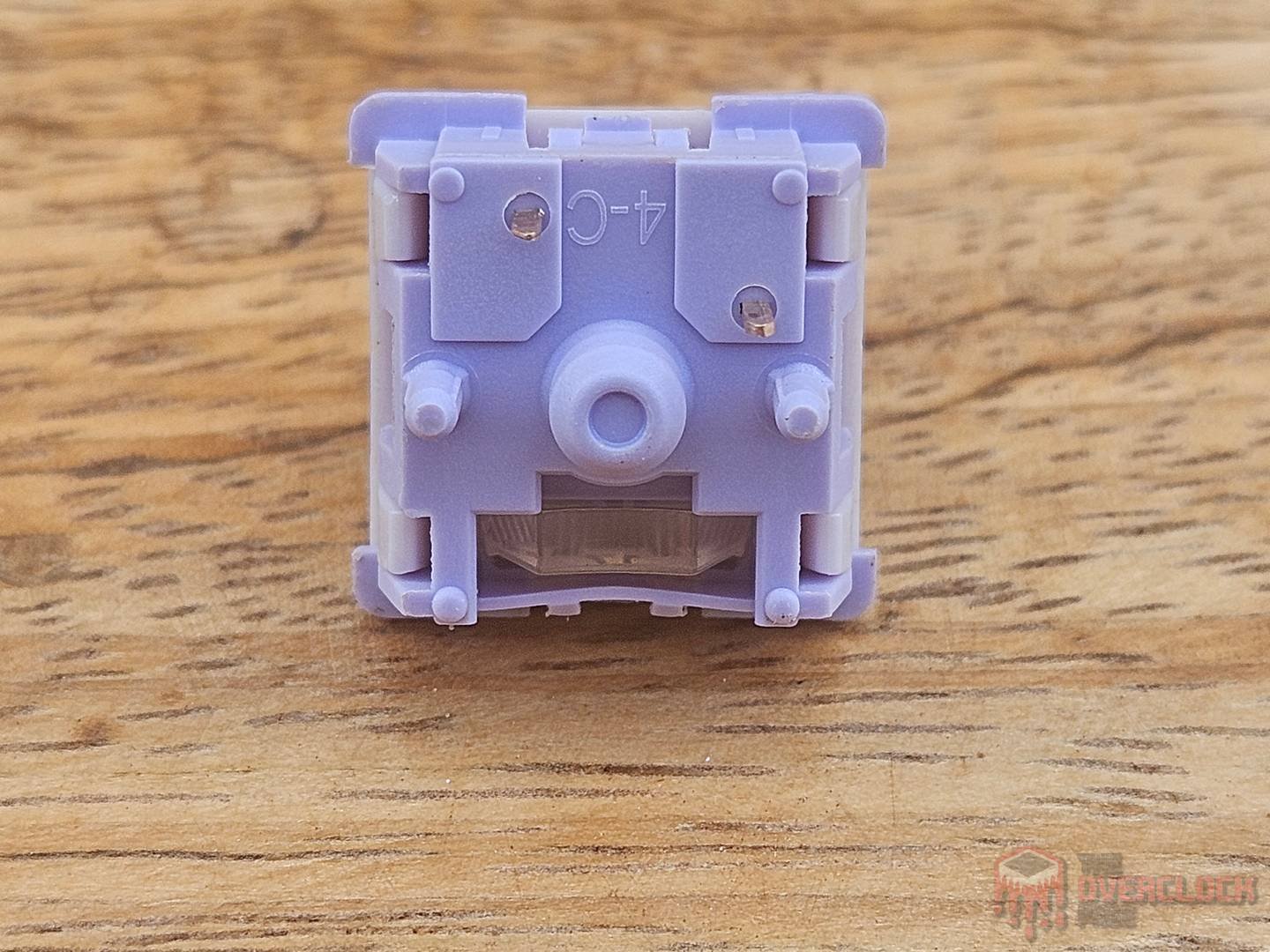
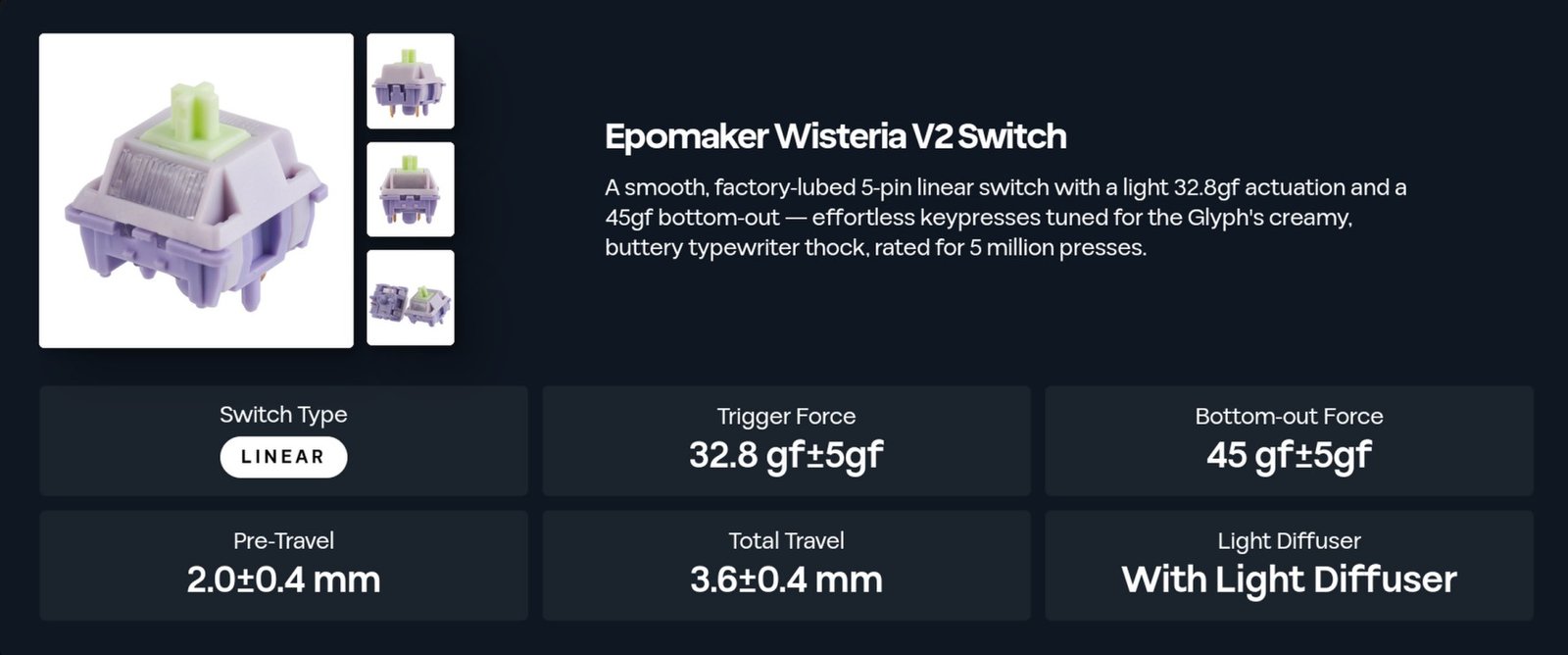
The switch used in this keyboard is linear, meaning there’s no tactile feel or clicky sound. It has an actuation force of 32.8+/-5gf and a bottom-out force of 45+/-5gf, which makes it a very light switch. Another feature is that it comes pre-lubed from the factory, providing a very smooth and buttery feel.
The stabilizers, which provide extra support for long keycaps (like the spacebar) to keep them from wobbling when pressed on the sides, are of the Cherry type. They use crosses similar to the switch mount but located at the ends of the keycap. The keys with stabilizers felt very smooth even when I put them to the test by pressing down on the edges, which is a big plus.
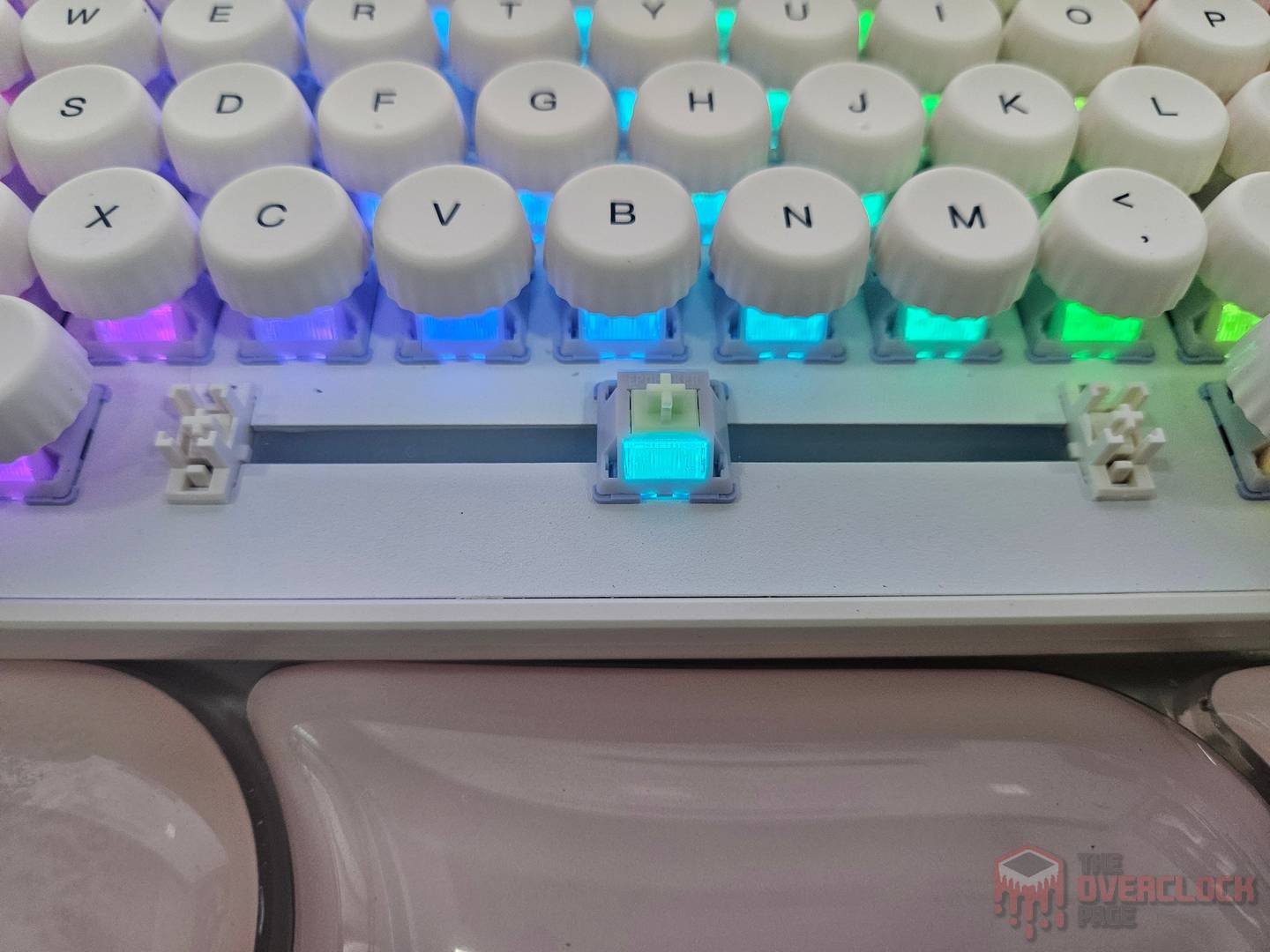
As expected for a keyboard that comes with spare switches, it is hotswap. Since the Wisteria V2s use a conventional mechanical setup, they can be replaced by any other 5-pin Cherry-style switch.
Regarding the disassembly process, it initially seemed like a relatively simple task, just unscrewing the two visible screws under the removable rubber feet and prying at the corners with a plastic tool. The big problem is that some parts simply wouldn’t come apart, as if there were more hidden screws inside the case. This could be an issue if someone needs to open the keyboard for maintenance or to check the battery status, so it’s good to keep that in mind.
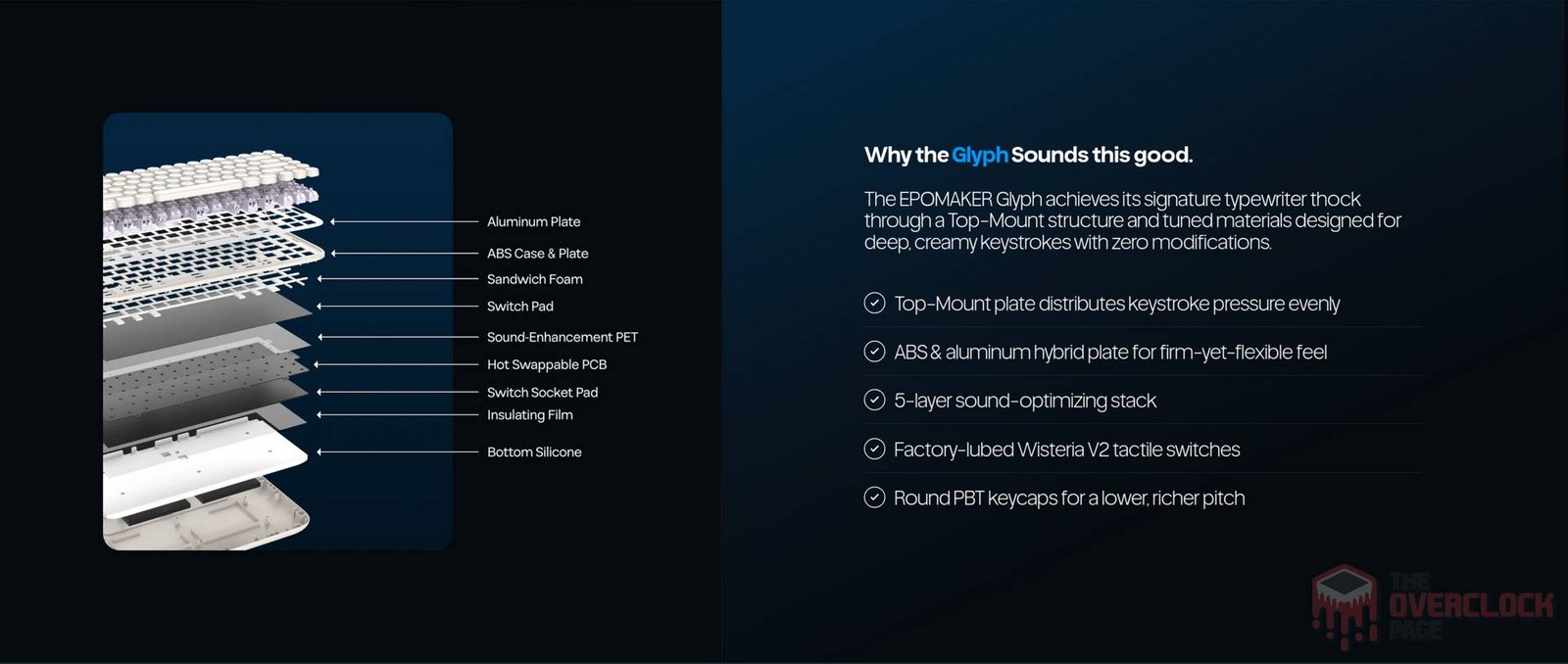
Since I don’t want to damage the sample, I’ll have to skip those photos. To avoid leaving this section completely empty, here are the diagrams from EPOMAKER and the information that the battery is 8000 mAh.
- Software:
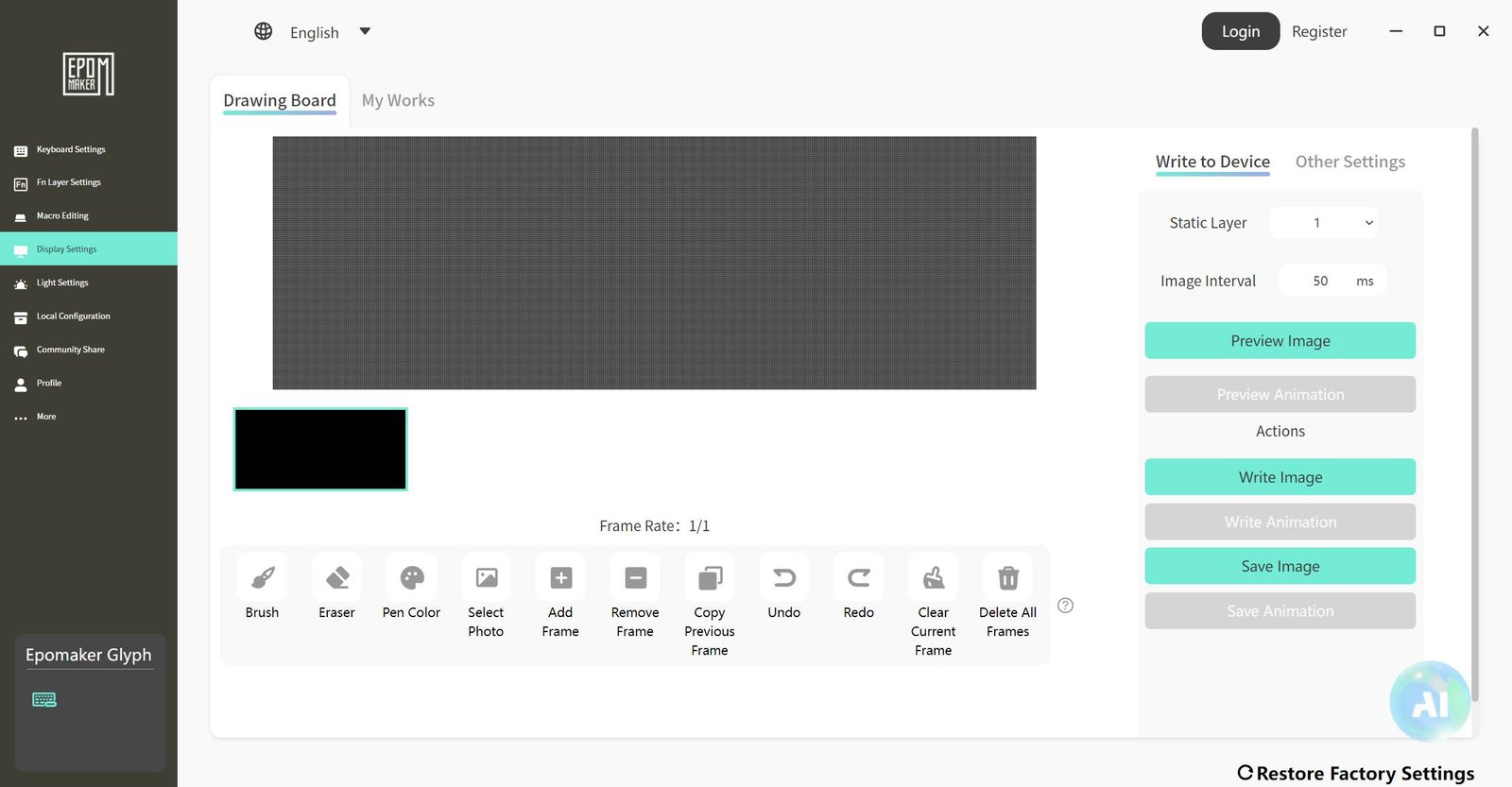
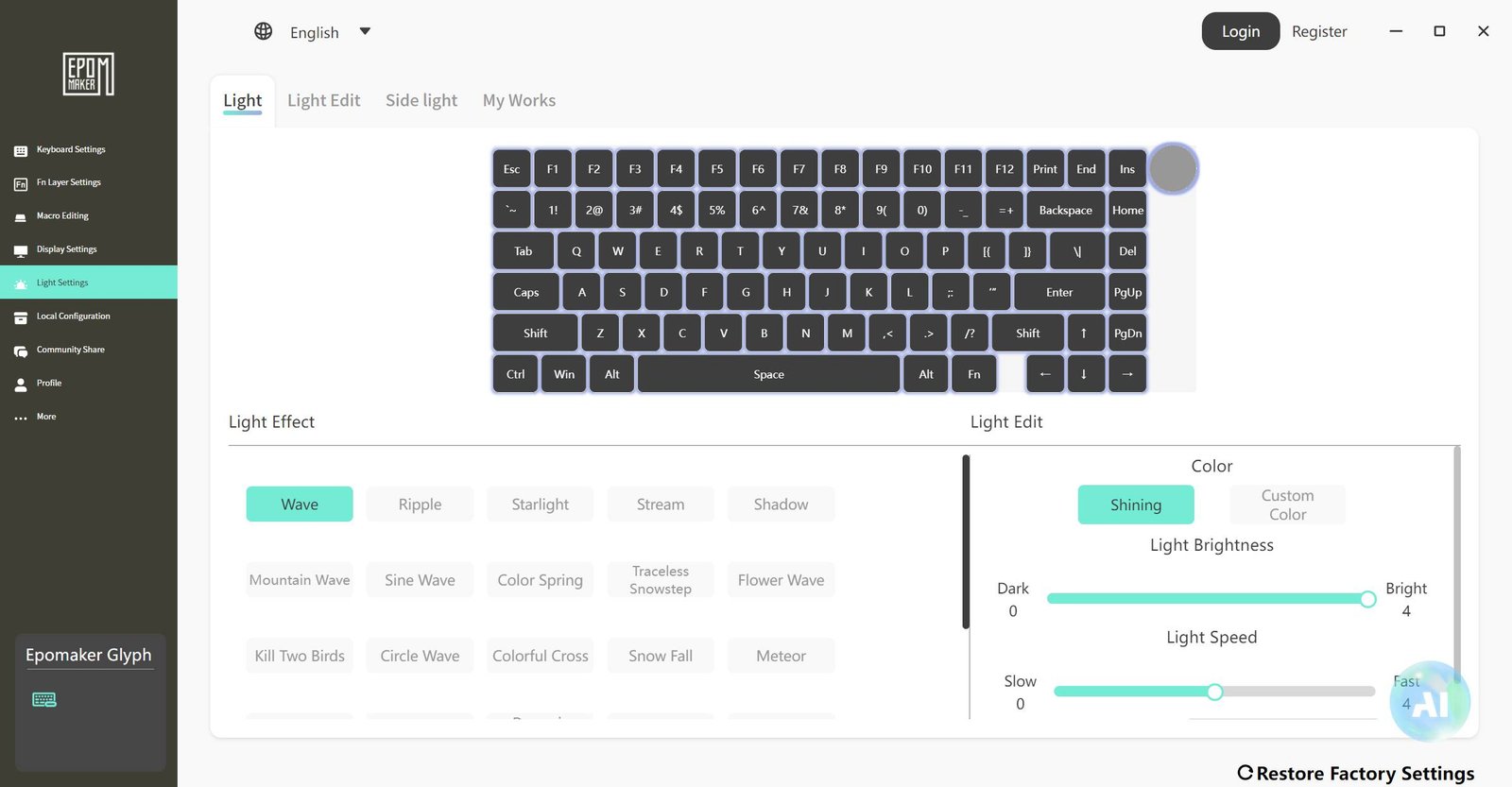
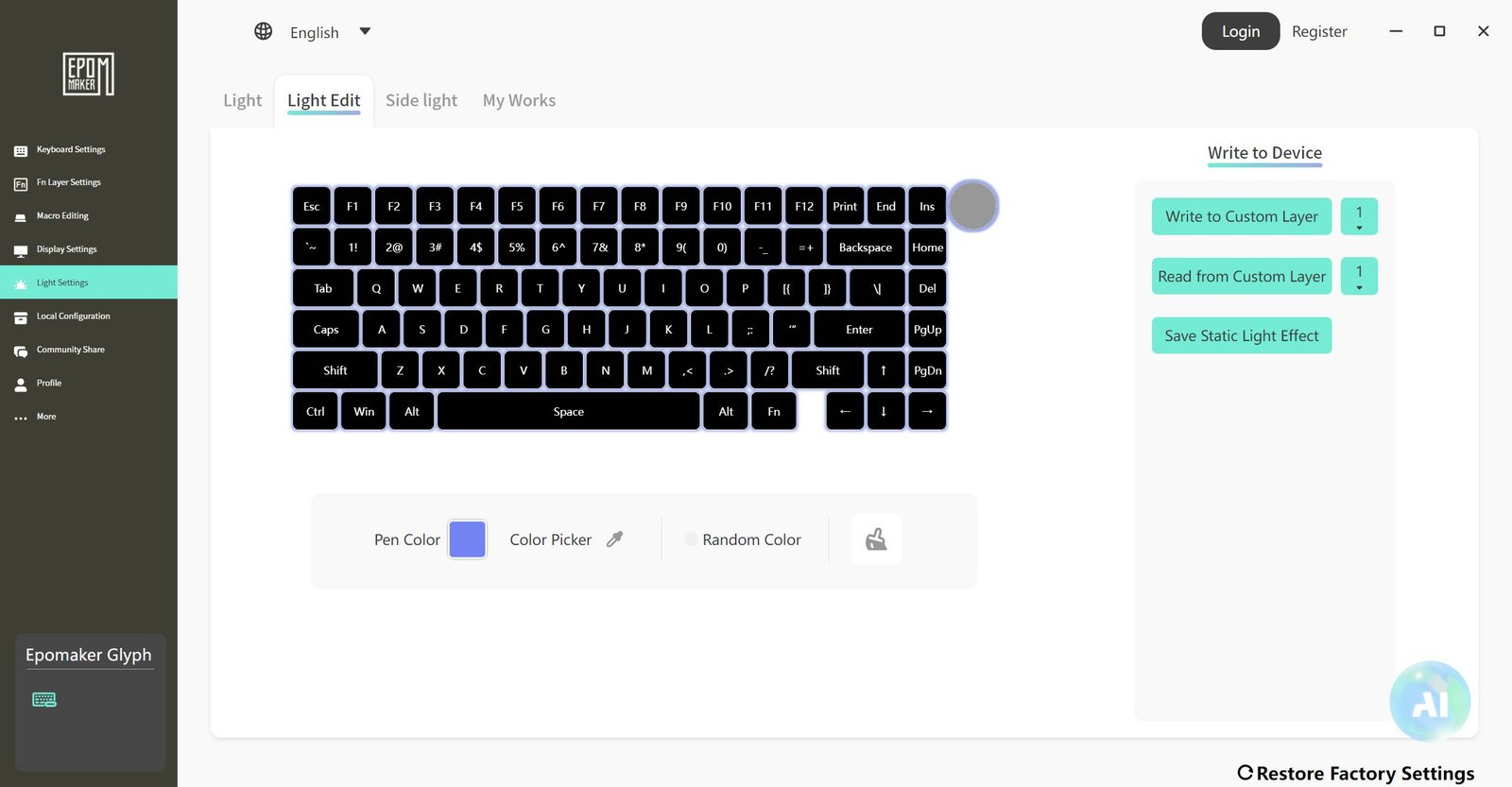
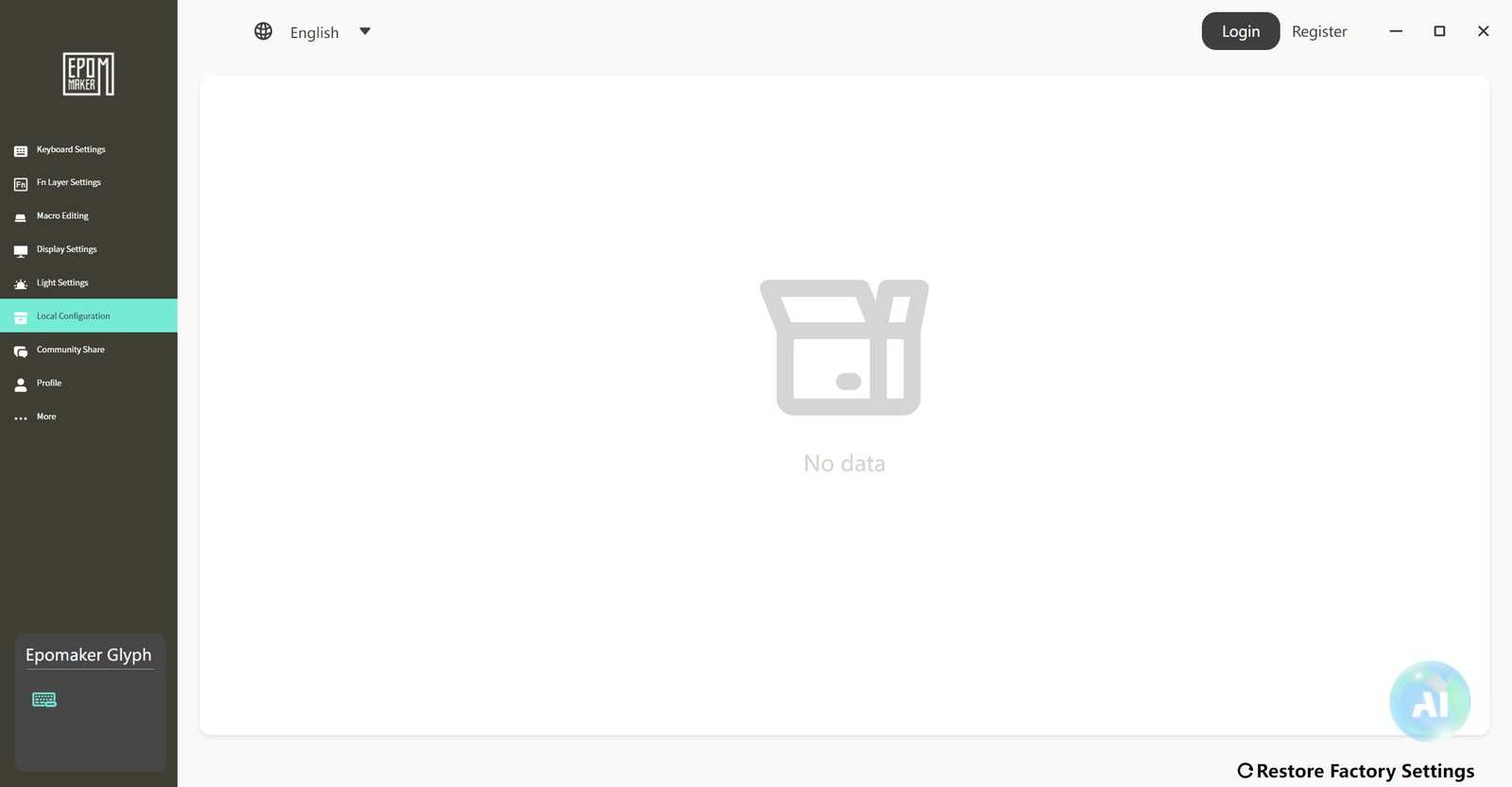
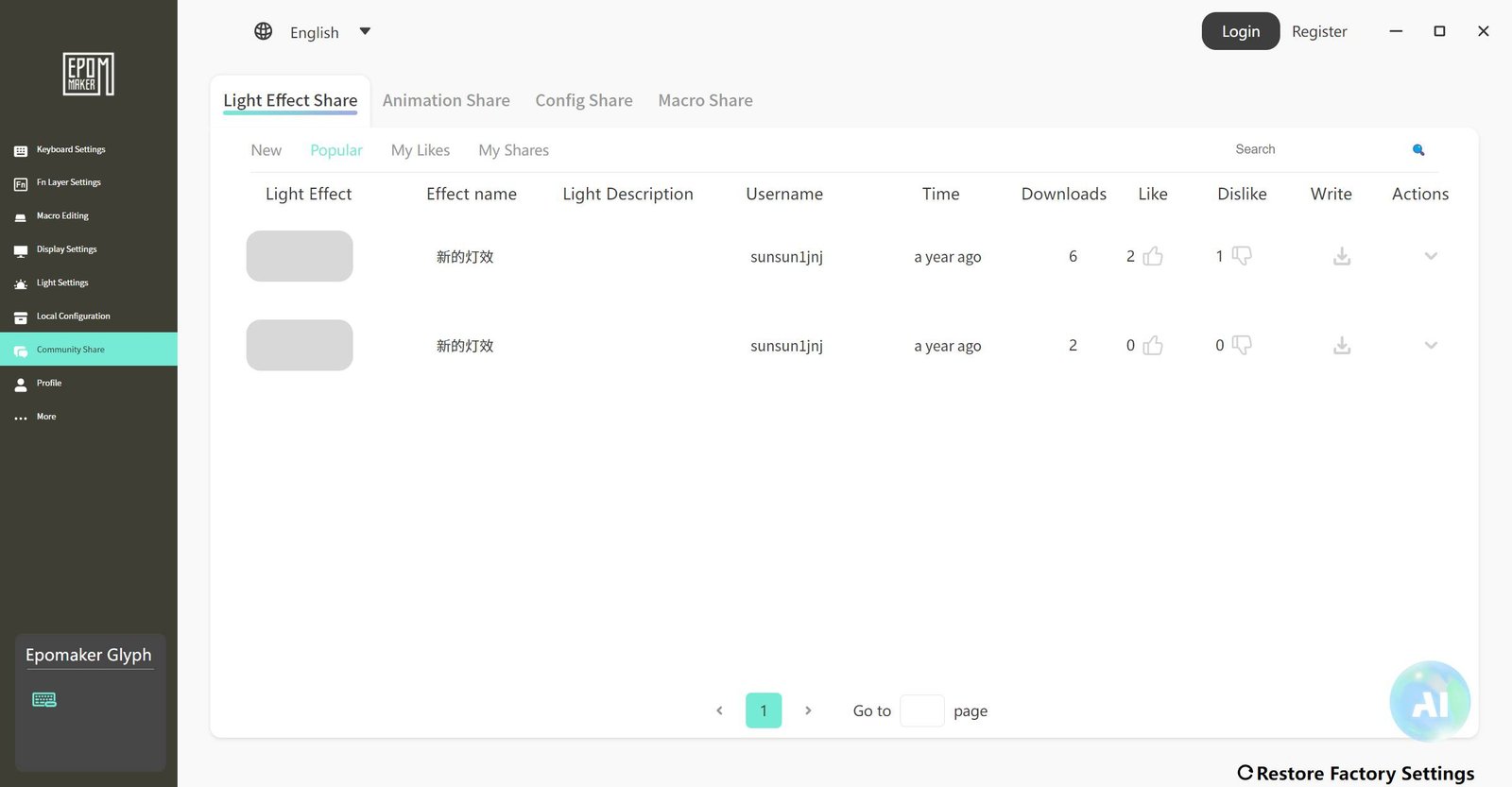
EPOMAKER offers a software package for local installation, as well as an online version for anyone who doesn’t want to install anything. Keep in mind that it only supports Windows and MacOS, leaving Linux out.
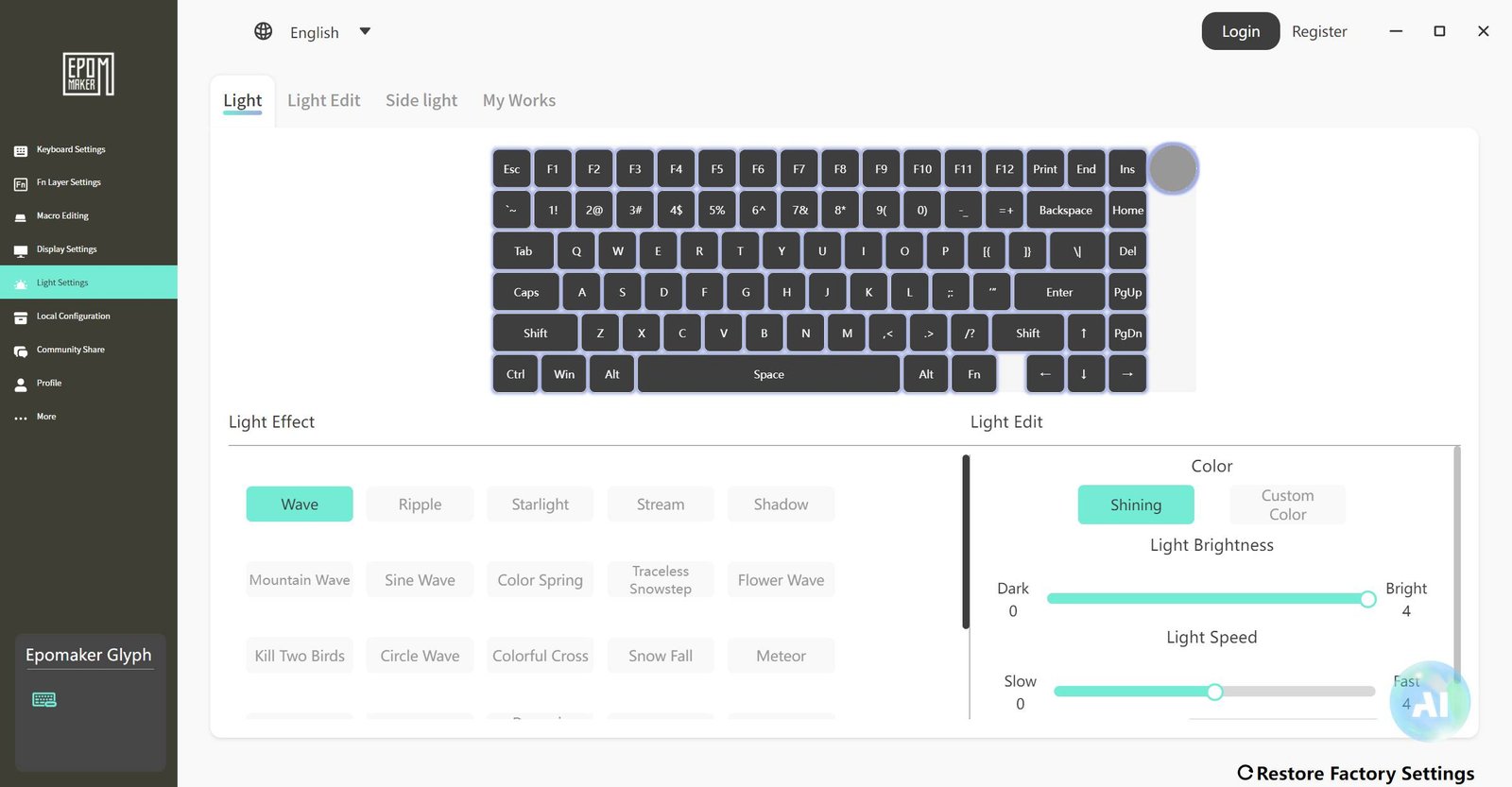
You can create custom keymappings, which means setting different functions for specific keys, customizing the RGB with various patterns, colors, brightness levels, and speeds, putting custom images on the display (including GIF support), and even checking for firmware updates.
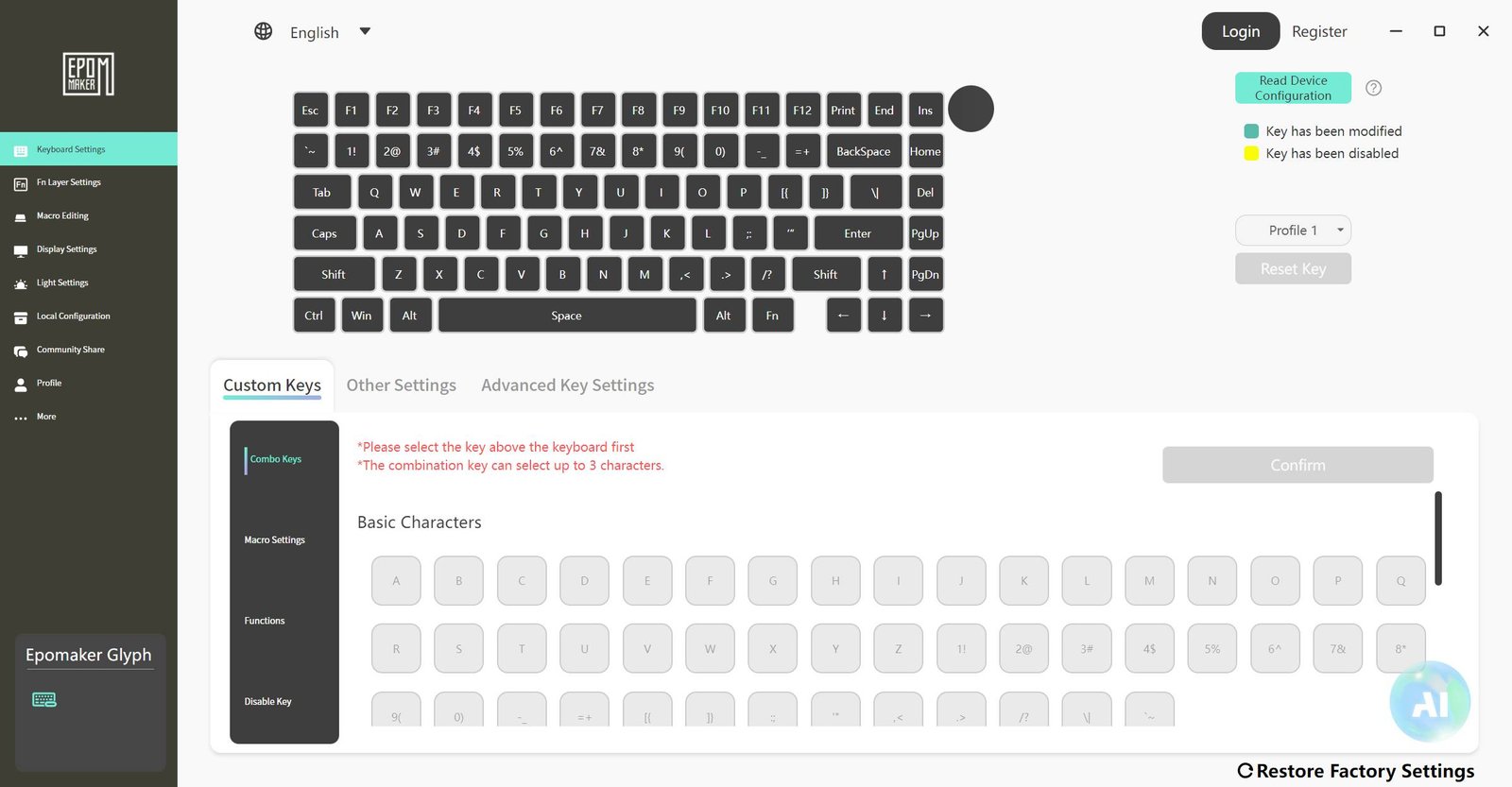
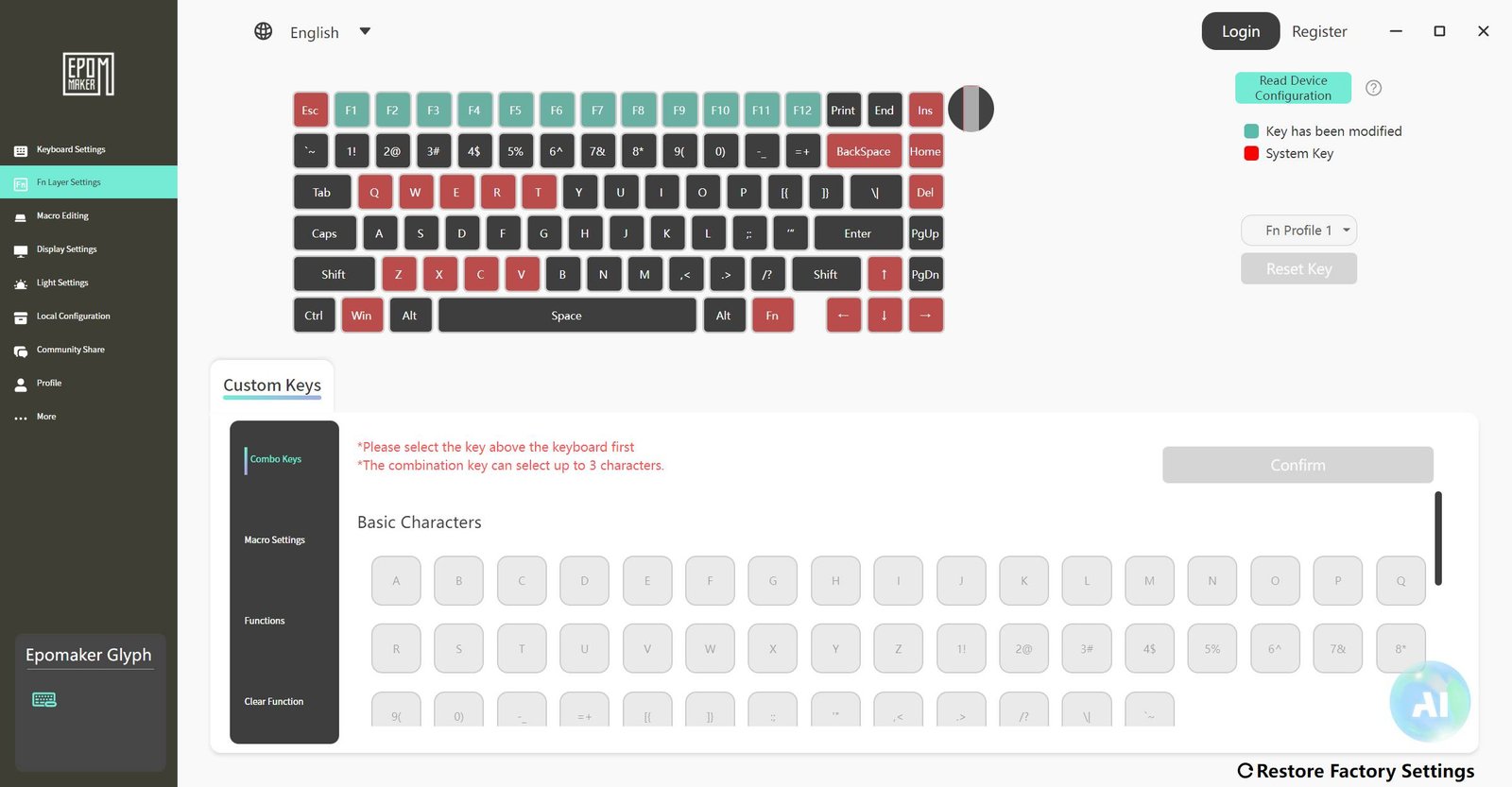
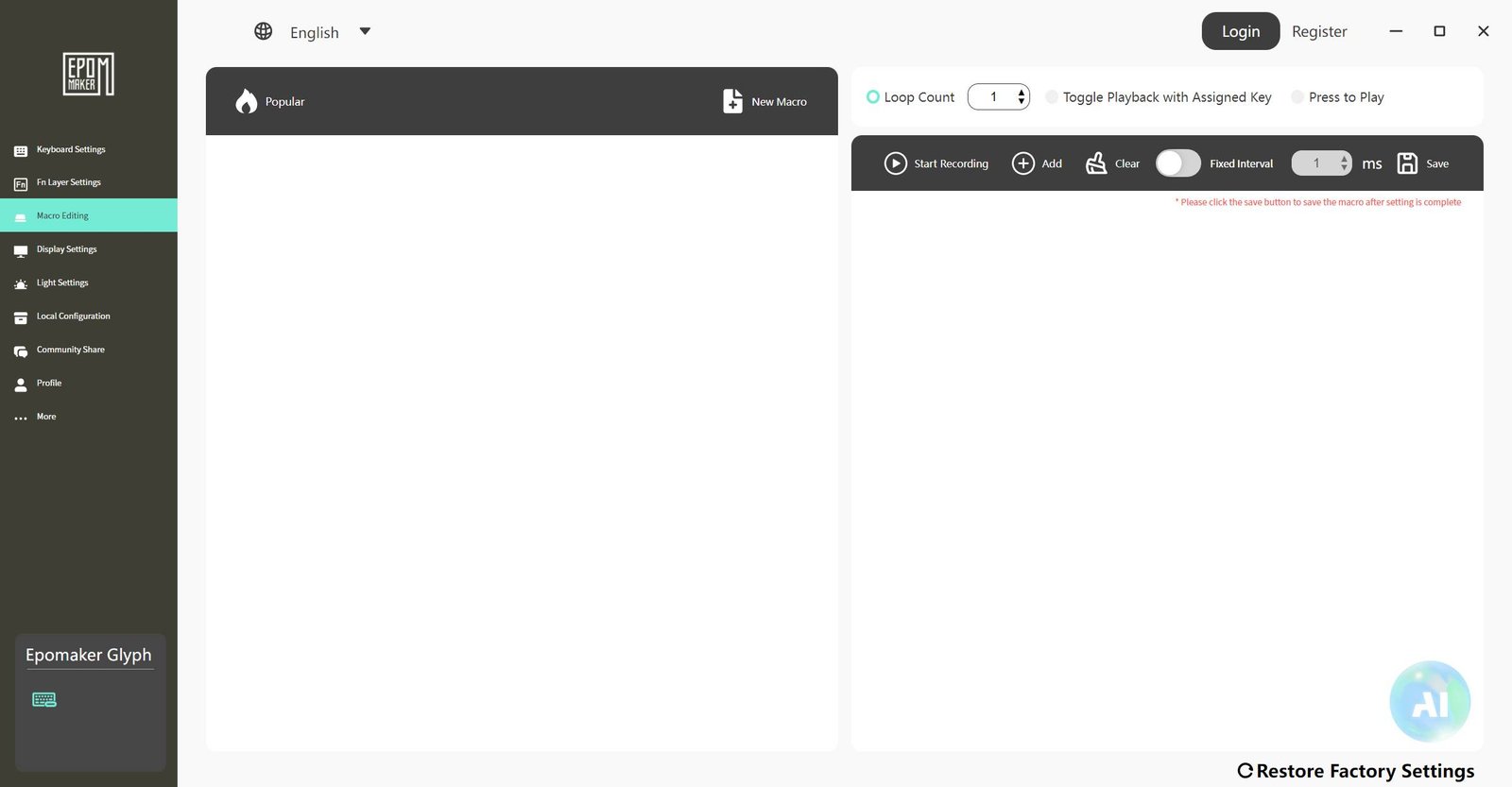
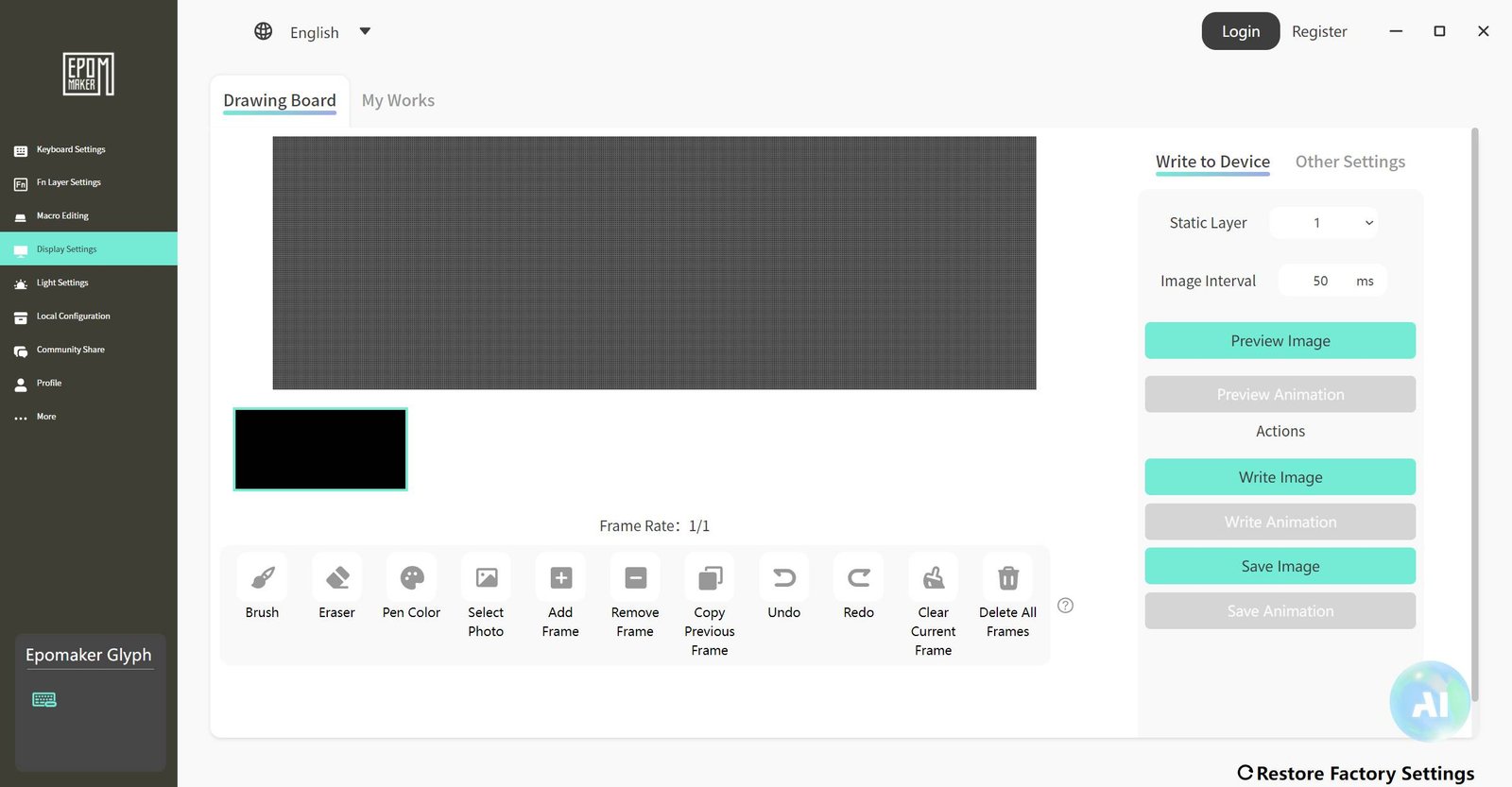
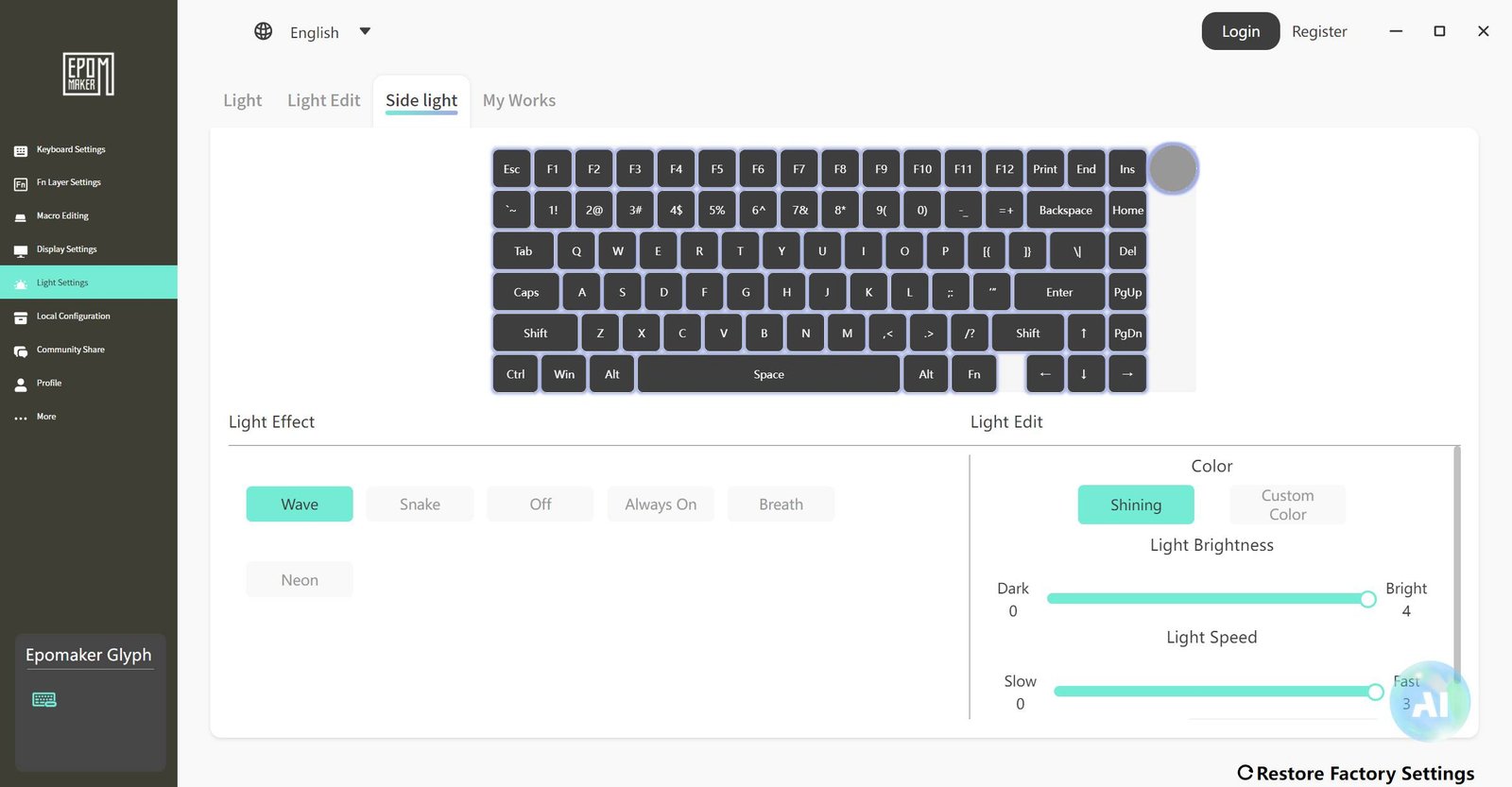
Here is a demonstration of the small screen playing a GIF:
- Real-World Usage:
Because it is quite different from most keyboards and has very little tilt, using the wrist rest is pretty much a must for good ergonomics, along with some time to get used to it. For work-related typing, the experience with the Glyph was very positive, however, it isn’t the best choice for gaming, where something more traditional like the Magcore 65 offers a better and less tiring experience.
The switches are quite light and the sound profile is very pleasant, though I do think they could have at least offered an option with “clicky” switches to give it more of that typewriter feel.
One observation, which might only apply to our test unit, is that during use, I already had to replace two switches, the “N” key and the spacebar, as both started having double-click issues. The situation with the “N” was a bit worse, since when pressing the switch outside the keyboard, you can feel a tactile feedback like it’s catching on something, making the defect very obvious. This doesn’t ruin the keyboard since it’s hotswap and EPOMAKER includes spare switches, but it is something to keep an eye on.
Regarding battery life, the 8000mAh capacity, which is standard for most of these keyboards, lasted a little over two days of normal use. That might not sound like much, but it’s important to remember this was done without turning off the RGB and the screens, so the time could increase drastically with them turned off.
Finally, here is a short video showing how the Glyph performs during use. The goal is to show details like the typing noise, which is unique to every keyboard due to differences in keycaps, switches, and the chassis, and also to show what the RGB lighting looks like in the dark.
- Conclusion:
Based on everything presented, here are the main points:
Regarding design and usability, the look of the EPOMAKER Glyph is unique and without a doubt one of the coolest things we’ve tested in this regard, as it manages to be both a keyboard and a decorative piece at the same time! The screens add an extra visual touch, along with the functional side lever and a design that allows you to prop up a tablet on the case.
In terms of usability, this keyboard uses the ANSI standard with a 75% layout. The thing is, it has very little tilt, so to get the ergonomics right, using the included wrist rest is essential. Once you get used to it, you can tell its strength lies in typing, while for gaming, a more conventional model might be a better choice.
Regarding build quality, the Glyph’s structure is plastic, but it is extremely solid and well-made, with a firm frame that shows no flex. The switches are light and pleasant to use. The only issue is that I already had to replace two switches due to double-click problems, which is something to watch out for. Even though it comes with spare parts and hotswap support, this might point to batch issues or quality problems with the switches.
The software offers local and online versions and is quite complete and easy to navigate. The only issues are the lack of support for Linux, even in the online version, where compatibility would be an expected advantage for that system.
Regarding price, the EPOMAKER Glyph can be found for around 125 USD, with occasional promotions for 100 USD on AliExpress. If you’re looking for something with a strong aesthetic appeal, the Glyph should definitely hit the mark with its retro look, which is unique and very tasteful! It is also a good keyboard for typing, but if your goal is gaming, it might be better to go with a more traditional model.