EPOMAKER Magcore65 Lite Review: A Compact Keyboard with Inductive Switches!
 by Giancarlo C. Dalmedico "NoMS" May 31, 2026 · Periféricos / Peripherals / Reviews / Reviews
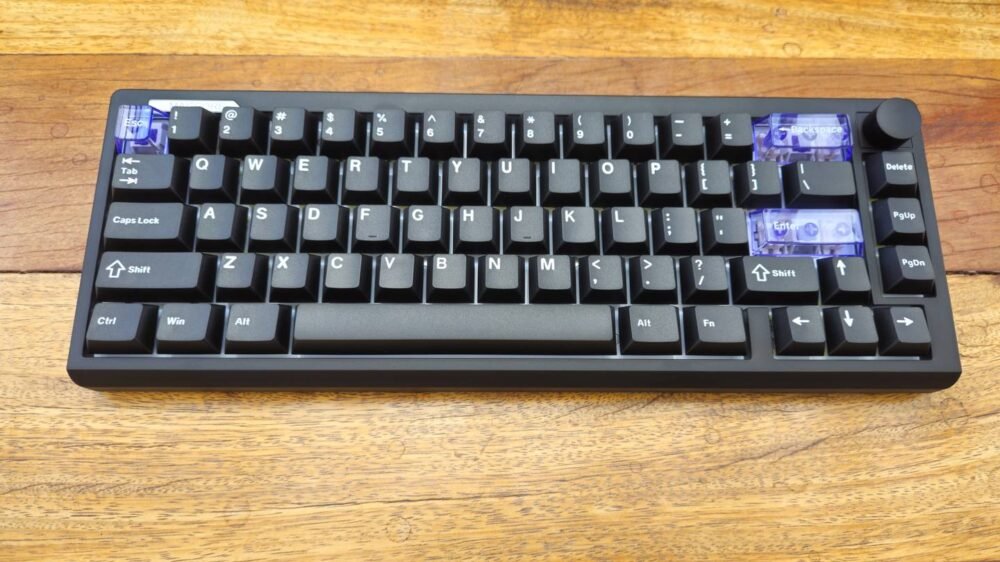
In this article, I will be reviewing the EPOMAKER Magcore65 Lite, a 65% mechanical keyboard, which means it lacks a numpad but retains the arrow keys. It follows the ANSI layout, features a plastic build, and includes RGB lighting, but its real standouts are the inductive switches and the wireless connectivity options. Is this a good keyboard? Let’s find out.
First of all, I would like to thank EPOMAKER for providing the sample unit for this review.
- Unboxing:
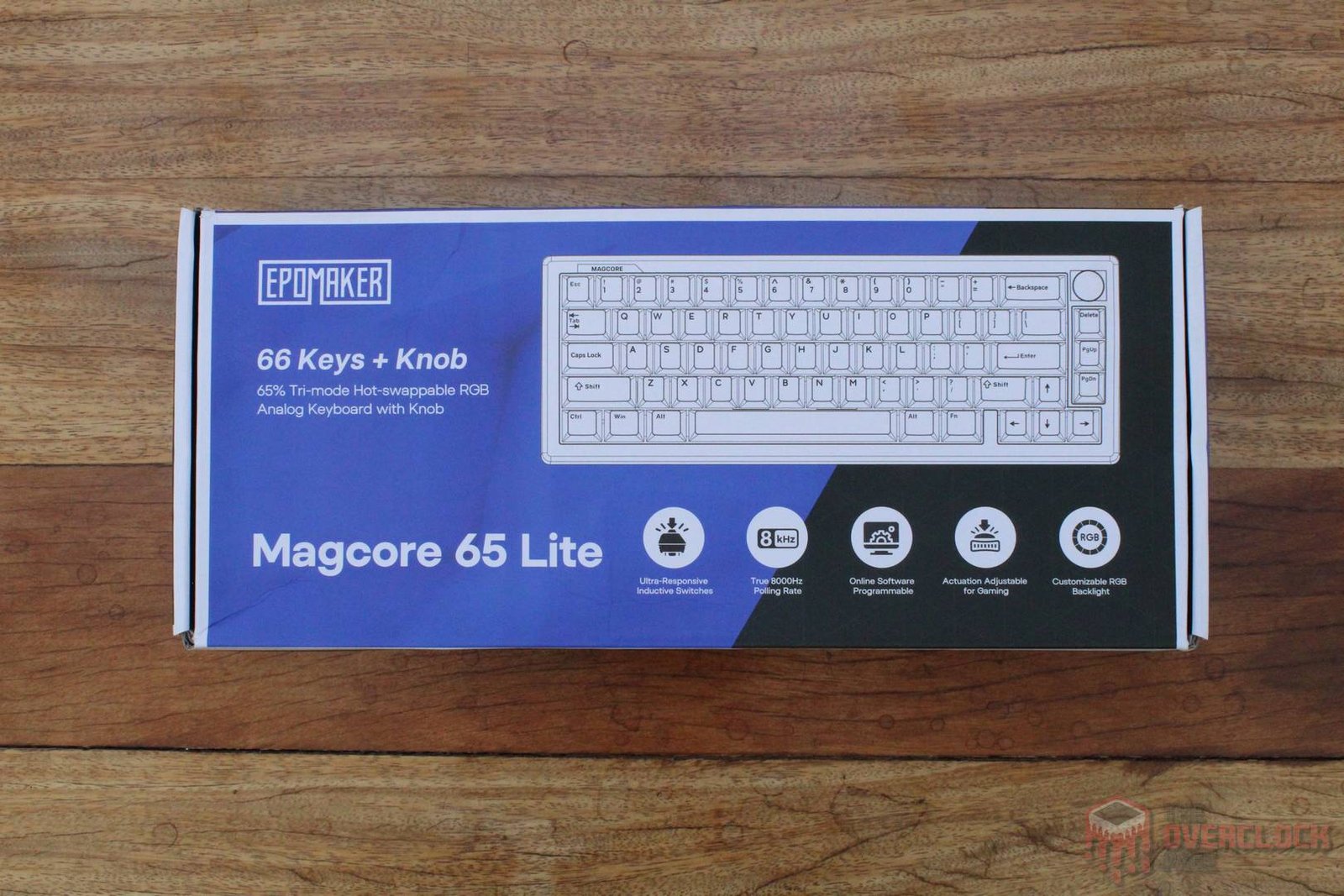
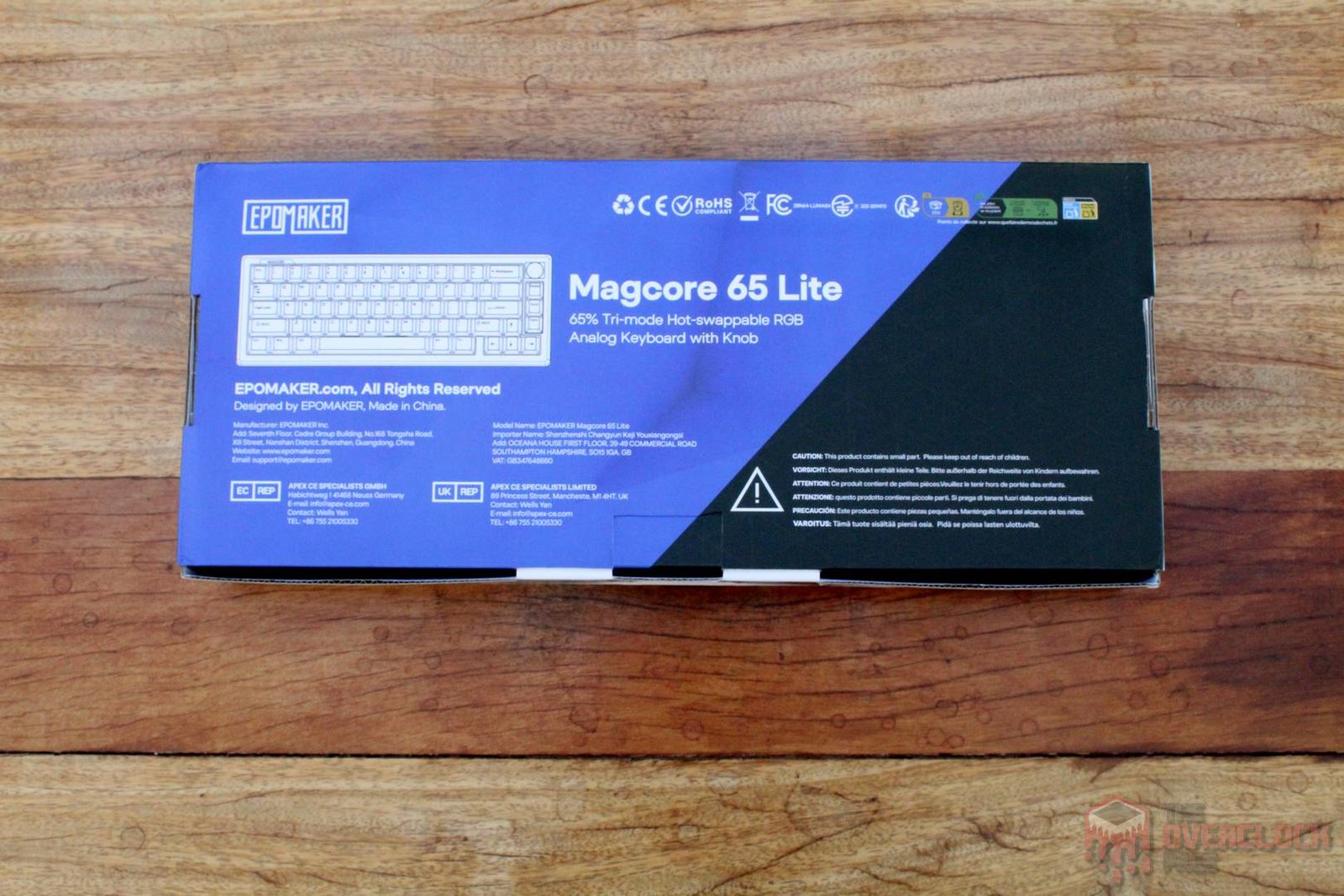
The packaging is quite compact, featuring an illustration of the product on the front along with the brand, the model name, and several key features, such as the 66 keys, the volume control knob, the inductive switches, the polling rate, and the RGB lighting. On the back, we find the same keyboard illustration and the model name.
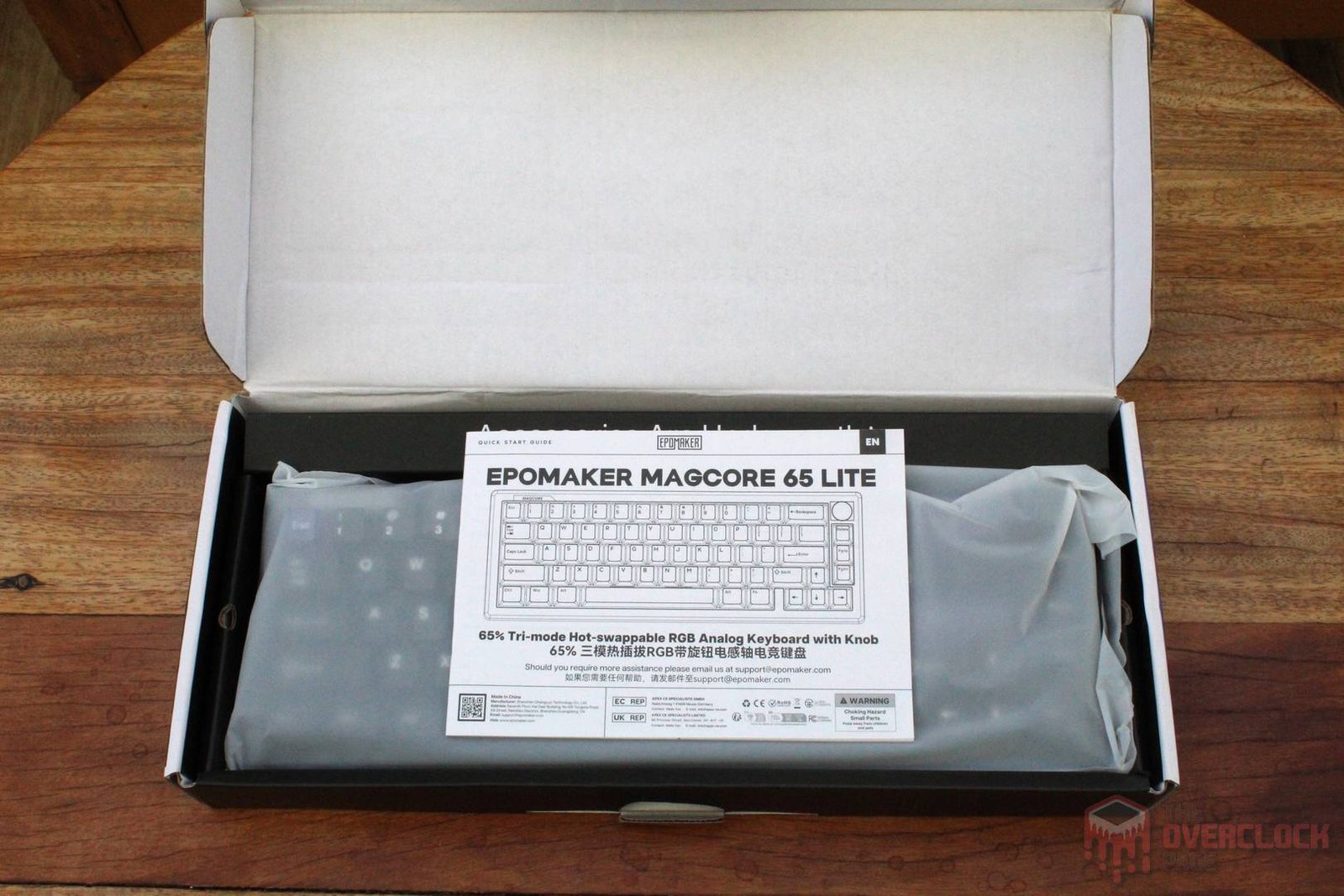
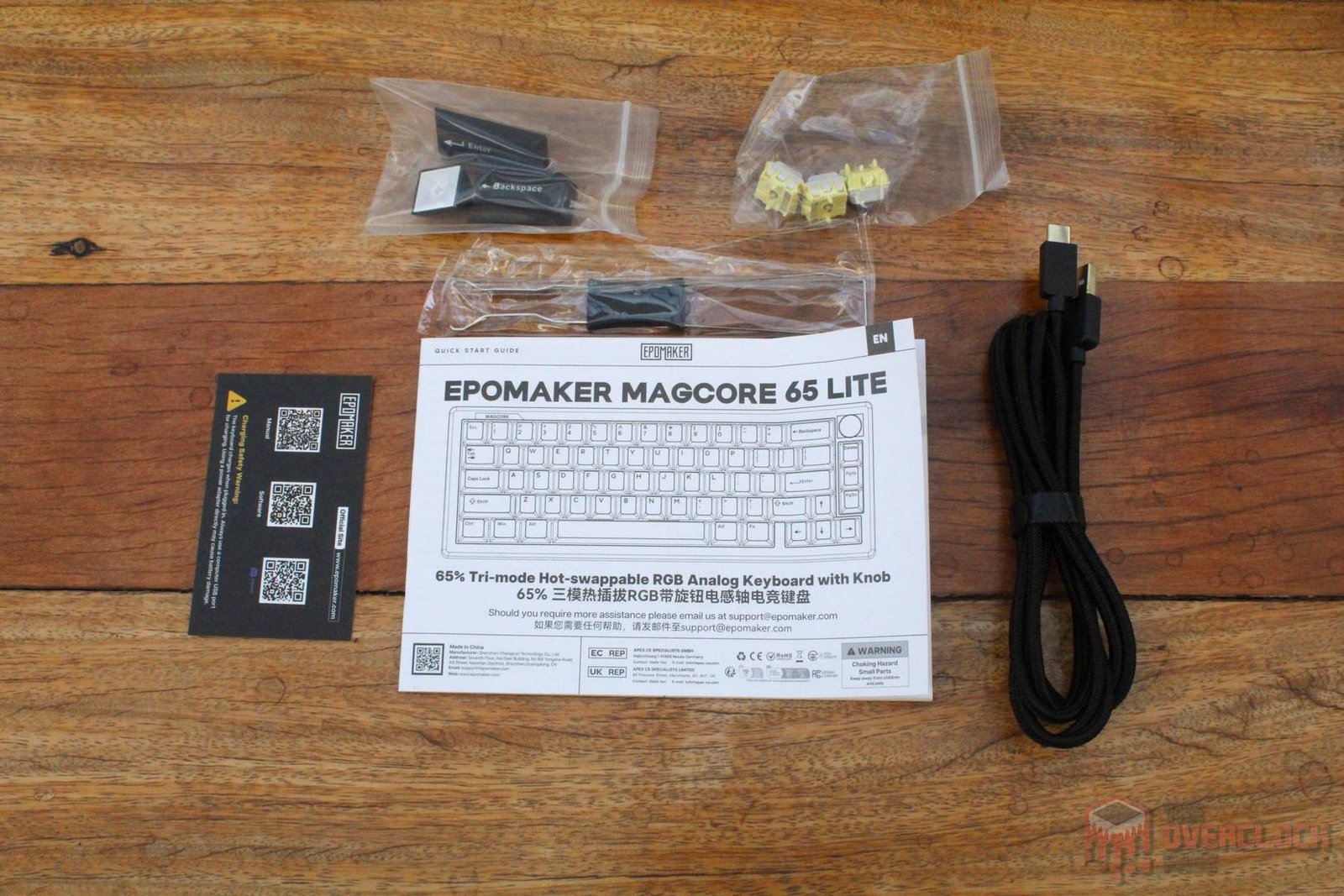
Upon opening the box, we find the keyboard wrapped in a protective bag, a printed manual, a USB-C cable, a switch and keycap puller, three spare switches, and a set of black keycaps for those who might not be fans of the transparent ones that come pre-installed on the keyboard.
- Hardware:
As mentioned earlier, the EPOMAKER Magcore65 Lite uses a 65% compact layout, where this percentage indicates its size relative to a full-size keyboard, which includes a numpad.
Its structure is made of plastic, as is common for most mass-produced models in this category, but the build quality is excellent, with the keyboard being surprisingly heavy and showing zero flex, which leaves a very positive impression in this regard.
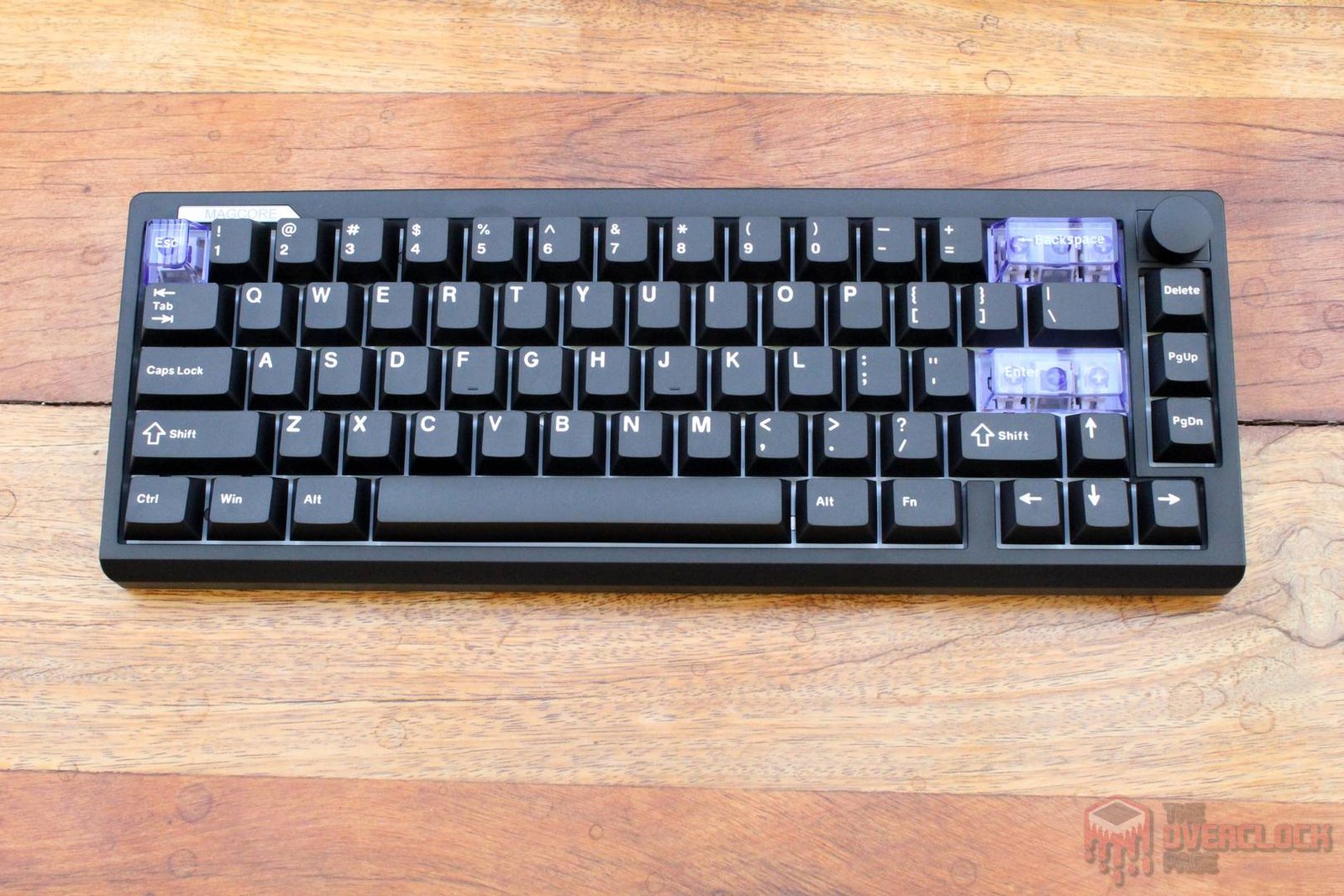
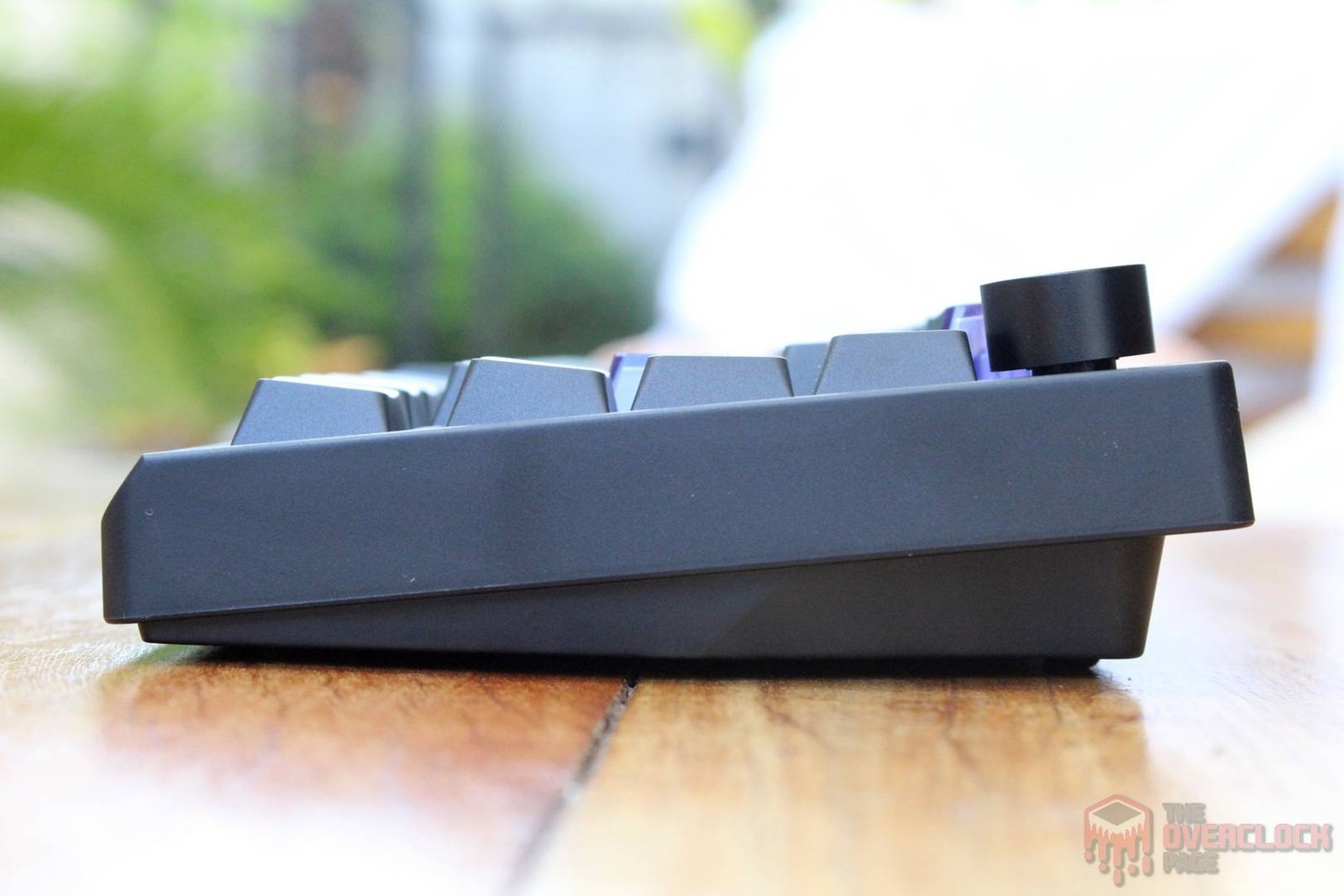
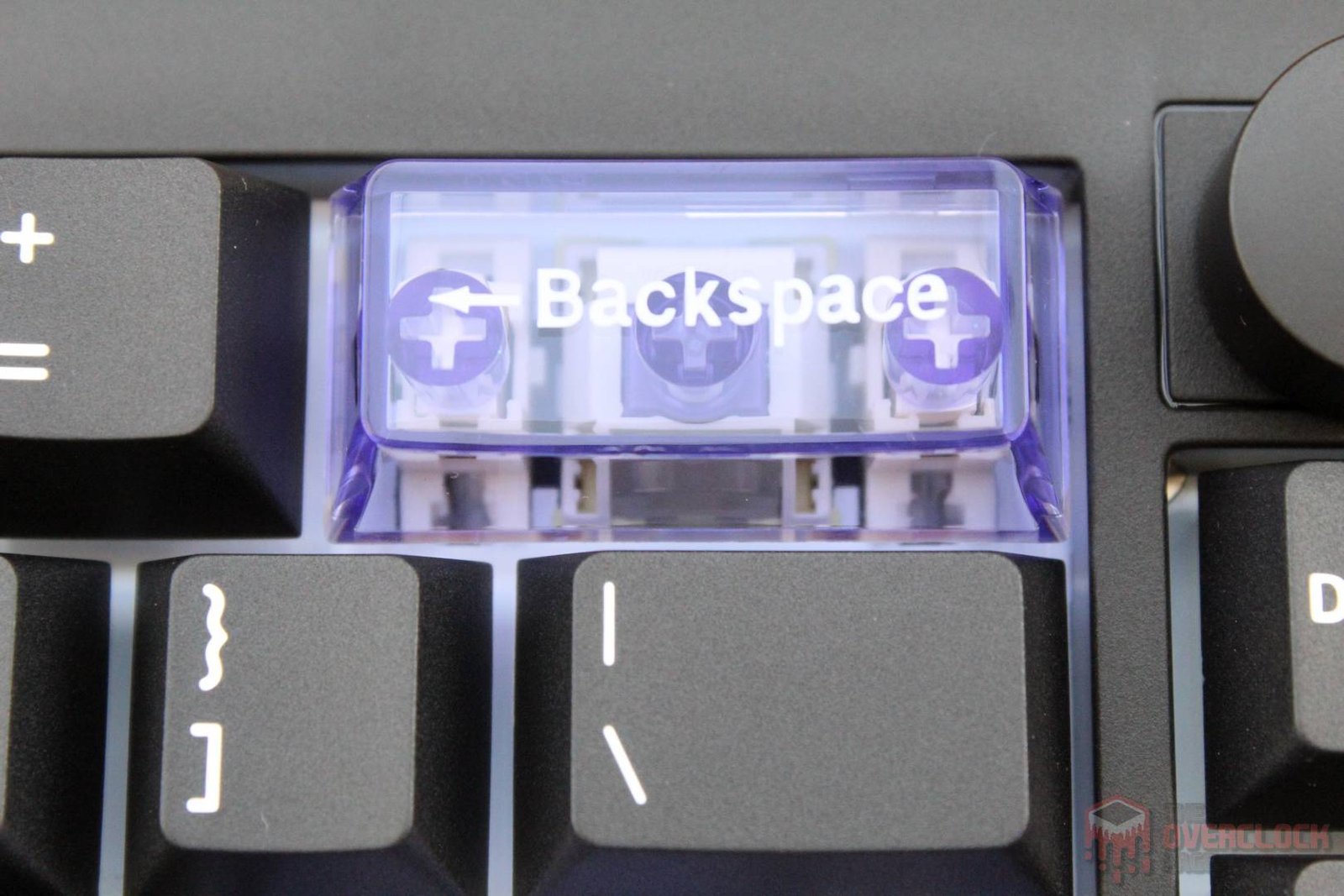
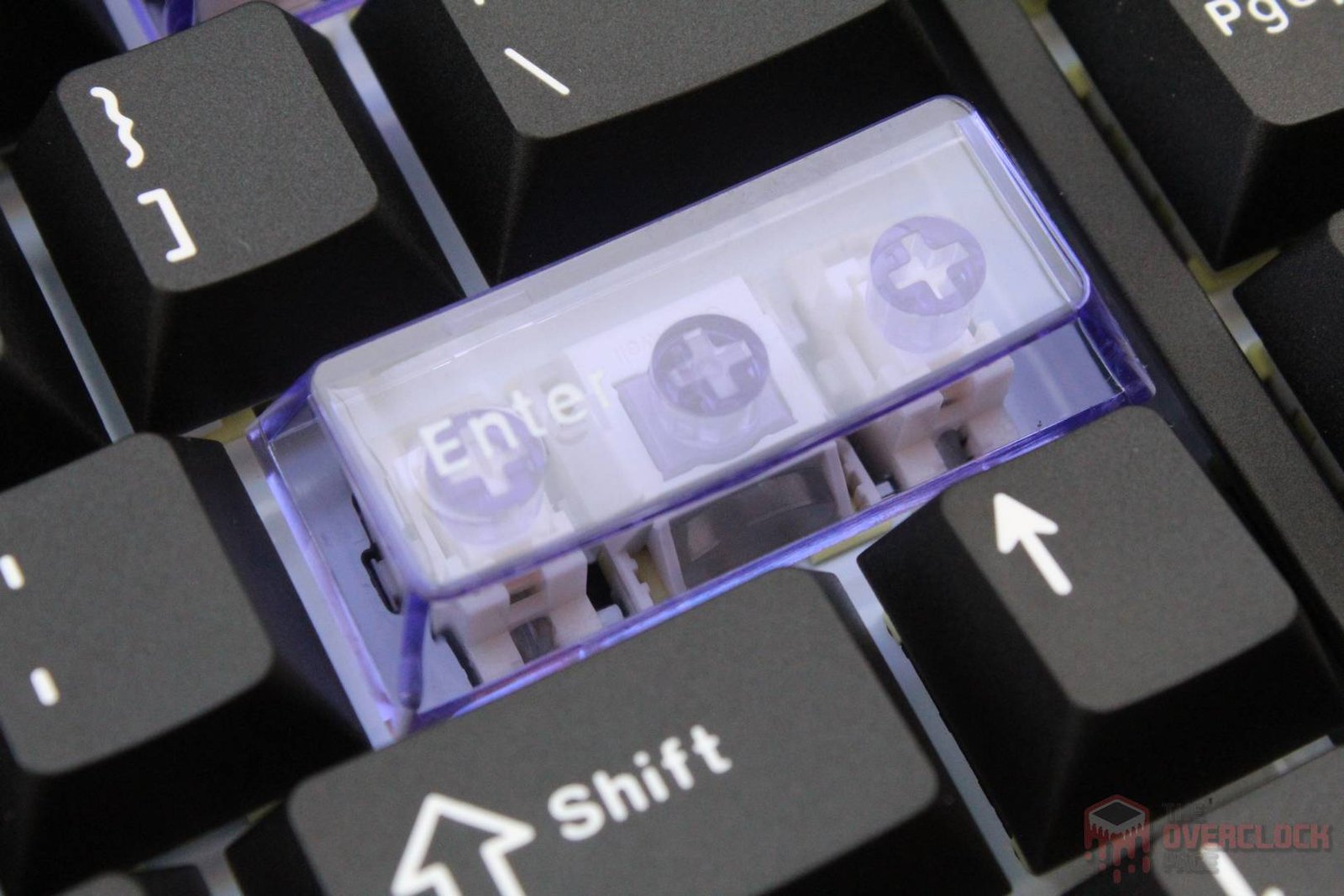
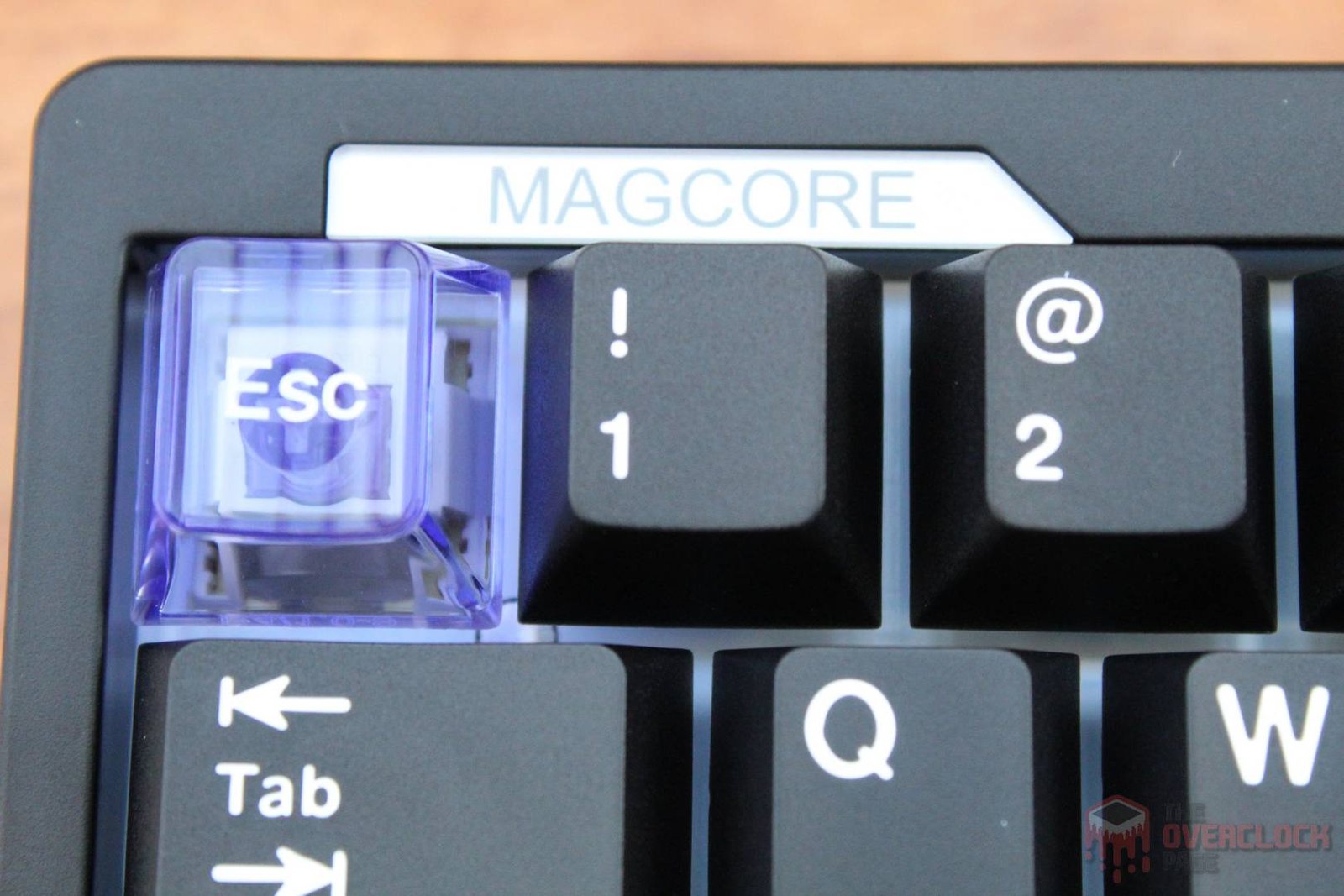
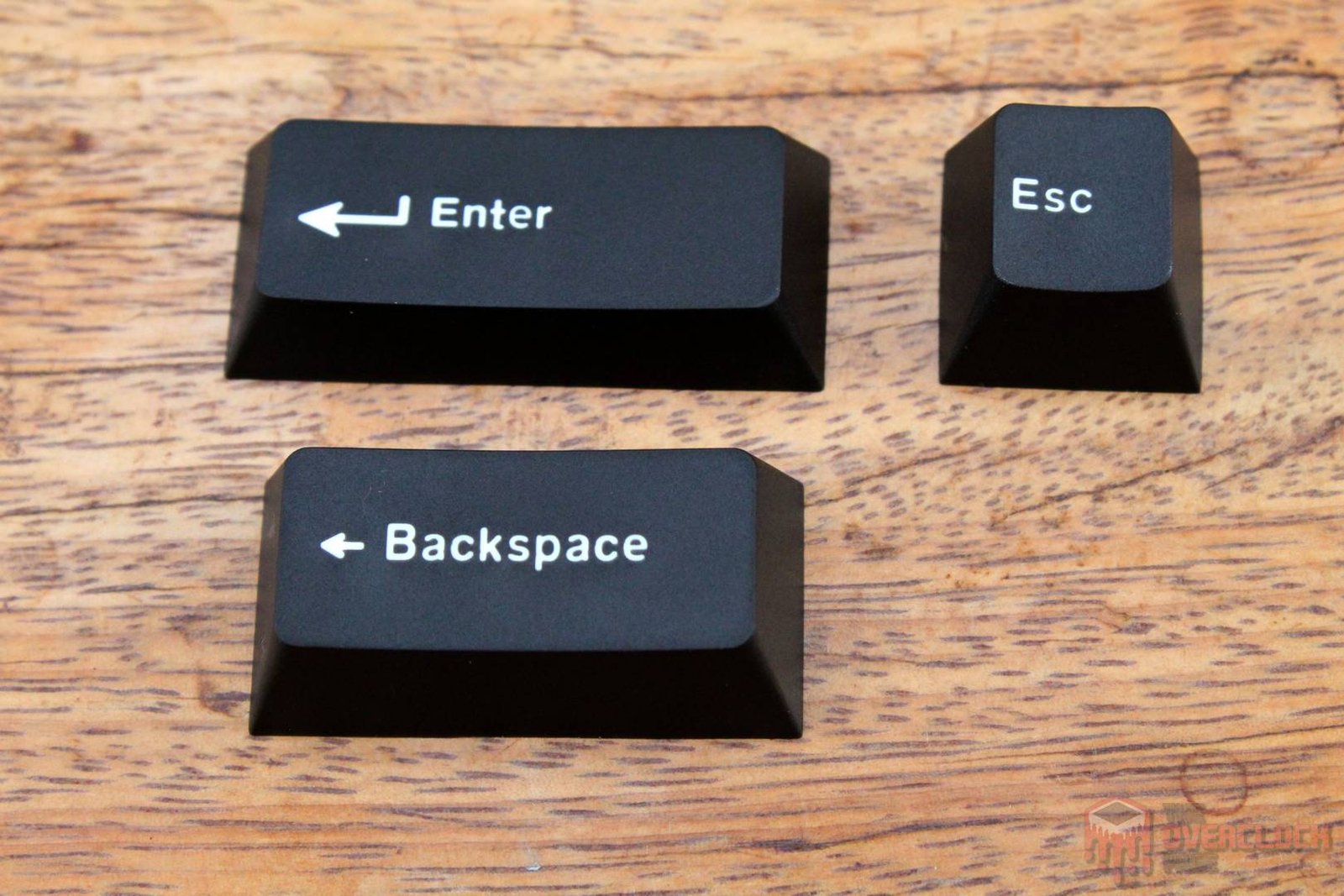
One detail that might be polarizing is the use of transparent keycaps for the ESC, Backspace, and Enter keys, which gives the keyboard a unique look and sets it apart from the crowd of other 65% models on the market. If you’re not a fan of this style, as I mentioned before, EPOMAKER also includes a set of standard black keycaps that are easy to swap in.
As for the volume knob, it is also clickable, serving as a mute button when pressed.”

The bottom of the keyboard features four rubber feet at the corners, which proved to be quite effective at keeping the device from sliding around on the surface. Additionally, it includes adjustable feet to change the typing angle, which, like the rest of the chassis, are also made of plastic.
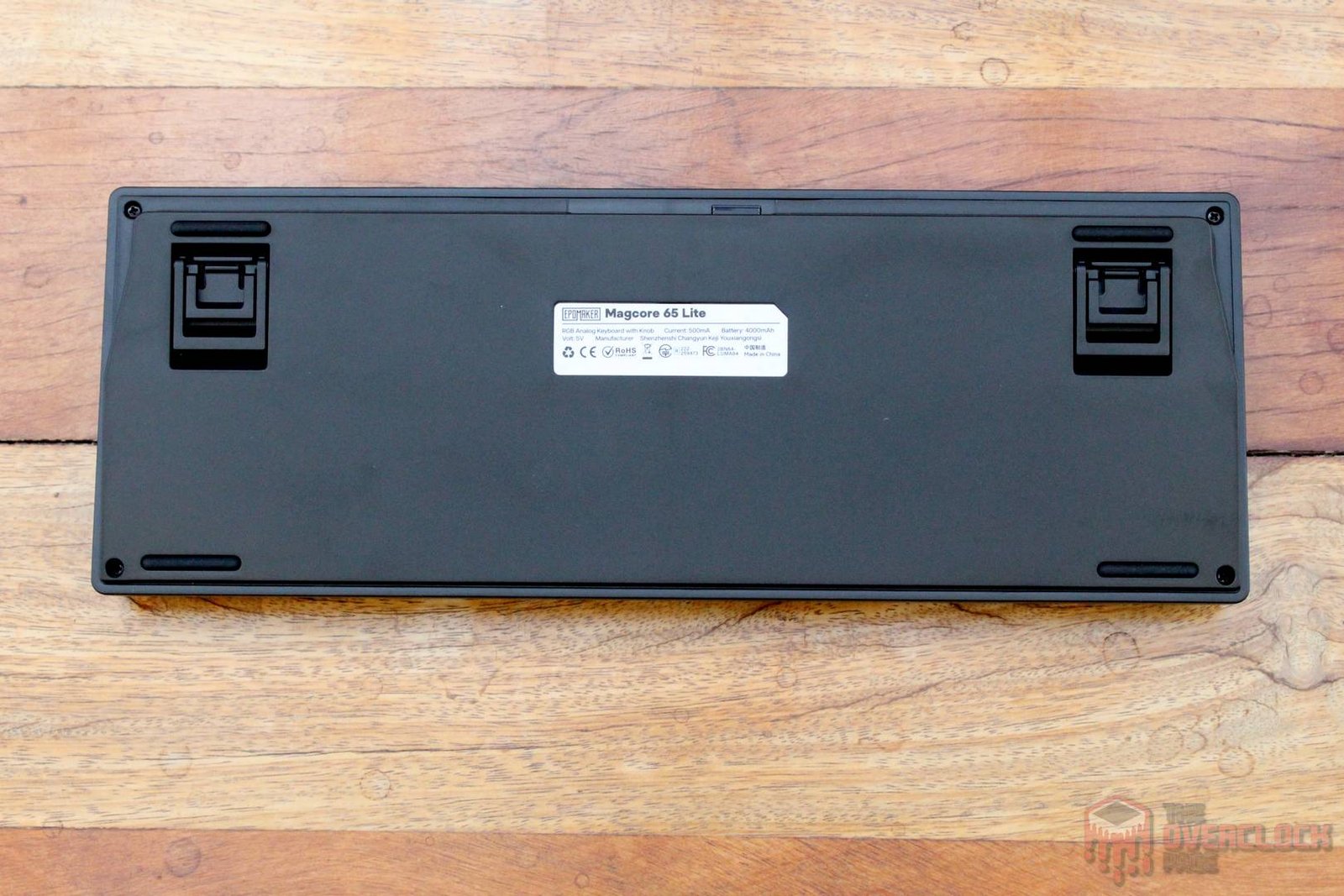
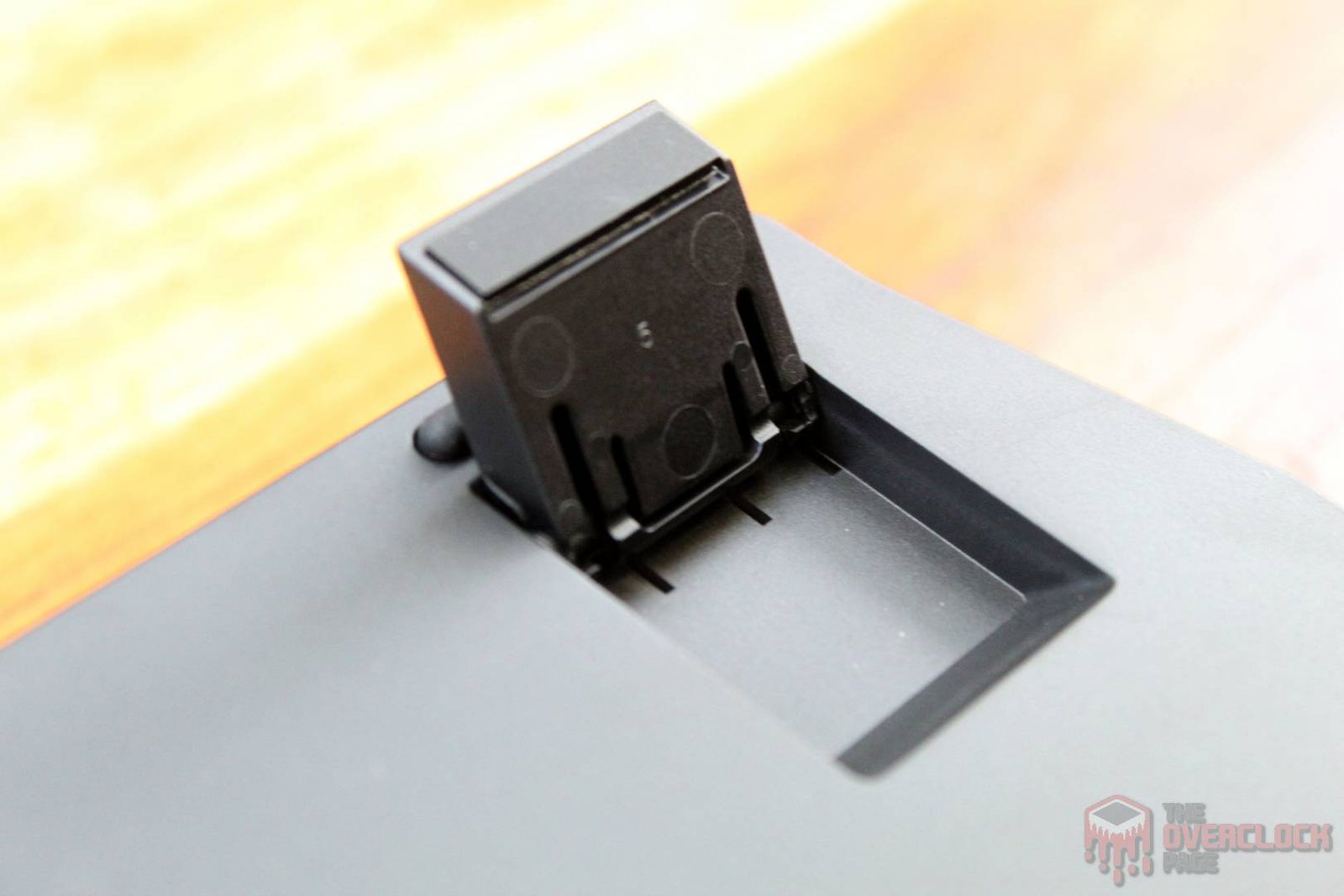
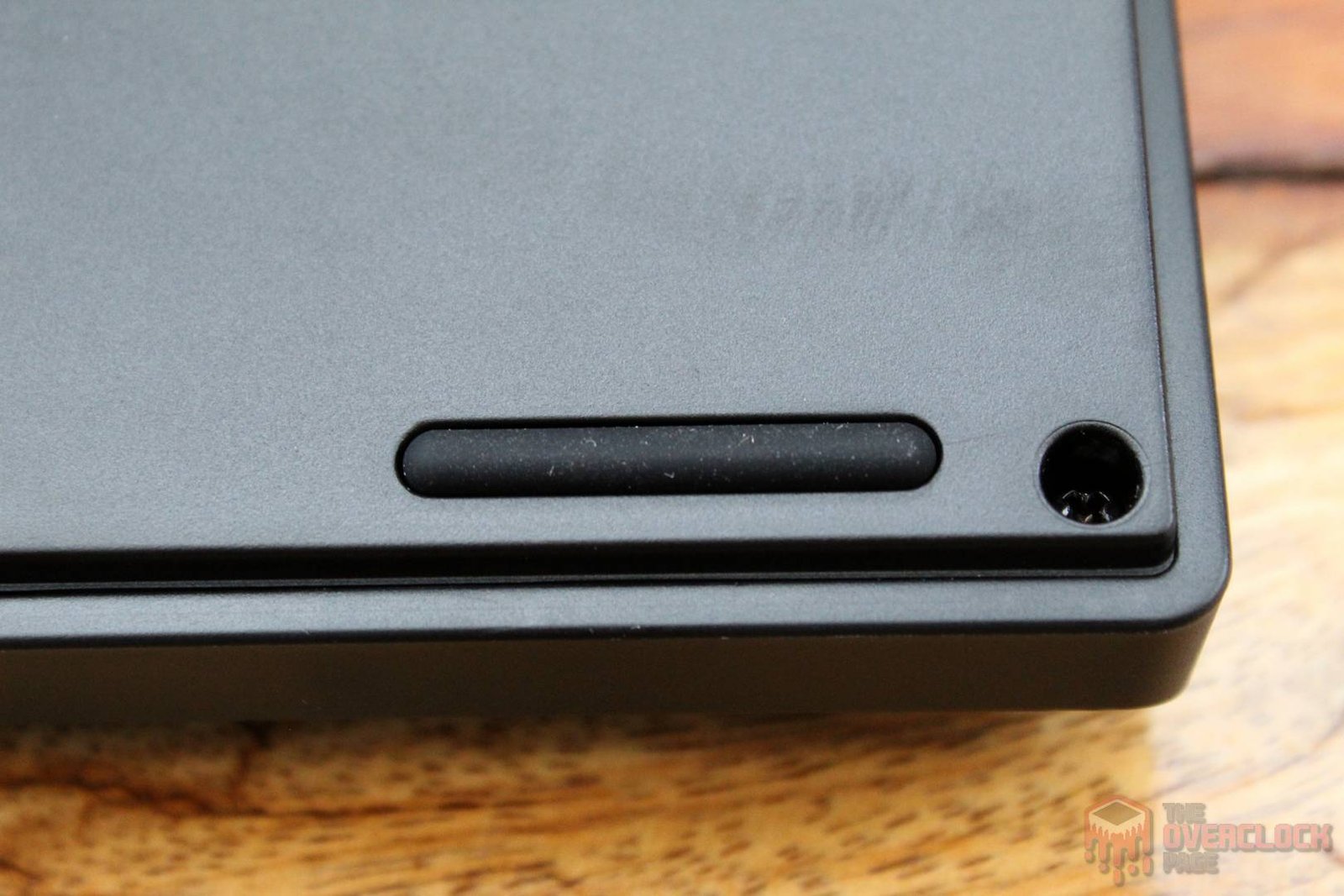
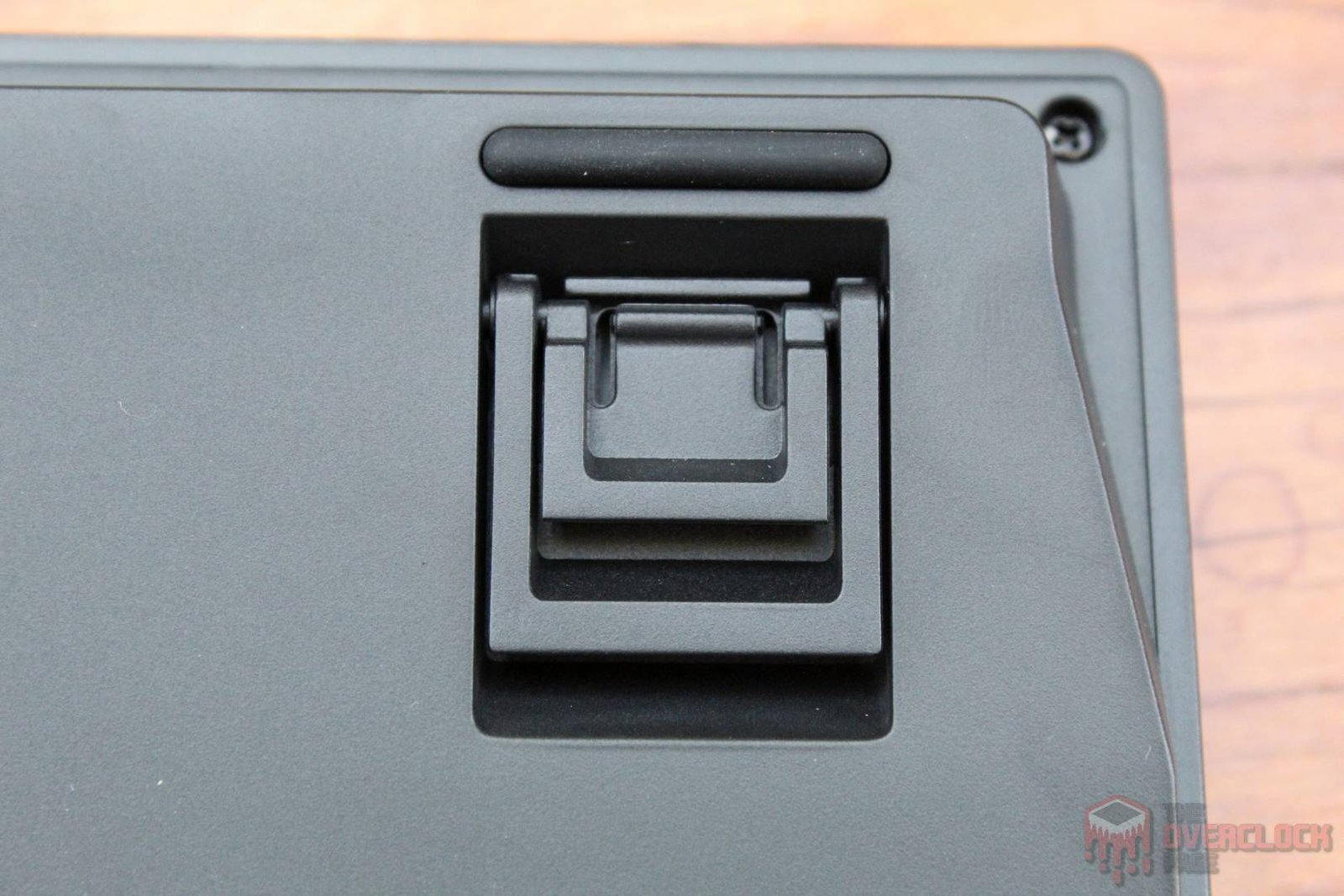
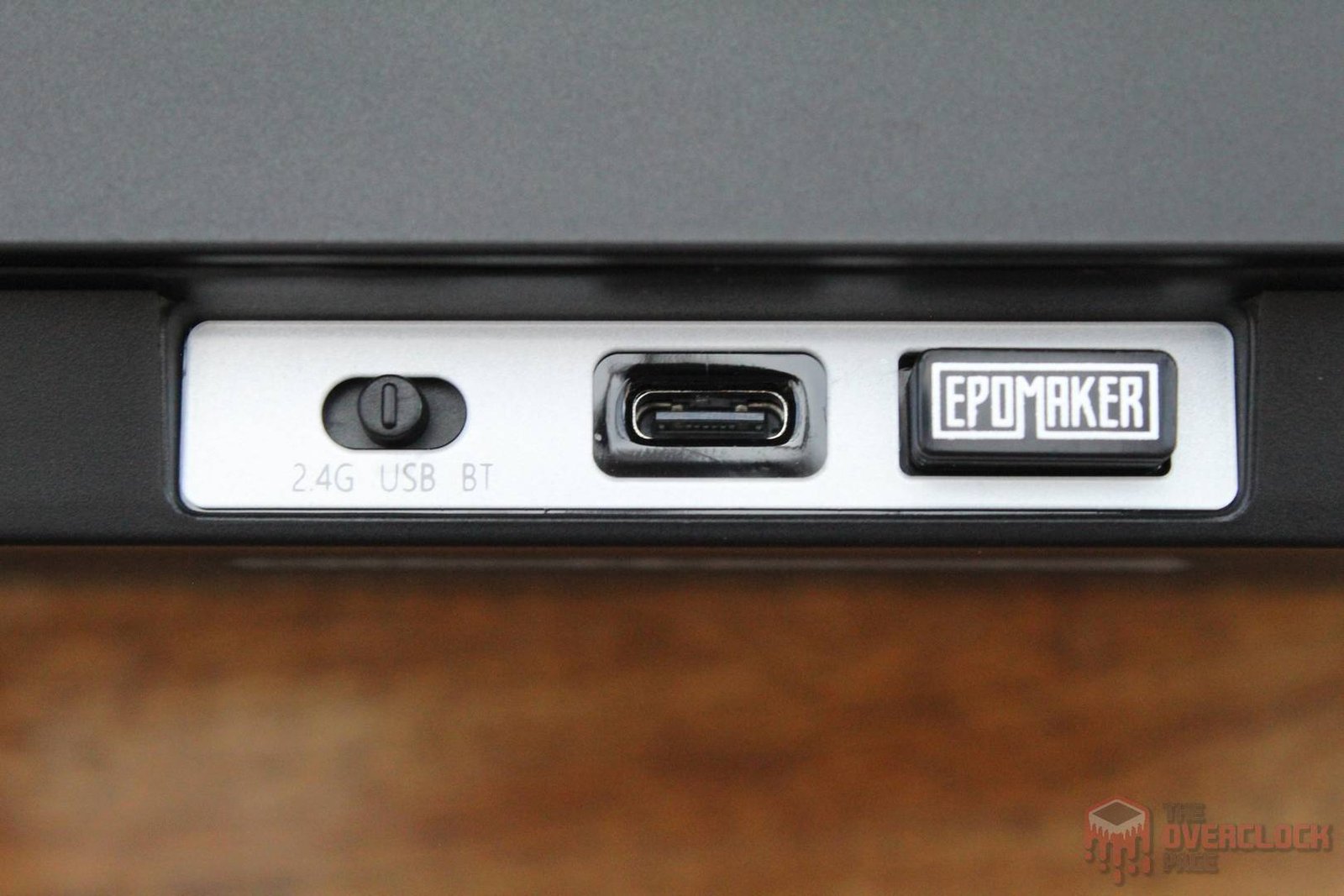
Regarding connectivity, the keyboard uses a USB-C port with a detachable cable, which is great since it’s a modern and widely adopted standard. Additionally, you have the option to use the included wireless receiver or Bluetooth.
An important detail is the polling rate, which is the frequency at which the keyboard communicates with the PC. For example, a 1000 Hz rate means it communicates 1000 times per second, reducing communication latency and the feeling of input lag.
On the Magcore65 Lite, the polling rate is 8000 Hz when using the USB cable, 1000 Hz in wireless mode, and 125 Hz via Bluetooth. This difference exists primarily to manage battery life, as a higher polling rate tends to consume more power, which would significantly shorten the time between charges.
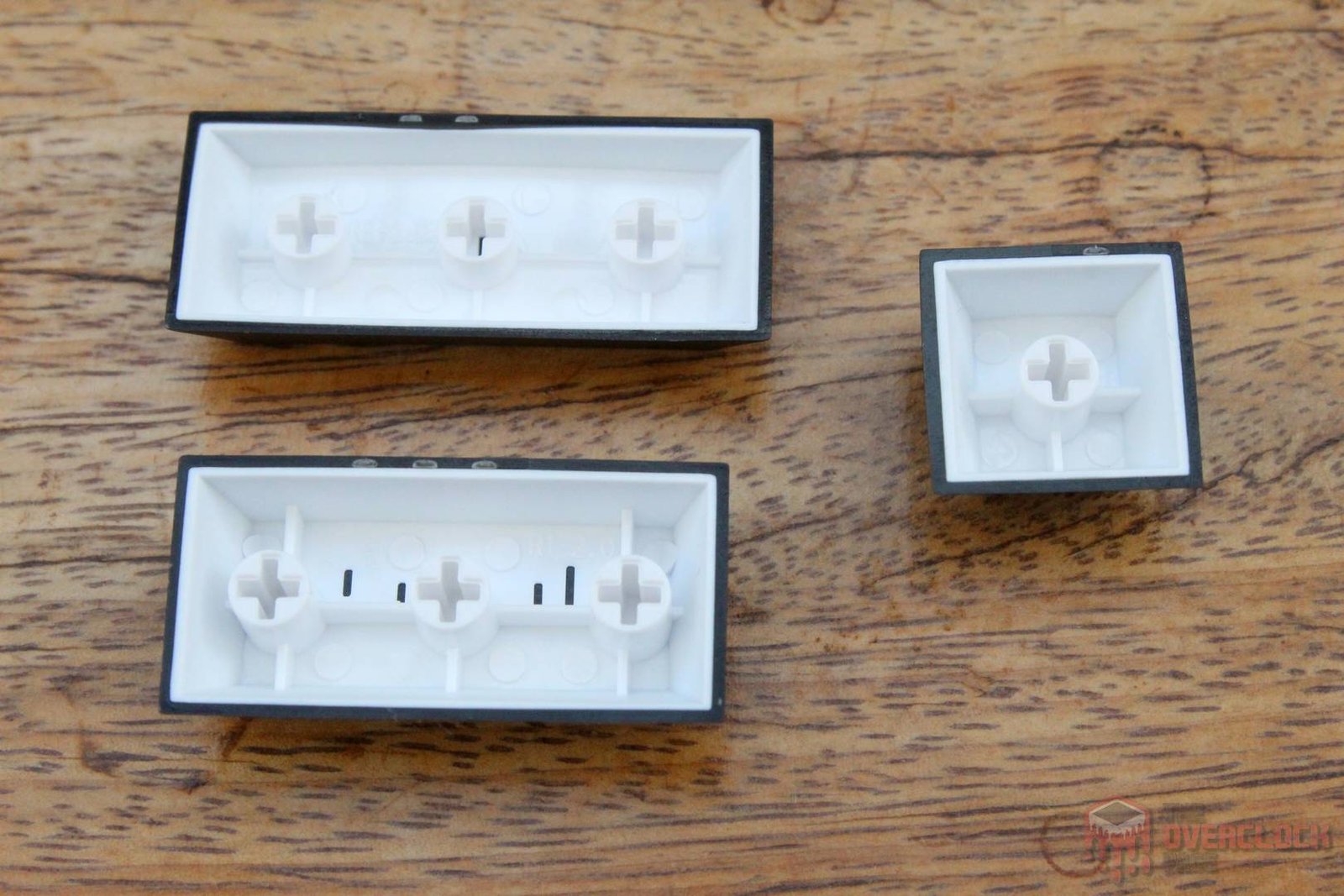
The black keycaps are made of PBT plastic with doubleshot printing, a process where the keycap is molded with a second transparent plastic layer. The main advantage is that this prevents the legends from peeling off or becoming illegible over time. Another benefit of this material is that these keycaps won’t develop that ‘shiny’ look characteristic of ABS keycaps, which is a big plus for long-term durability.
Finally, the transparent keycaps are made of polycarbonate, which seems to be the standard material used for this type of component.
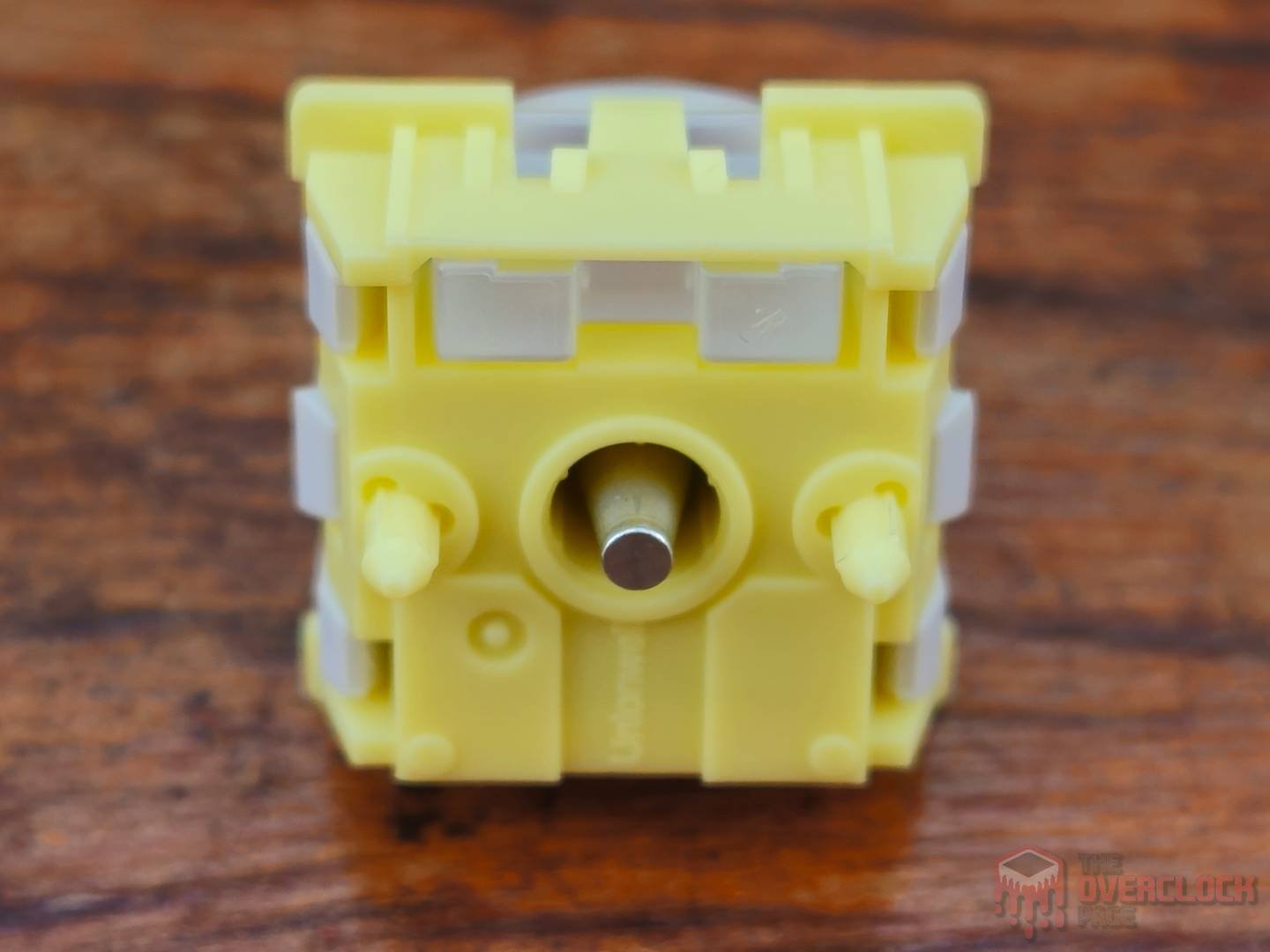
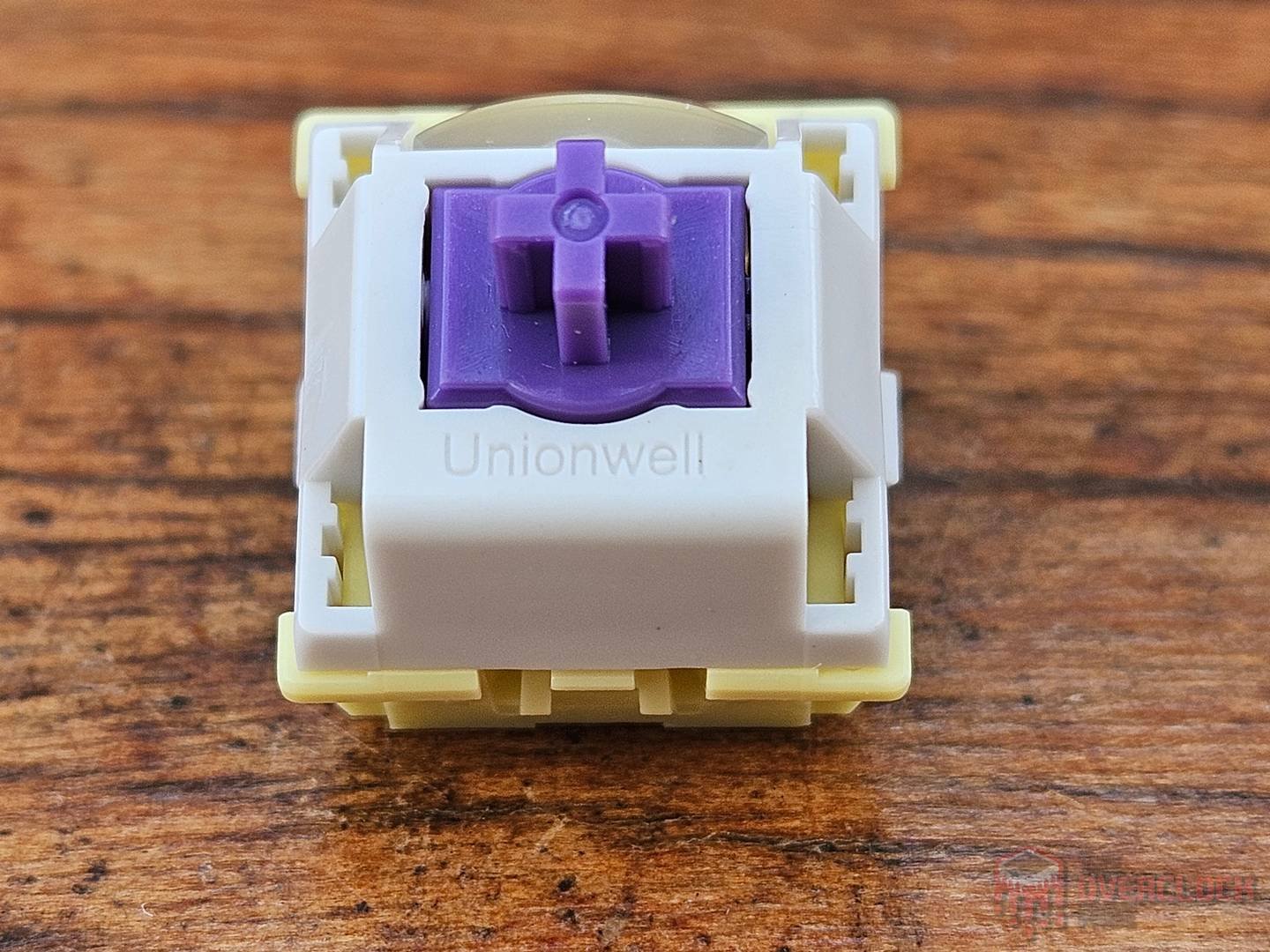
What sets the Magcore65 Lite apart from the overwhelming majority of 65% keyboards are its switches, provided by Unionwell. While they follow the traditional Cherry MX stem design (the ‘cross’ shape used to install keycaps), the similarities end there.
These switches do not use physical metal contacts for electrical actuation—they are inductive! The keyboard’s PCB features tiny coils that produce a magnetic field when a current flows through them. When you press the switch, the metal tip at the bottom moves, causing changes in inductance. These changes are read by the keyboard’s MCU, which determines whether the keypress has occurred.
The major advantage of this system is its precision, allowing parameters like actuation point and sensitivity to be user-adjustable. Furthermore, the response time is faster than that of a traditional mechanical contact switch, enabling features like Rapid Trigger. This makes this model particularly interesting for competitive gaming, where minimizing input lag is crucial.
The switch used in this keyboard is linear, meaning it has no tactile bump or ‘clicky’ feel. It features a light actuation force of 30+/-10gf and a bottom-out force of 50+/-10gf, making it a very light switch. Another key feature is that they come factory-lubed, providing a very smooth and fluid keystroke.
The stabilizers, which in mechanical keyboards act as extra supports for long keycaps (like the spacebar) to prevent them from wobbling when pressed at the edges, are Cherry-style. They use clips similar to the switch stem, but located at the edges of the keycap. The actuation of the keys using these stabilizers felt very smooth, even when intentionally pressing them from the corners, which is a definite positive.
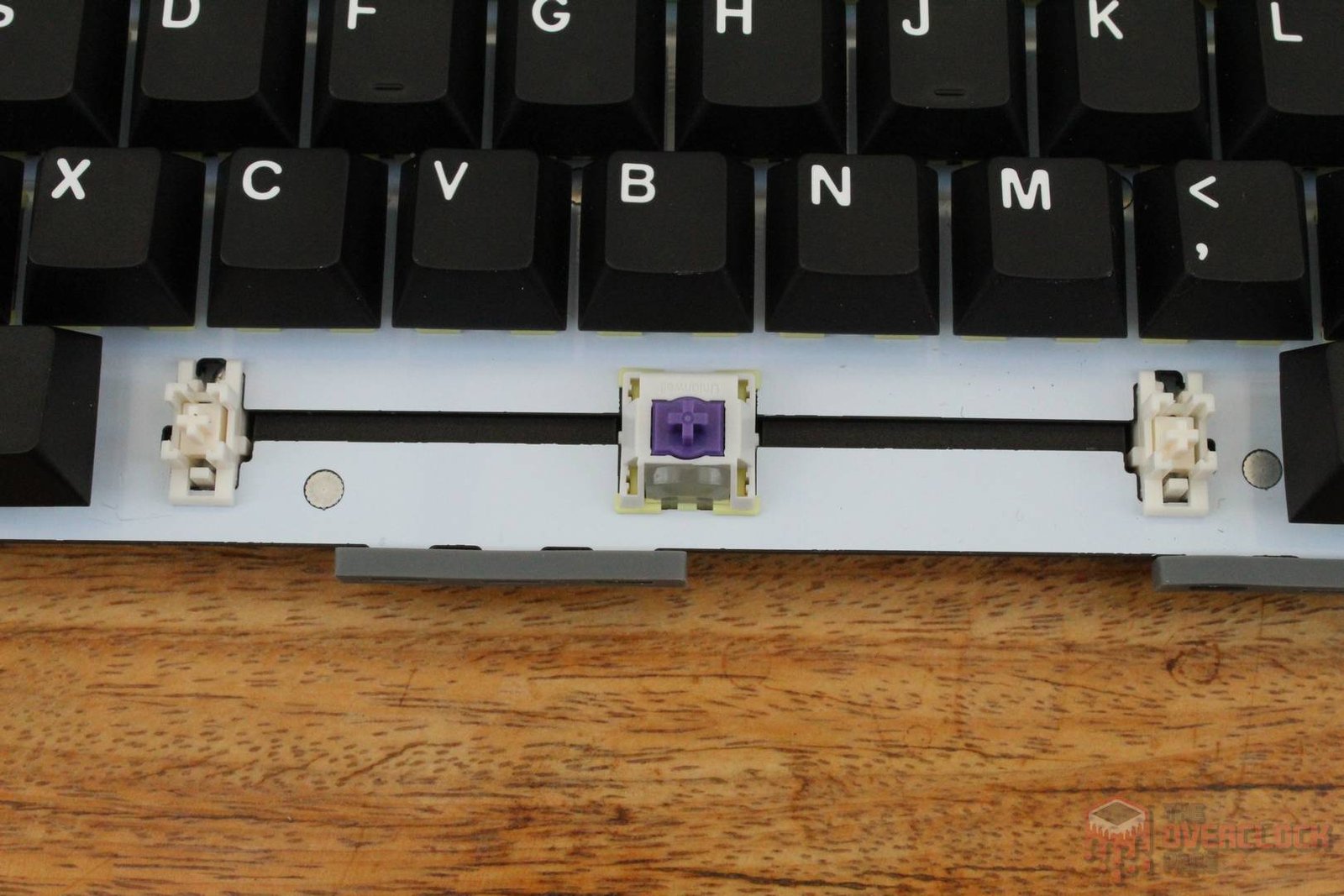
As expected from a keyboard that includes spare switches in the box, they are hot-swappable. However, they are not compatible with traditional mechanical switches, which implies that this option, at least for now, serves as a safeguard in case one of the switches fails.
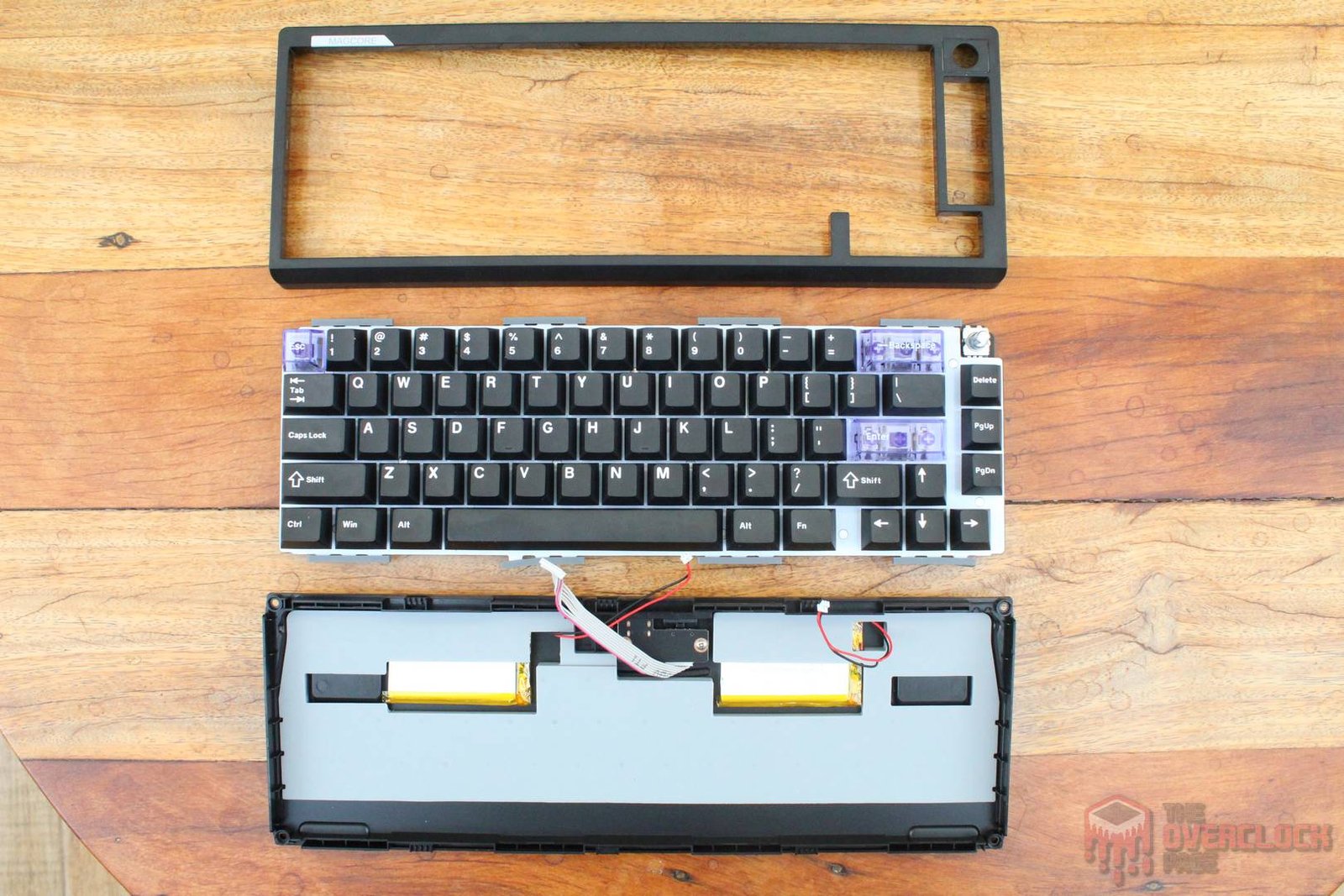
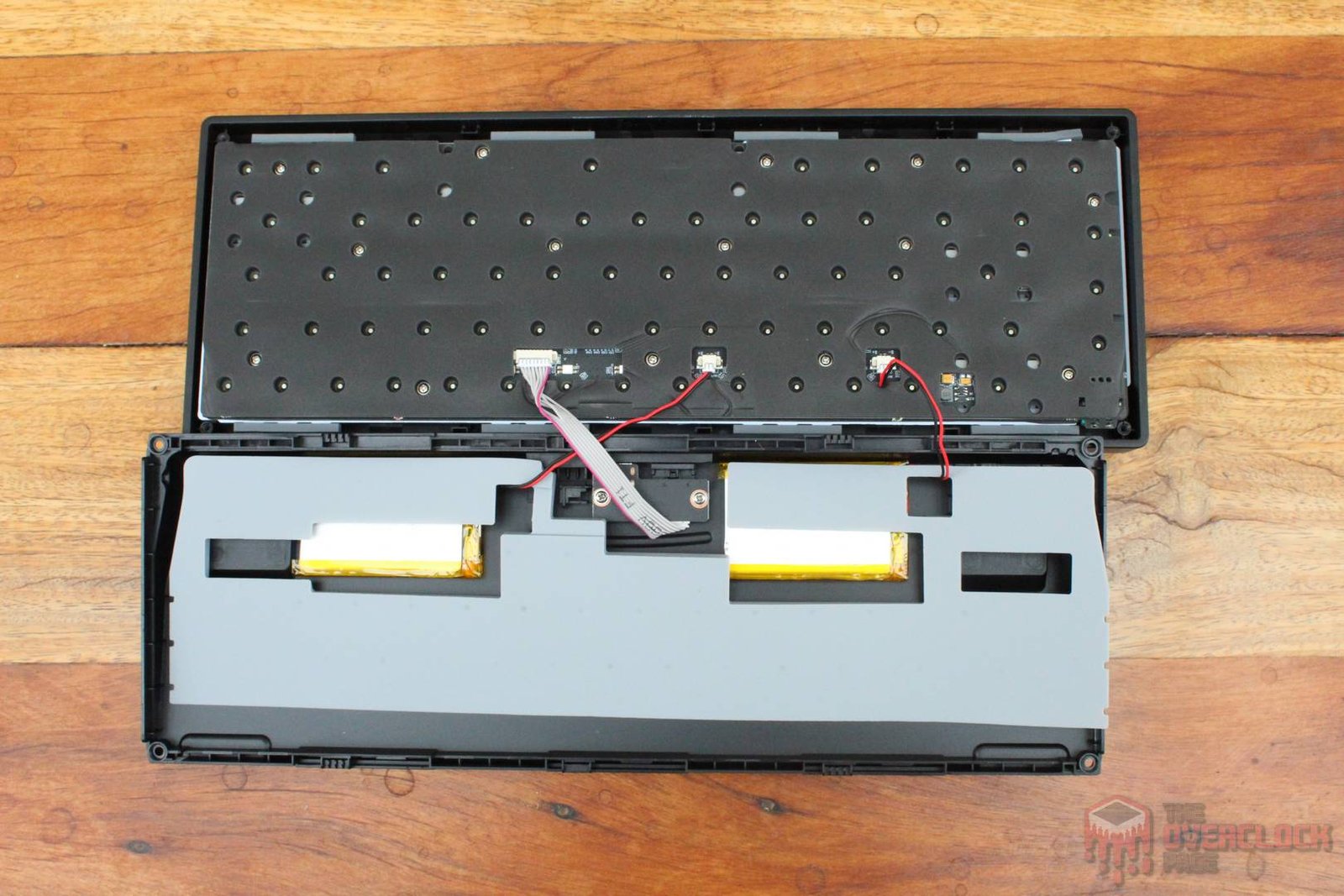
The disassembly process is quite simple, requiring only the removal of four screws from the back of the keyboard and the use of a thin plastic pry tool to release the plastic clips on the chassis.
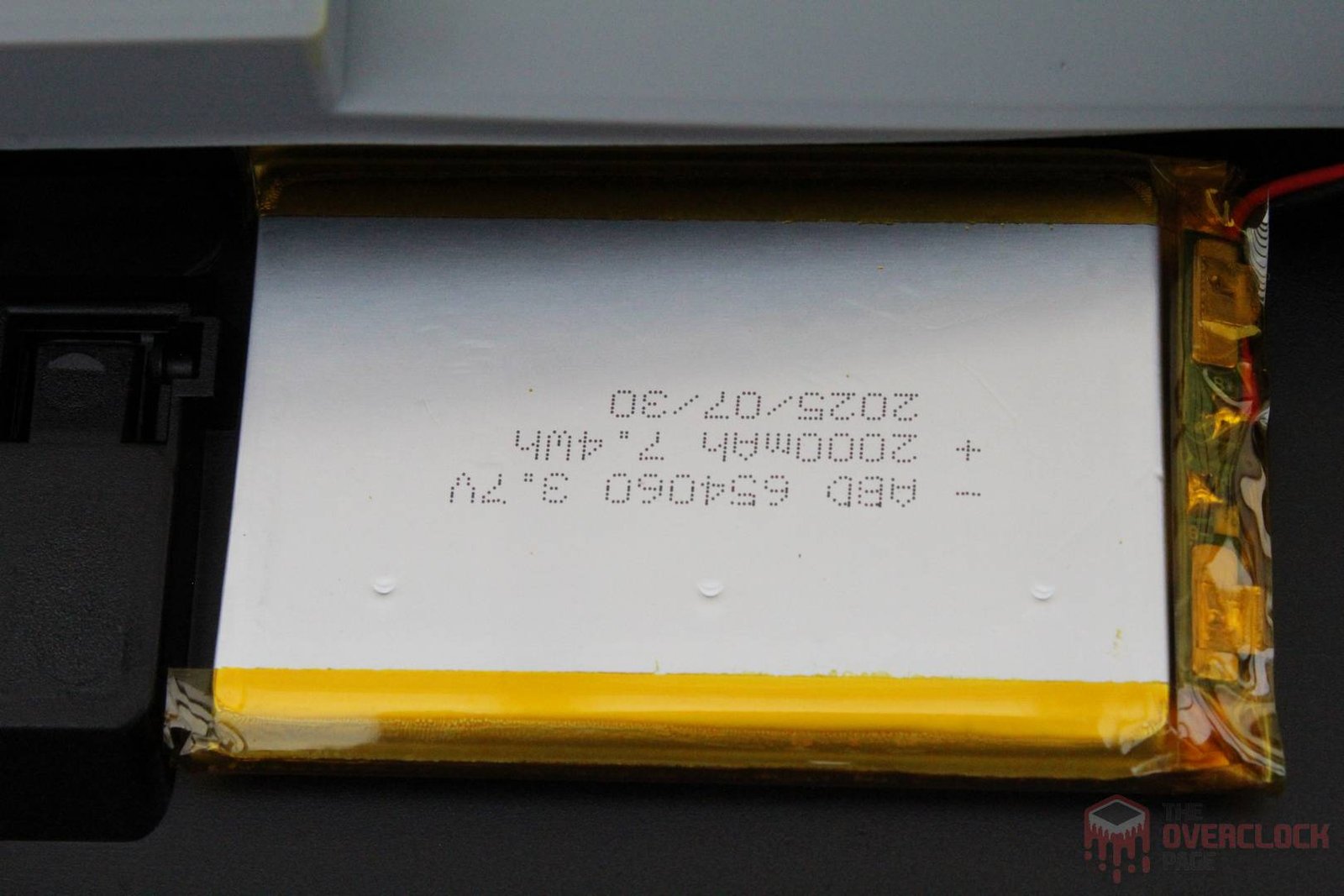
Upon opening it, we are met with two 2000mAh batteries and a layer of elastomeric insulation, which serves to dampen certain vibrations and contribute to the keyboard’s sound profile. Additionally, the PCB itself is insulated, as it is screwed directly into the keyboard’s top plate.
- Software:
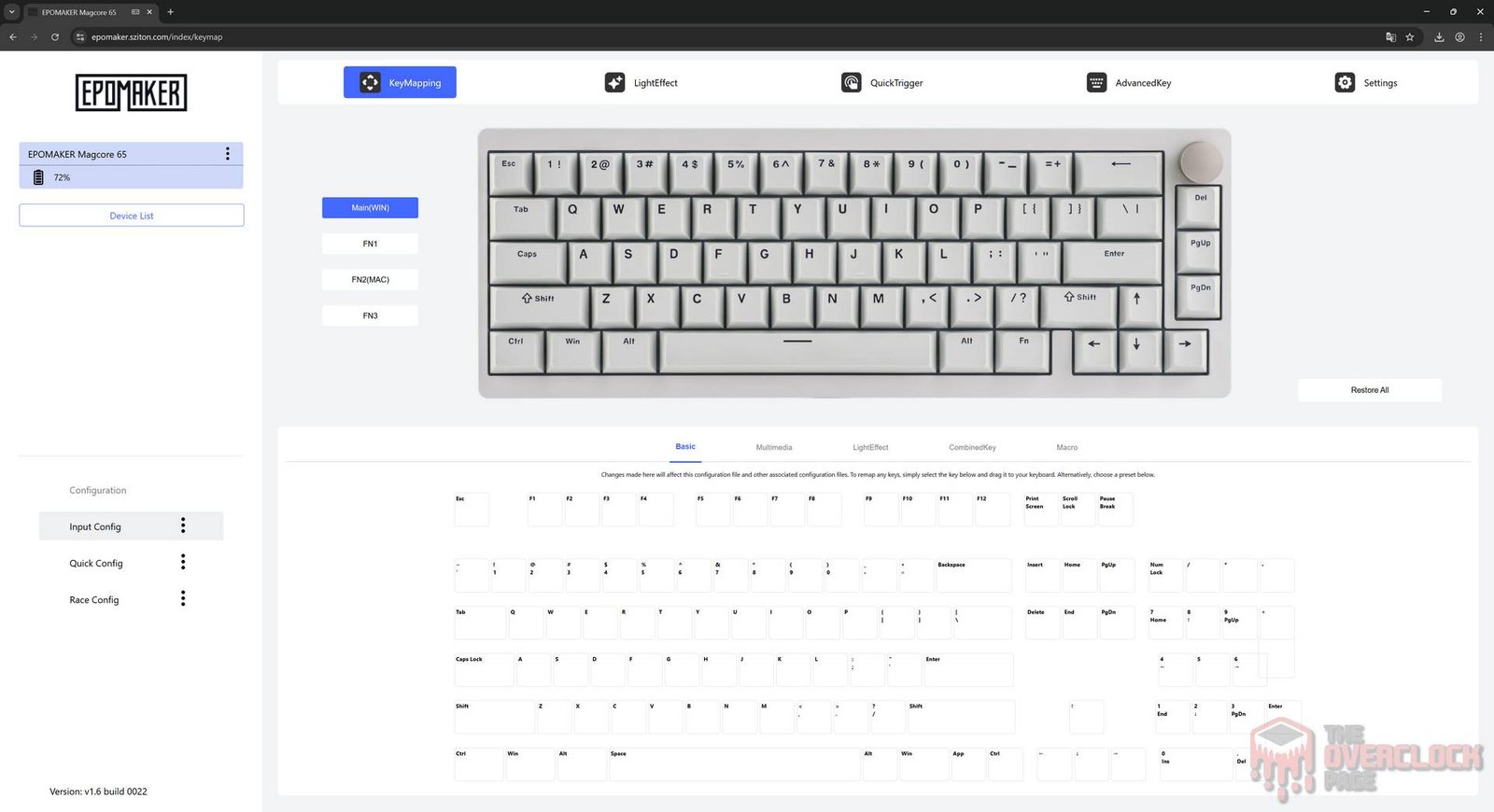
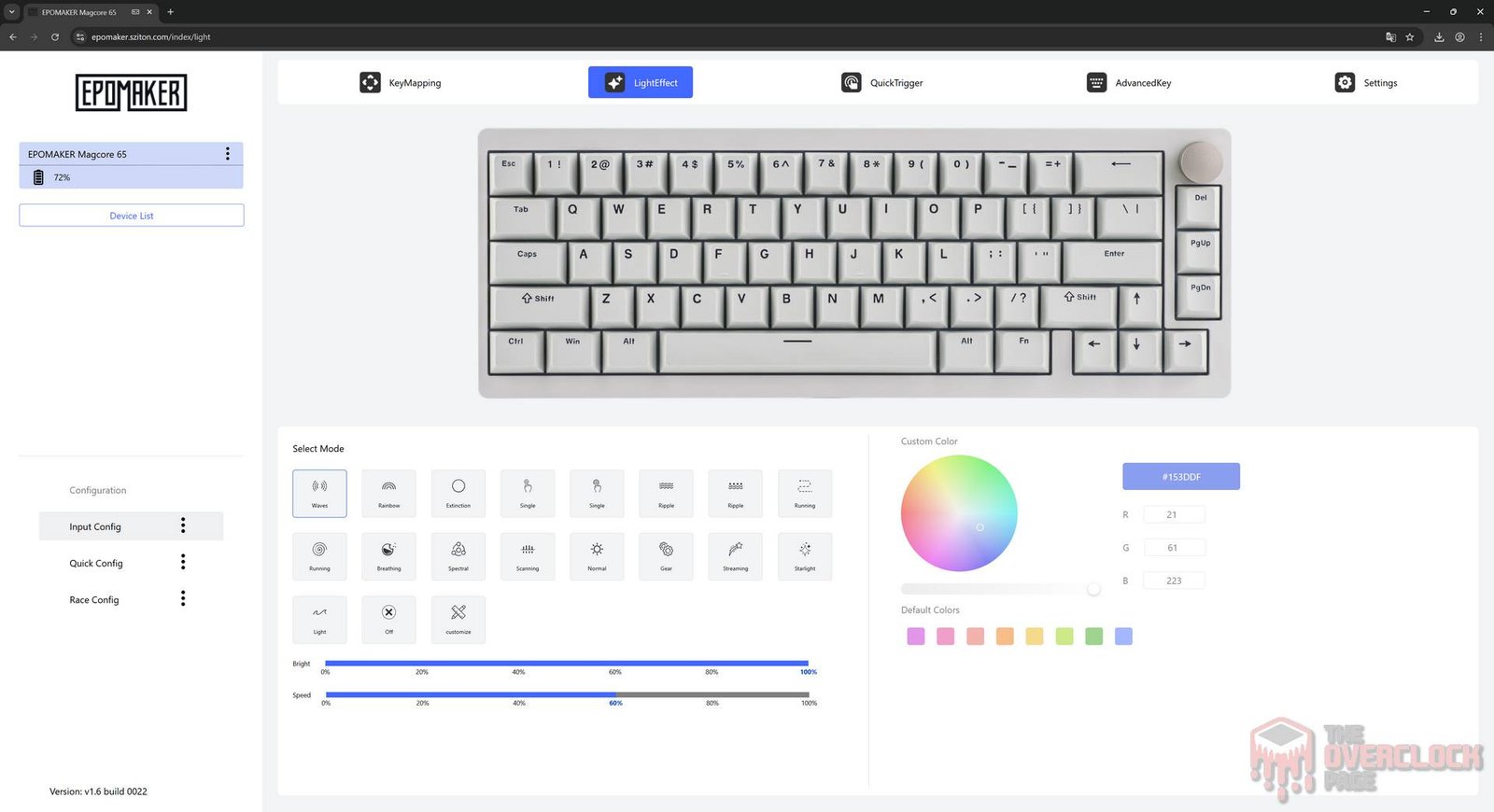
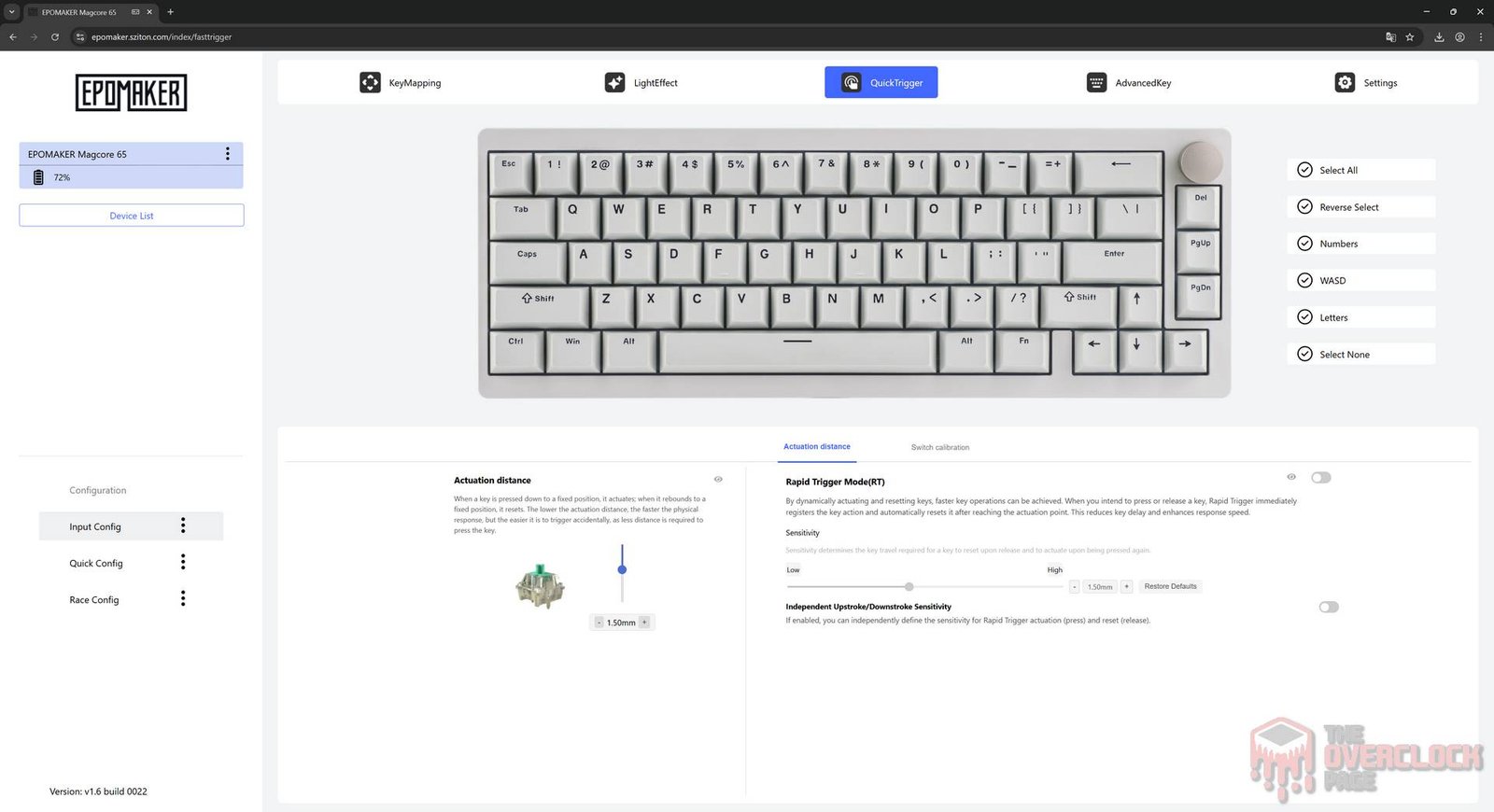
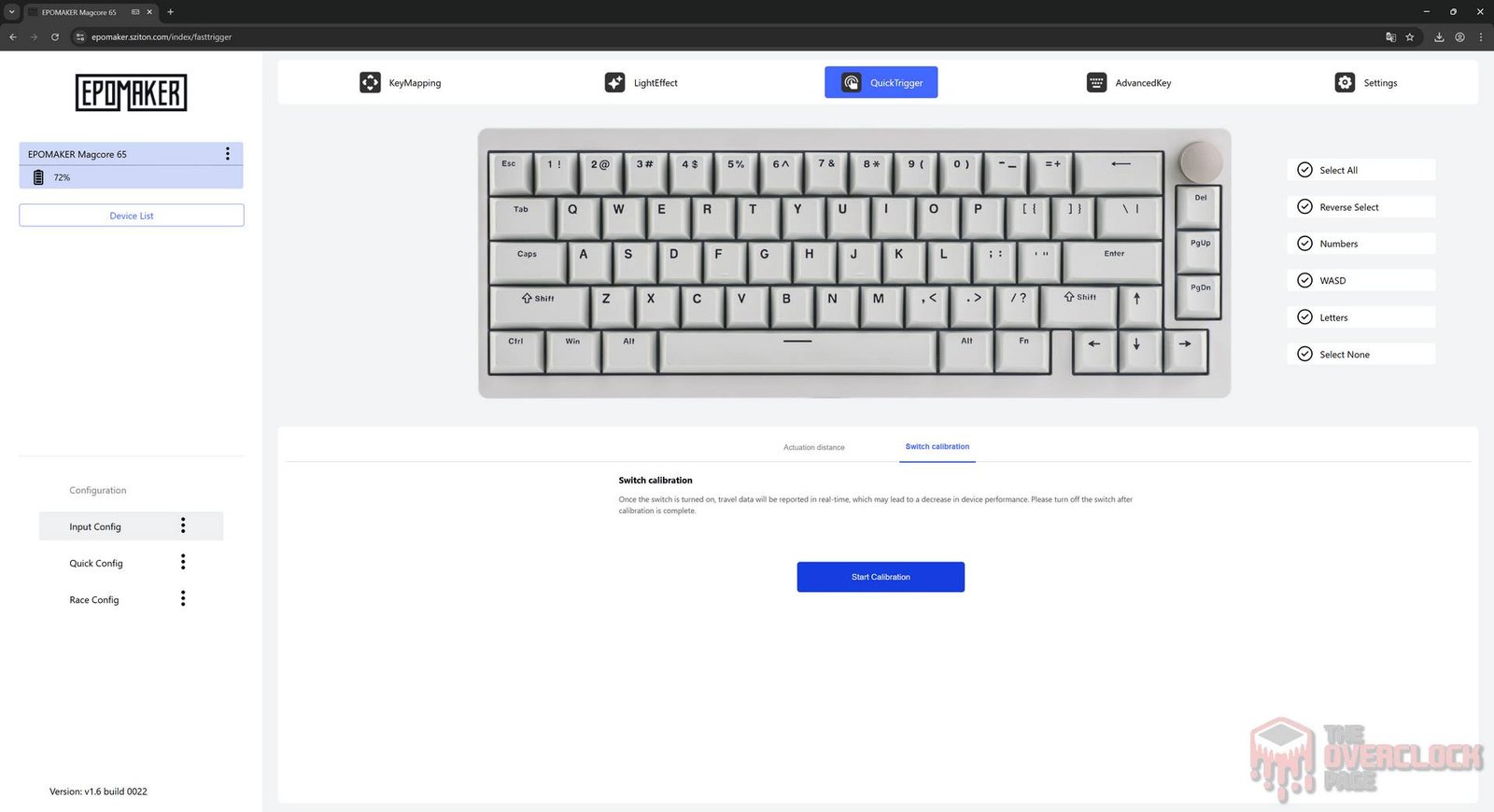
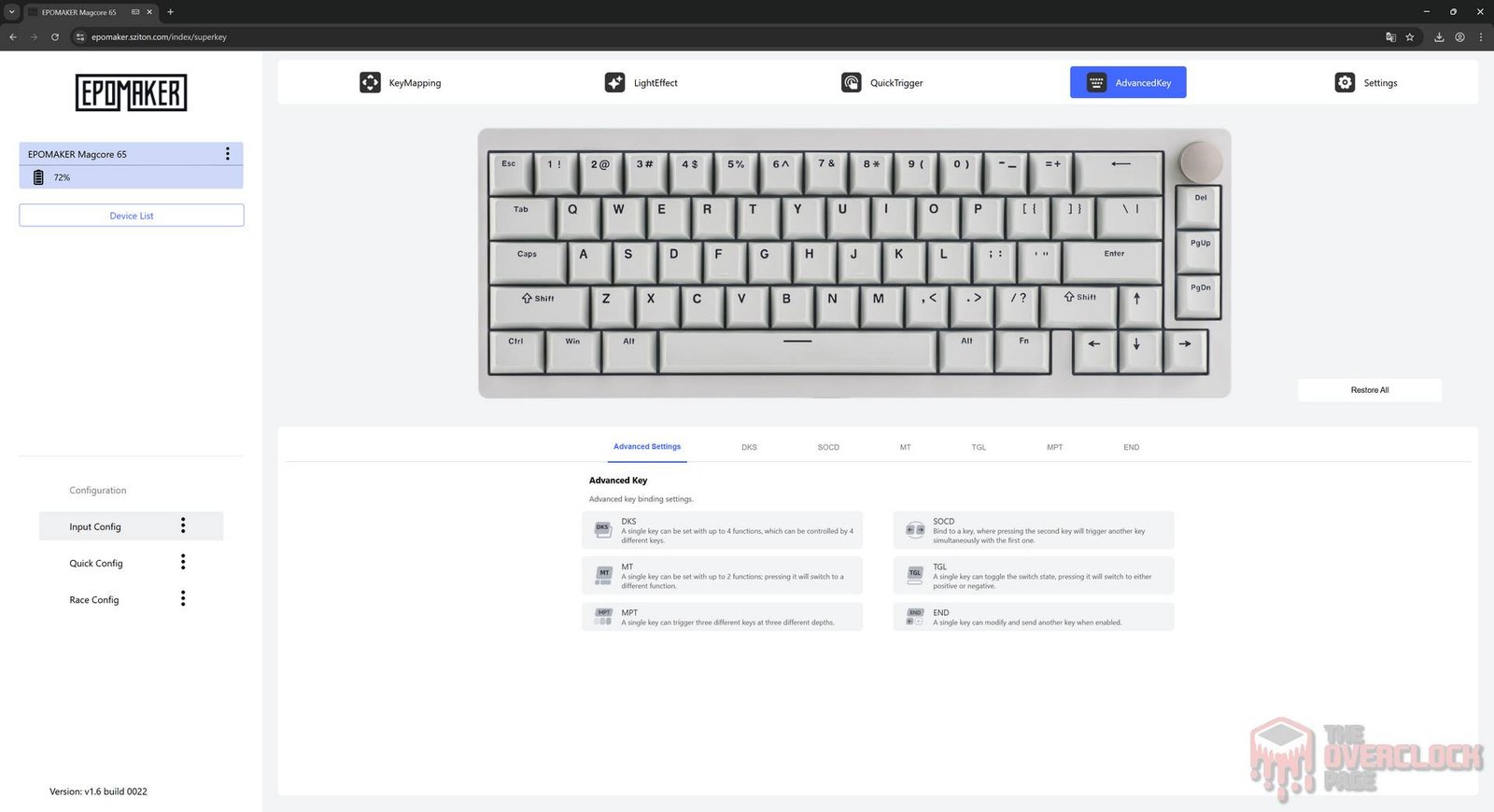
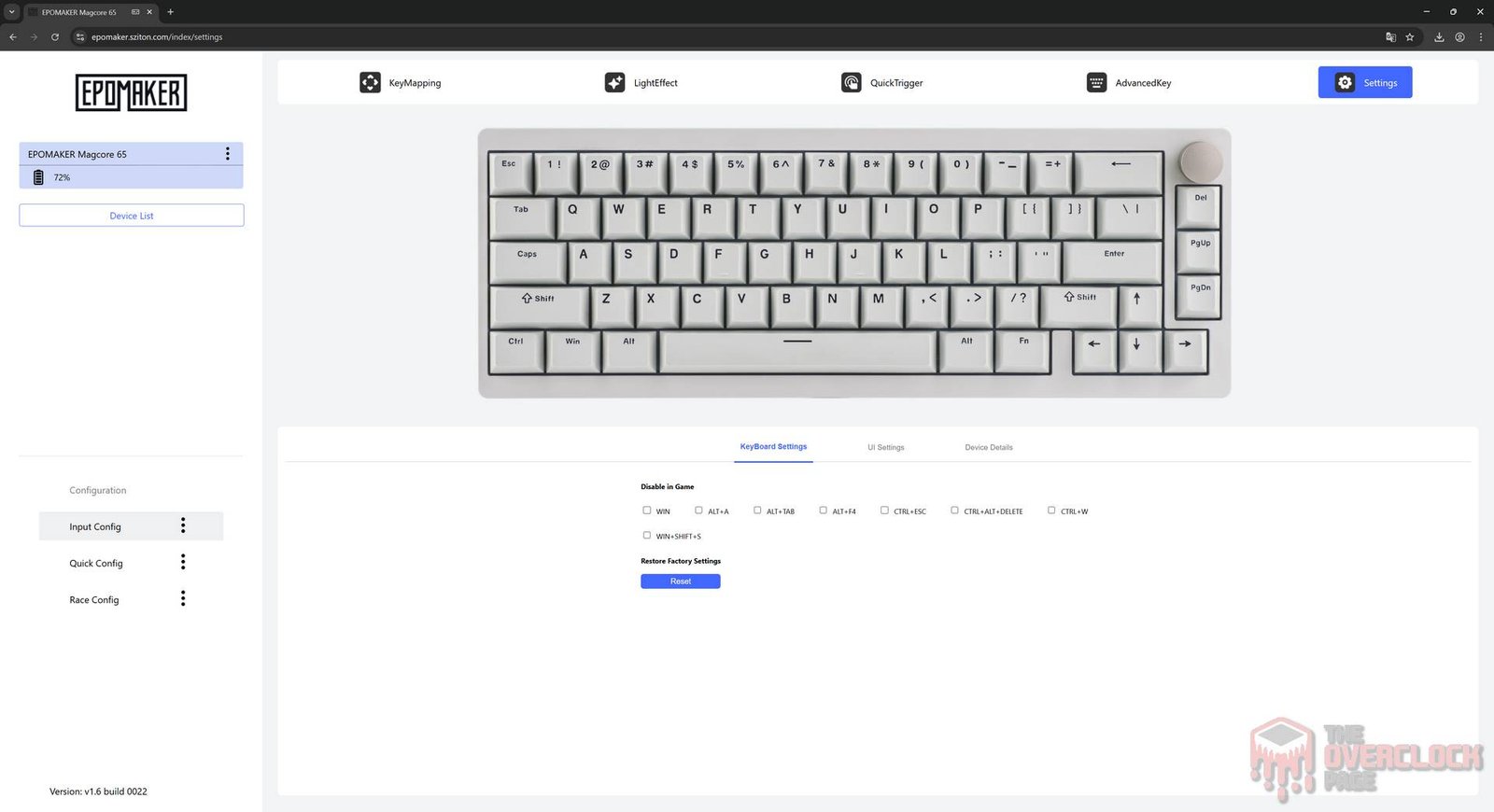
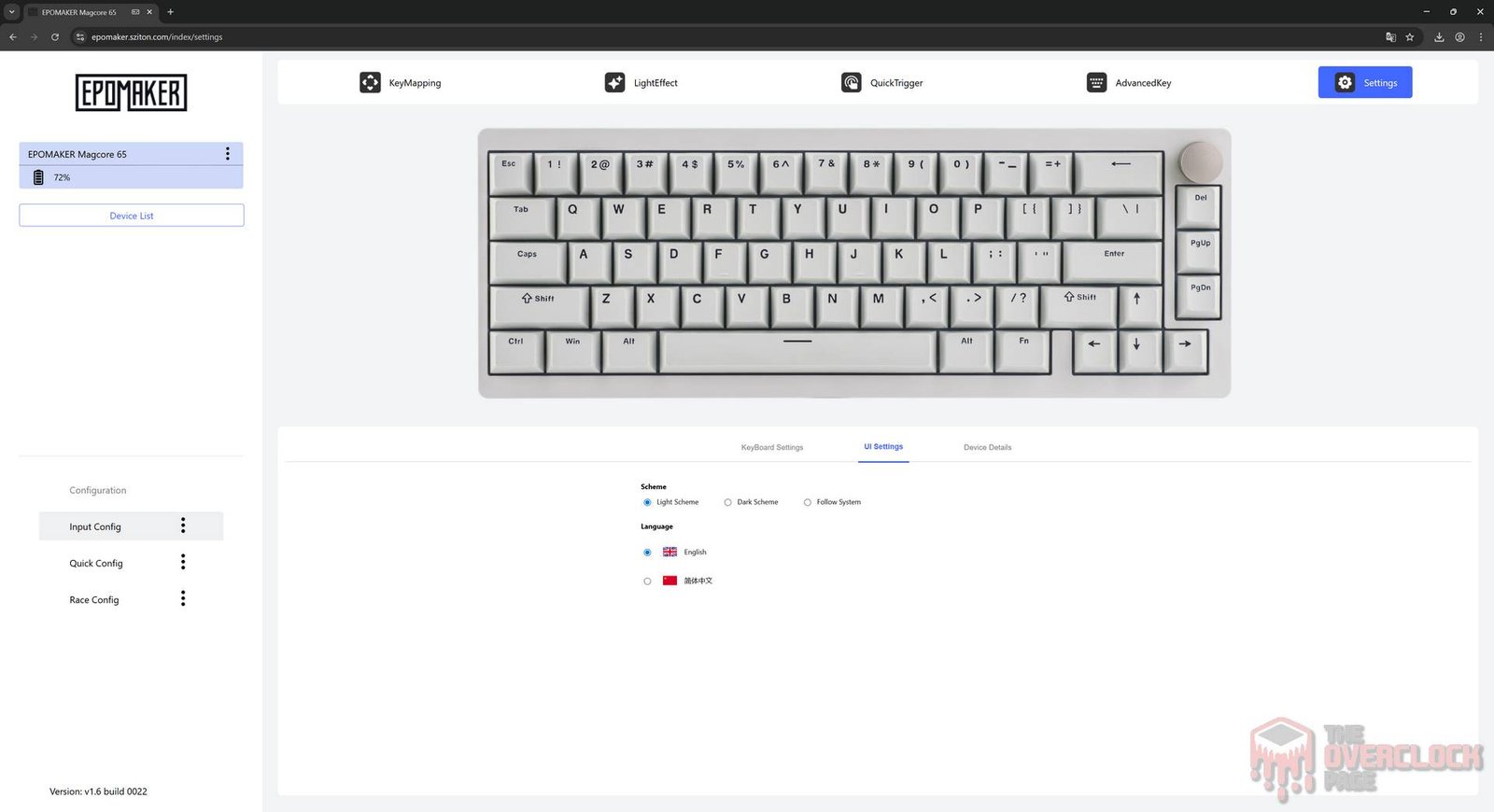
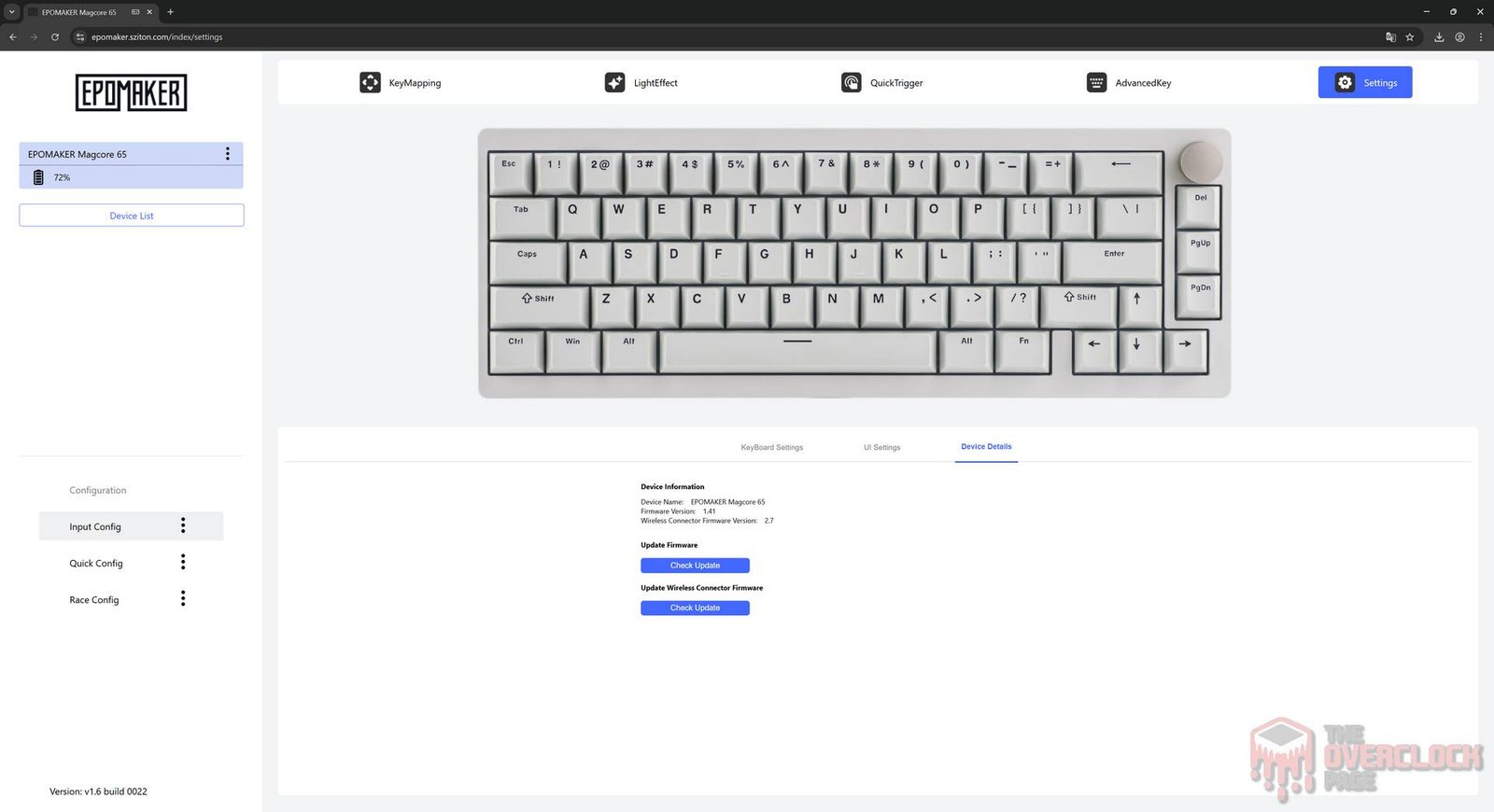
EPOMAKER decided to innovate in this area; instead of offering a software package for local installation, they have moved everything online. You simply access a web link, pair it with your keyboard, and from there, you can adjust all of its parameters.
You can create custom keymaps, meaning you can assign different functions to specific keys, configure RGB with various patterns, colors, brightness, and speed, enable Rapid Trigger, adjust the actuation point, calibrate the switches, define multiple functions for keys, and even check for firmware updates.
In terms of available features and responsiveness, it doesn’t fall short at all. Until recently, these capabilities were only found in high-end keyboards with Hall Effect switches, but there are a few points to consider regarding this web-based approach:
- In theory, the biggest advantage of a web-based approach would be compatibility across various operating systems. However, in practice, I could only access the settings via Windows. On Linux (CachyOS), the system identifies the keyboard and says it is paired, but it fails to load the configuration screen.
- There is no compatibility with Firefox, only with Chrome, Chromium, and their derivatives. I cannot speak for macOS as I don’t have a machine to test it on, but EPOMAKER claims it is compatible.
- They could also provide a version packaged with Electron or something similar for local download and use. This way, if this model is ever discontinued and support ends, the user would still have access to the software locally.
- An option to limit the maximum battery charge could also be useful, as many people will likely use the keyboard in wired mode, and this would help extend the battery’s lifespan.
- Real-World Usage:
Since it is more compact than usual but still larger than a 60% model, the Magcore65 Lite ends up being much more convenient to use, as it relies less on the function key due to having arrow keys, Delete, PgUp, and PgDn. Of course, to access keys such as F1 through F12, you will still need to use the Fn key.
It is important to clarify that this isn’t exactly a downside of the product, but rather a characteristic of this layout and the reduced key count. Otherwise, the model is very comfortable to use and, for a mechanical keyboard, it is quite quiet. Although the noise (and feel) doesn’t quite reach the same signature found in the legendary Gateron Yellow switches, it is still pleasant and, at least to my taste, better than Cherry MX Reds, for example.
Regarding battery life, the 4000mAh capacity, which is somewhat standard for most 65% keyboards with wireless options, lasted for two days of normal use, which doesn’t seem like much. Turning off the RGB could increase this time, and since I didn’t make that ‘sacrifice’ during my testing, you could gain a significant amount of extra time that way.
Finally, here is a short video demonstrating how the Magcore65 Lite performs during use, where the goal is to show details such as the typing sound, which is something quite unique to each keyboard due to the differences in keycaps, switches, and the chassis, and also to show the backlight illumination.
- Conclusion:
Based on the above, I have reached the following conclusions:
Regarding design and usability, the EPOMAKER Magcore65 Lite features a fairly sober aesthetic with its black keycaps and RGB lighting that performs its role well. Some might not enjoy the transparent keycaps used on certain keys, but this is not an issue since the manufacturer includes a set of black keycaps in the package, though, at least to my taste, it is a nice touch that helps this keyboard stand out from the crowd. As for usability, this keyboard uses the ANSI layout, and because it is a 65% layout, some keys share functions, which means that someone accustomed to 100% or 85% models might need some time to adjust, though the learning curve is still much milder than with 60% models. It is worth noting that this is not a downside of the product, but rather a characteristic that is common to other keyboards in this category.
Regarding build quality, the Magcore65 Lite has a plastic structure, but it is quite solid, making it noticeable that the keyboard has some weight, a firm build, and zero flex. The switches are the product’s biggest differentiator, since unlike traditional mechanical keyboards that use physical electrical contacts, this one uses an inductive scheme where the switch does not make physical contact with the PCB. In addition to the reduced response time, this technology allows users to adjust parameters like the actuation point and provides the Rapid Trigger function, something that until recently was restricted to very expensive models with Hall Effect switches.
The software, which is web-based, is very complete and easy to navigate, with the only issues being its failure to work on Linux (CachyOS + Chromium), where compatibility would be an expected advantage for an online system, and the lack of an offline alternative.
As for the price, the EPOMAKER Magcore65 Lite can be found for approximately R$418 plus taxes (as of 05/24/2026), or about R$575 on AliExpress. While this is far from being the most affordable 65% keyboard on the market, it is worth remembering that unlike cheaper, traditional models, with the Magcore65 Lite, you are bringing innovation into your home with its excellent inductive switches, making it the most budget-friendly option with features like Rapid Trigger, which can be a significant advantage for serious competitive gamers.